Guest requests and incident log for campgrounds
Complaints, repair requests, lost property, noise after curfew and fire-ban notices are logged against the pitch they concern. An owner and a close date go on every entry. The warden, the office and the grounds crew see what is open, who holds it and when it closed.
What an incident log entry records
An entry is a note with a job. It names the pitch, says what happened and gives one person the job of dealing with it. Entries come from guests at the barrier, from calls and from staff who notice something on rounds.
From a noisy night to a closed entry
Campgrounds run on a few simple rules, such as quiet hours, fire bans and keeping dogs on leads. When something goes wrong, the log shows who holds the problem. Four moments show how an entry is opened and closed. Each begins at a pitch.
Who opens, owns and reads each entry
An entry passes through several hands. One person opens it, another owns it and a third checks what is still open. Each role below has a different part to play.
Decisions to settle before the log opens
A log is only used if people trust it, and they trust it when its rules are plain. Four decisions come first. Settle them with the manager and the staff who will fill it in.
How the incident log links to other features
An incident is rarely just a note. A repair request becomes a job for the grounds crew. A noise complaint stays on the stay record. Arrivals hear of a fire ban through a guest message. The pitch is carried on every entry, so it follows the stay. Five links follow.
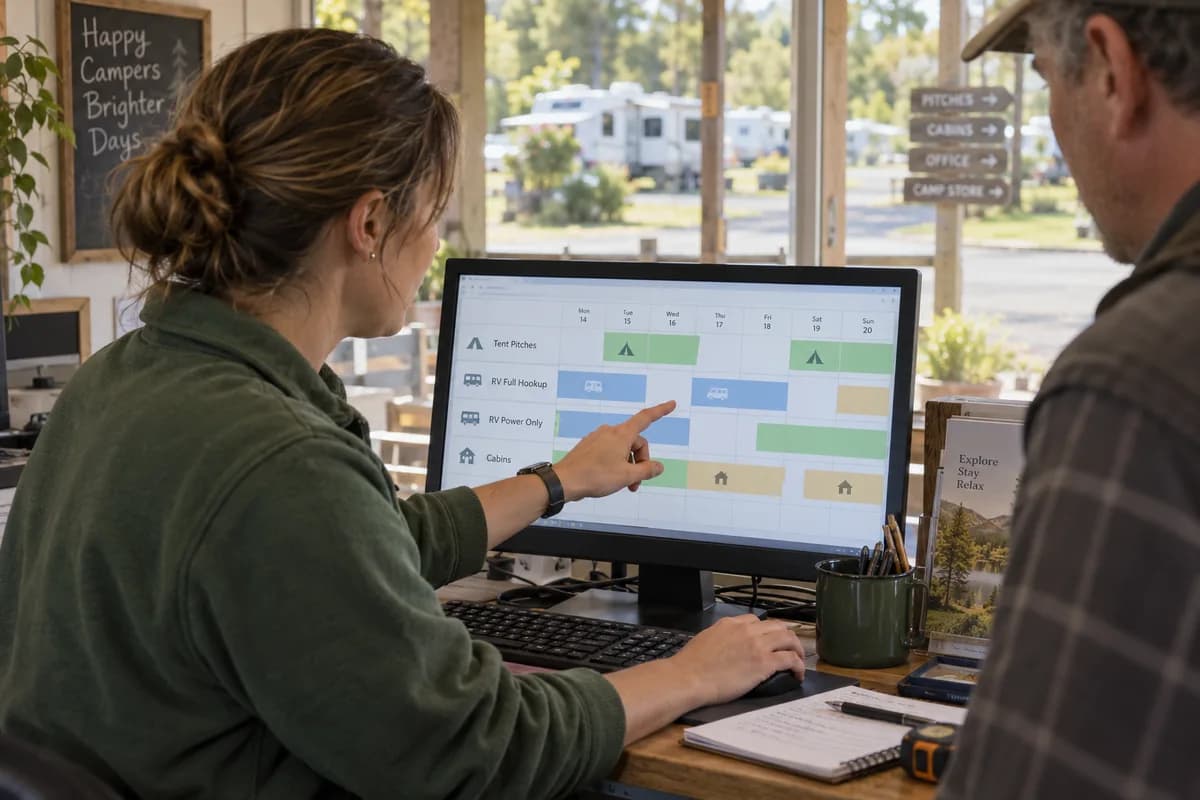
- Files each entry against a pitch on the calendar
- Turns repair requests into cleaning and grounds tasks
- Reads the stay record to find the guest
- Sends fire-ban notices through guest messages
- Passes an agreed refund to the stay’s folio
Where the incident log stops
The log keeps a record of what was reported and who dealt with it. It does not decide fault or settle a dispute between guests. It never replaces a call for help. Serious injuries, insurance claims and legal duties stay with the owner and an adviser. A park with a few pitches and one warden can use a notebook.
Frequently asked questions
Can a complaint be logged against a pitch?
Every entry is filed against a pitch, so a noise complaint sits with the pitch that made it. The stay record shows who held that pitch that night. The complaint itself need not name anyone.
How does a lost property entry get closed?
It closes when the item is handed back or the park disposes of it under its own rules. The date and the guest’s name are written on it, and the person who handed it over is named. The close date is then recorded.
Can a repair request go to the grounds crew?
A named person in the grounds crew is given the entry by the office. It appears on that person’s handset with the pitch and the description. Closing it records the fix. The manager sees who made it.
What do fire-ban notices look like in the log?
Fire-ban notices are entries of their own type, filed against each pitch they affect. The close date is when the ban ends. Arrivals are told at the gate, and a message can go to guests booked in.
Can staff see who is holding an open entry?
Each entry names its owner, so the list shows who holds what. A manager sees an owner with a long run of open entries and can move some to another person. No entry waits without a name.
How this feature fits the system.
Campground Management Software: the parts that work with this feature, the trades that use it and the ways to put it in place.
Reservations and online booking page
A web page shows free pitches for the dates a guest chooses, and the booking joins the calendar the gate staff read.
Online Booking PortalPitch calendar and availability
Each pitch, cabin and bay is held as a bookable resource with its supply type and length limit, so a rig meets a bay that fits.
Resource and Room BookingRate plans and seasons
Nightly, weekly and seasonal rates sit against each pitch type, with peak dates and minimum stays applied when the booking is priced.
Price Lists and SchemesTell us what you need.
Tell us what your team does today, where work gets stuck and what you want to change.
What happens after you share your requirements
- We review your brief and the systems you already use.
- We clarify the workflow, missing information and the work to consider first.
- The proposed scope sets out the deliverables, responsibilities and dependencies.
- Review the scope and commercial terms before deciding whether to proceed.
Start with your requirements
Describe your current process, the people involved and the change you need. Start with the details you know; we can clarify the rest together.
Share your requirements