Cleaning and grounds tasks for campgrounds
Cabin turnover, shower block rounds, dump point checks and grounds jobs are given to named staff with a due time. Crews tick each job off on a handset. A finished task turns the pitch to ready, and the gate sees it without a phone call.
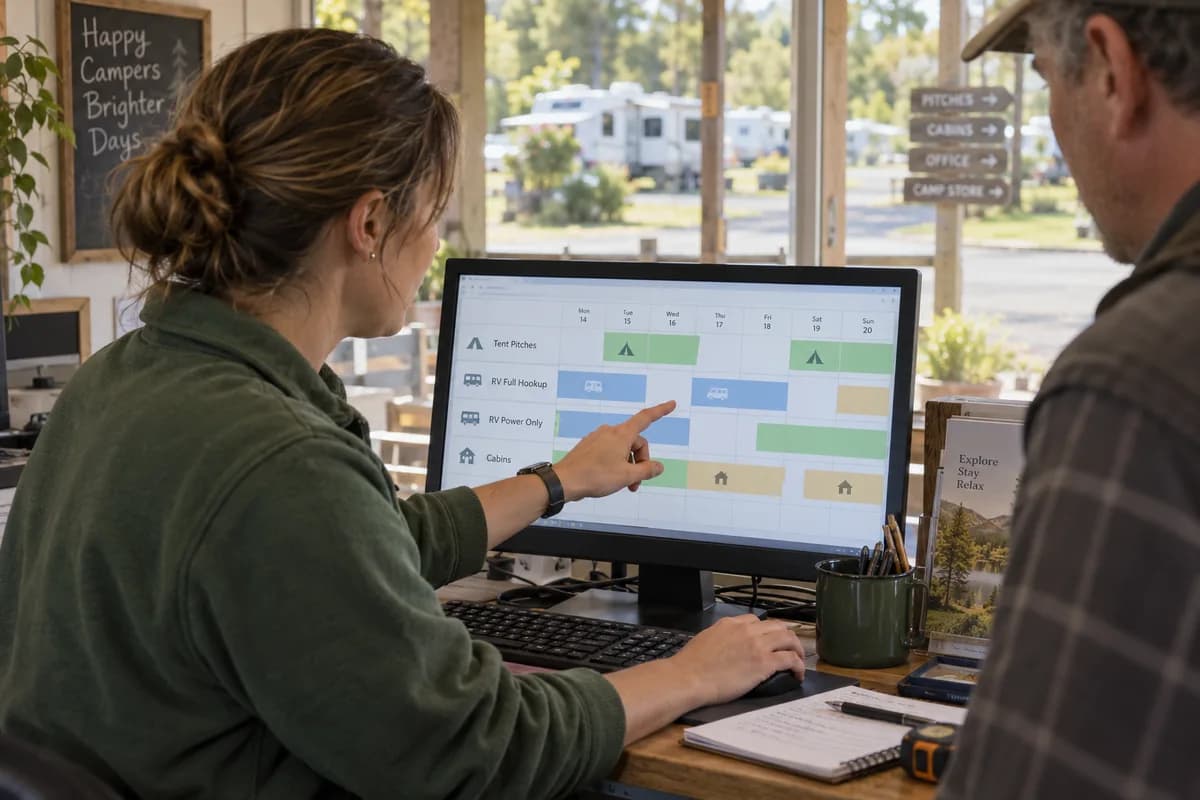
What a campground task records
A task is a small job with a place, a person and a time. Cabin 3 needs turning over, the shower block needs its round and the dump point needs a check. Each job is written once and ticked once.
A turnover morning on the grounds
A busy changeover day starts early. Cabins empty by mid-morning, new guests arrive after lunch and the shower blocks are in use all day. These moments follow a crew from the first task to the last tick. Each one is a point where the gate needs to know.
What each person sees on the task list
One task list serves four kinds of reader. A cleaner wants the next job, the gate wants what is ready and the manager wants what was missed. Each role below sees a different cut of the same list.
Decisions to settle before the first task list
The rules behind a list matter. Four decisions need an owner’s answer before crews get a handset. Each affects who is asked when a cabin is not ready. Take them with the crew.
How tasks connect to arrivals and the gate
A cleaning task starts when a guest leaves and ends when the next guest can arrive. Between those two points sit the reservation, the pitch calendar and the gate screen. Tasks take timing from departures and hand a ready status back to the gate. Five links matter here.
- Creates a turnover task from each recorded checkout
- Takes cabin and pitch lists from the pitch calendar
- Sets the ready status the gate screen shows
- Receives meter rounds as tasks on the same list
- Hands repairs found on rounds to the incident log
Where cleaning and grounds tasks stop
The list assigns jobs and records that they were ticked. It does not judge how well a cabin was cleaned, set shifts or pay wages. Checking the standard is the manager’s walk-round. Health, safety and hygiene rules stay with the owner and a qualified adviser. A park with two cabins and one cleaner can use a whiteboard.
Frequently asked questions
Does a finished task make a pitch ready?
Ticking the task for a pitch turns its status to ready for the next arrival. The gate screen shows the change at once. A pitch with no task open against it is ready for the next guest.
How do cleaners get their jobs each day?
Each cleaner signs in with a simple login on a phone and sees the cabins and jobs assigned for the day. Tasks carry a due time. When the manager adds or moves a job, the list shows it.
What if the phone has no signal near the cabins?
The system runs online, so a tick made without signal waits until the phone reconnects. A job done in a far field is ticked once the cleaner is in range. After that, the gate sees the status.
Can a task be assigned to a particular person?
Every task is given to a named person, with a due time. The name shows on the task, so the manager knows who to ask about a missed one. A job is reassigned if someone is off.
Can grounds jobs be added that are not cabin cleans?
Grounds jobs such as a fire ring check, a picnic table repair or mowing a tent field go on the list like any other task. Each gets a place, a person and a due time. The tasks completed report counts them all.
How this feature fits the system.
Campground Management Software: the parts that work with this feature, the trades that use it and the ways to put it in place.
Reservations and online booking page
A web page shows free pitches for the dates a guest chooses, and the booking joins the calendar the gate staff read.
Online Booking PortalPitch calendar and availability
Each pitch, cabin and bay is held as a bookable resource with its supply type and length limit, so a rig meets a bay that fits.
Resource and Room BookingRate plans and seasons
Nightly, weekly and seasonal rates sit against each pitch type, with peak dates and minimum stays applied when the booking is priced.
Price Lists and SchemesTell us what you need.
Tell us what your team does today, where work gets stuck and what you want to change.
What happens after you share your requirements
- We review your brief and the systems you already use.
- We clarify the workflow, missing information and the work to consider first.
- The proposed scope sets out the deliverables, responsibilities and dependencies.
- Review the scope and commercial terms before deciding whether to proceed.
Start with your requirements
Describe your current process, the people involved and the change you need. Start with the details you know; we can clarify the rest together.
Share your requirements