Guest messages and reminders for campgrounds
Booking confirmations, deposit reminders and arrival directions go out from the stay record by text, email or chat. The park approves the wording of every template before any guest sees it. Guests get the dates, the amount due and the way in, and staff stop retyping the same message.
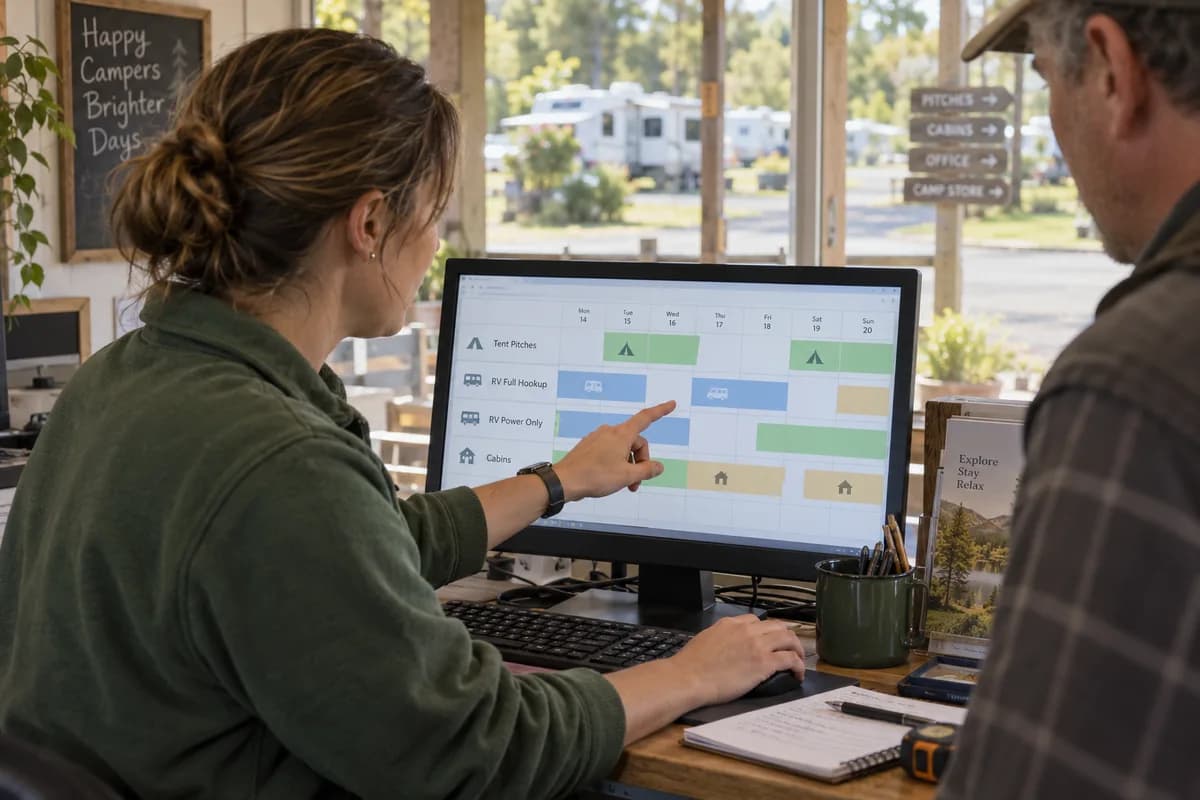
What a campground message template holds
A message is a few lines taken from the stay record. Templates fix the wording once, and the stay supplies the names, dates and amounts. Every template is approved by the park before it is used. Staff choose the template and the channel.
Messages from first booking to goodbye
A stay produces a short run of messages. Some go the moment a booking is saved. Others wait for a date to come round. Here are four, as a guest and the park would see them. Each is written once and approved once.
Who writes, sends and checks the messages
Messages speak for the park, so the people behind them matter. Staff choose a template and a channel. They do not write from scratch. Each role below does something different with the same messages.
Decisions to settle before the first message
Once sent, a message cannot be taken back. Four decisions come before any guest receives a single template. Make them with the manager and the person who answers the phone.
How messages connect to the stay and the folio
Messages read from the stay and record only that they were sent, with the time and channel. The confirmation draws on the reservation, the reminder on the deposit and the directions on the pitch. That is why wording stays short and exact. Here are the five links.
- Takes dates and party from reservations and the booking page
- Reads the deposit due from deposits, folios and invoices
- Reads the pitch and hookup details from the pitch calendar
- Carries fire-ban notices logged in the incident log
- Sends the next-season offer after checkout
Where guest messages stop
The system sends the messages the park has approved, by the channels the park has set up. It does not write the wording or promise that a phone is on and in range. Whether a guest agreed to marketing is a question for the owner and an adviser. Text and email charges belong to the providers. A park with a short guest list can simply ring each family.
Frequently asked questions
Can the park edit the wording of a message?
Wording for every template is approved by the park before it is used. A named person can change it later, and the new wording applies to messages sent from then on. Sent messages stay as they were.
Which channels does a message go by?
Each message goes by text, email or chat, as the guest prefers and the park has set up. The stay shows which channel was used. A reply by another route is handled by the office.
Who sends a deposit reminder, staff or the system?
A deposit reminder is sent from the stay record in the park’s approved wording, to the number or address held. No one retypes the text. The list of stays that have had one is open to staff. A deposit paid in the meantime shows as paid on the stay.
Can arrival directions be sent before the guest arrives?
Arrival directions are a message type of their own and go to the guest before the trip. The text gives the way in, the pitch and the park rules. Late arrivals are still handled at the barrier.
Does the park pay for each text message?
Texts and emails are carried by providers the park chooses, and their charges are billed to the park. The price of the message feature is written into the proposal. Check provider terms before a busy season.
How this feature fits the system.
Campground Management Software: the parts that work with this feature, the trades that use it and the ways to put it in place.
Reservations and online booking page
A web page shows free pitches for the dates a guest chooses, and the booking joins the calendar the gate staff read.
Online Booking PortalPitch calendar and availability
Each pitch, cabin and bay is held as a bookable resource with its supply type and length limit, so a rig meets a bay that fits.
Resource and Room BookingRate plans and seasons
Nightly, weekly and seasonal rates sit against each pitch type, with peak dates and minimum stays applied when the booking is priced.
Price Lists and SchemesTell us what you need.
Tell us what your team does today, where work gets stuck and what you want to change.
What happens after you share your requirements
- We review your brief and the systems you already use.
- We clarify the workflow, missing information and the work to consider first.
- The proposed scope sets out the deliverables, responsibilities and dependencies.
- Review the scope and commercial terms before deciding whether to proceed.
Start with your requirements
Describe your current process, the people involved and the change you need. Start with the details you know; we can clarify the rest together.
Share your requirements