One kitchen record for every delivery brand, station ticket and rider handover.
Manage orders from each delivery app, virtual brand menus, station tickets, prep lists, packing, rider handover, shared walk-in stock and app payouts in one system. Each dish carries its recipe, so ingredient use is read brand by brand. Cooks see their tickets at the station. Owners read margin after commission.
- Brand menus, recipes and station layout entered the way your kitchen runs
- Channel routes confirmed per delivery app during implementation
- Menu and commission edits made by GullySystem staff when you ask
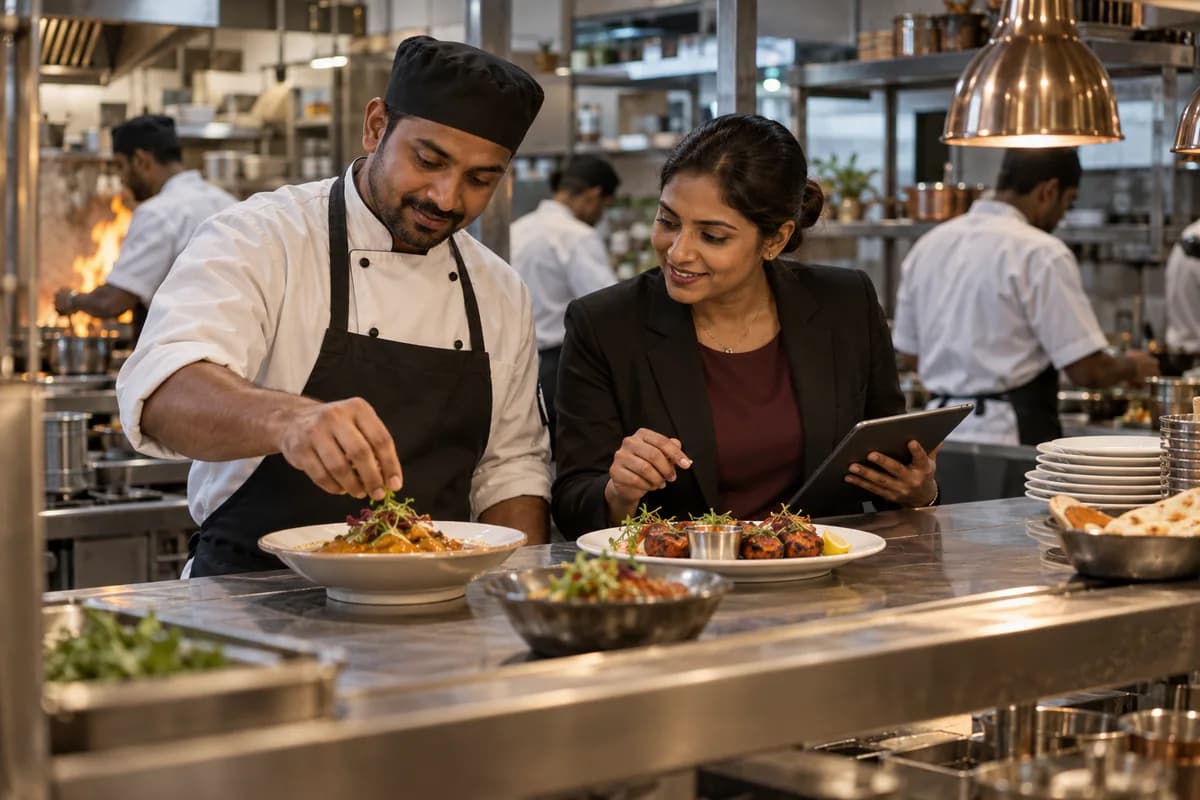
Delivery-only brands and cloud kitchens take channel orders, brand menus, station tickets, prep lists, rider handover and shared stock through one Cloud Kitchen Management Software build from GullySystem. Each dish deducts its recipe from the shared walk-in, and each payout statement is matched to orders, commission and refunds by brand.
What goes wrong before the software.
How the work flows through it, step by step.
- 1
Menu and brand setup
Each virtual brand gets its menu, prices and packaging. Recipes are shared. Item availability is controlled once and pushed to each channel as far as its access allows.
- 2
Order intake
Orders from each delivery app and any direct link enter one queue, tagged by brand and channel with a promised pickup time. The manager accepts or rejects against kitchen load.
- 3
Cook
Each order splits into tickets for the grill, fryer, wok and cold pass. Cooks mark their part done, and the pass sees when every part of a combo is ready.
- 4
Pack and hand over
The packer seals the box and adds the label. Then the order is marked packed. The rider’s arrival and pickup time are recorded so waits at the hatch are measured.
- 5
Stock and prep
Cooked dishes deduct their recipes from the shared walk-in. Tomorrow’s prep list is built from expected orders and what the fridge already holds.
- 6
Settle
Each app’s payout statement is matched to its orders, commission, refunds and penalties. The owner reads profit by brand after all deductions.
What is inside.
Every module can be switched on, left out or changed to match how your team already works.
The business modules it is built from.
Each one is also available on its own, or inside a system built for you.
- Order Management
Every app order enters one queue with its brand, channel and pickup time, and moves from accepted to packed to handed over.
- Product Management
Each brand’s menu sits over shared recipes, and an item that runs out is paused across every brand that sells it.
- Bill of Materials
A dish lists the grams of protein, rice, sauce and garnish it uses, so plate cost can be read for each brand’s version.
- Production Planning
Expected orders and the fridge’s current contents produce the morning prep list, including marinades and gravies made in batches.
- Stock Tracking and Alerts
Ingredients fall as dishes are cooked, and use is split by brand so the walk-in count can be checked against purchases.
- Goods Receipt (GRN)
A poultry or produce delivery is checked against the slip and the order before it enters the walk-in, with shortfalls noted.
- Task Management
Each order splits into station tickets with an owner, so the pass sees which part of a combo is still open.
- Receipts Management
Payouts from each app are recorded against orders and deductions, so shortfalls and penalties are visible by brand.
How we would put it in.
Setup, data migration, integrations and anything built on top.
One system, each person sees their part.
For owners
See profit by brand after commission, consumption against purchases, refund rates by app and payout shortfalls, without opening three dashboards.
For kitchen managers
Accept orders against load. Pause items. Read the prep list and watch rider waits at the hatch.
For line cooks
See tickets for your own station, mark parts done and flag an ingredient running short before the next batch.
For packers and runners
Check each box against its ticket. Seal it. Hand it to the right rider.
For store keepers
Receive vendor deliveries, count the walk-in and record wastage of batches that passed their discard time.
The numbers the owner asks for.
- Orders by brand, channel and hour
- Ingredient use by brand against purchases
- Plate cost and margin after commission by dish
- Rider waits at the hatch by app
- Refunds and complaints by dish and cook
- Payout statements matched to orders and deductions
- Batch discards for marinades and gravies
Who this is built for.
- Delivery-only kitchens that run several virtual brands
- Restaurants that added a delivery brand from a spare kitchen
- Central kitchens that cook for delivery apps and cloud brands
- Ghost kitchens that rent stations to partner brands
- Operators who run two or more kitchens under one set of brands
When it is not the right choice.
- A restaurant that mostly serves guests at tables will find Restaurant Management System closer.
- A kitchen cooking for events, buffets and bulk contracts will find Catering Management Software closer.
Adapted to your business before it goes live.
You are not handed a login and left to it. The product is set up around your records, your people and the tools you already use.
Works alongside
- Delivery app order feeds
- Kitchen printer and screens
- SMS and messaging
- Payment gateway
- Accounting export
Questions owners ask before a demo.
Can orders from the delivery apps flow in without re-keying?
It depends on each partner and the access it gives you. Some provide order feeds and others only a tablet. Every route is confirmed during implementation, and a quick manual entry screen covers any app without a feed.
How are ingredients split when brands share a recipe?
Each brand’s dish points to the same recipe, so every plate deducts the same ingredients from the walk-in. Reports then split use by brand using the dishes sold, while portion sizes can still differ per brand.
Can one sold-out item be switched off everywhere?
Yes inside the system, which pauses the item on every brand that uses it. Whether that pause reaches an app by itself or needs a manual step depends on the access that app allows.
Does it handle kitchens that rent stations to partner brands?
Yes. A partner brand has its own menu, orders and stock lines, and the host kitchen charges a station fee or a share of sales. Statements per partner are drawn from those records.
How does payout matching work?
You load each app’s statement as a file. The system lines it up against orders by number, and shows missing orders, extra deductions and refunds without a matching complaint.
Can we measure how long riders wait?
Yes. The packer marks an order sealed and the handover is recorded against the rider’s arrival. Waits are read by app and by hour, which shows when the pass is slower than the pickups.
What if the internet is down during a lunch rush?
Tickets travel over the internet, so a dead link stops new ones reaching the stations. Most kitchens keep a mobile data backup at the pass. Your manager decides during setup how paper tickets are entered once the link returns.
Can I try it with one brand first?
Yes. Many operators start with one brand and one app, then add the others. Recipes and stock carry across, so a second brand reuses what was already built.
What goes into a quotation?
We ask how many brands, delivery apps, stations and kitchens you run. You first watch a demo cooked from one of your dishes. Pricing then arrives with setup, channel work and hosting itemised on separate lines.
Wondering what it would cost? Share your requirements and an engineer will come back with a scope.
Businesses that use this.
See Cloud Kitchen Management Software with your own data.
Tell us how you run things today. We’ll show you the parts that matter to you and say plainly what would need changing.
- No obligation
- A reply within one business day
- Your details stay private
Start with your requirements
Seven short steps that tell us what you need. An engineer reads them before getting in touch.
Share your requirements