One system for table orders, kitchen tickets, stock and billing in a restaurant.
Run a restaurant on one set of records. Orders are taken at the table, at the counter and from delivery platforms, and each one reaches the kitchen as a KOT. Menu items carry portions and recipe links, so raw material issued from the store is counted against what was cooked. The point of sale bills with GST, and the day closes with cash, card, UPI and platform collections matched.
- Your menu, sections, portions and rates entered the way the kitchen reads them
- Table layout, counters and kitchen stations set up before you go live
- Menu and rate changes handled by our staff whenever you ask
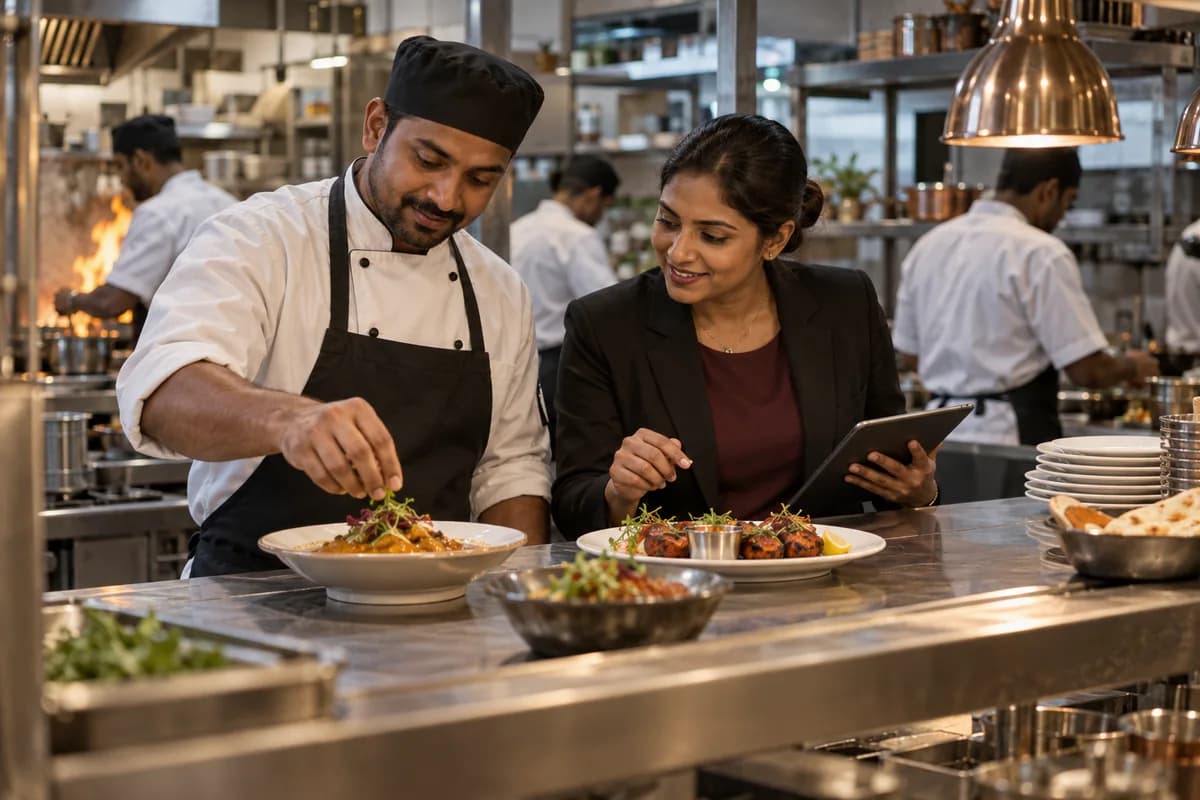
Table orders, kitchen tickets (KOT), menu recipes, stock and GST bills live in one Restaurant Management System, which GullySystem sets up for your outlet. It is the point of sale (POS) and the billing software your counter runs on. Dine-in, counter and delivery platform orders sit in the same list. Raw material issued is counted against what was cooked. The day closes when cash, card, UPI and platform collections agree.
What goes wrong before the software.
How the work flows through it, step by step.
- 1
Order taken
A guest is seated at a table, or orders at the counter, or the order arrives from a delivery platform. Items, portions and any instruction go on the order.
- 2
Kitchen ticket
The order prints or appears at the station that cooks it. Starters, main course, tandoor and beverages reach their own stations with the table number on each ticket.
- 3
Serving and packing
Each dish is marked ready and served, or packed for a parcel or rider. Items added later in the meal join the same table order.
- 4
Bill and payment
The table bill carries dishes, taxes and any service charge the restaurant applies. Payment is taken in cash, by UPI, by card, or collected by the platform.
- 5
Day close
At the end of the shift the collections are counted against the bills. Store issue, wastage and complimentary dishes are entered before the day is closed.
- 6
Follow-up
Guests who gave a number can be sent an offer or a booking reminder by WhatsApp. Feedback given at the table is kept against the visit.
What is inside.
Every module can be switched on, left out or changed to match how your team already works.
Menu, portions and recipe cards
Hold sections, dishes, half and full portions, rates by order type and the recipe behind each dish, so the kitchen and the counter read one menu.
Learn moreTable plan and dine-in orders
Lay out floors, tables and covers, open an order against a table, add items through the meal and move or merge tables as guests shift.
Learn moreKitchen tickets (KOT) and order status
Send each item to the station that cooks it, show what is pending at the pass and mark dishes ready, served or cancelled.
Learn moreCounter and parcel orders
Take token orders at a counter, record parcel charges and packing, and bill without a table being involved at all.
Learn moreDelivery platform orders
Keep aggregator orders in the same order list as dine-in, with the platform name, its order number and the payout against each bill.
Learn moreTable bookings and waiting list
Note bookings taken on the phone or on WhatsApp, hold the waiting list on a busy evening and seat guests in turn.
Learn moreKitchen stock and indents
Count provisions, vegetables and packing material in the store, issue them against kitchen indents and record wastage with a reason.
Learn moreSupplier purchases and bills
Record the vegetable, grocery, dairy and meat purchases of each day, hold supplier bills and keep what is still owed to each supplier.
Learn morePoint of sale billing, GST and settlement
Raise a GST bill for a table, a parcel or a platform order, apply discounts with a reason and settle it across payment modes.
Learn moreDay close and cash reconciliation
Match the shift collections with the drawer, the card machine, UPI credits and platform statements, and close the day once they agree.
Learn moreStaff shifts and attendance
Roster captains, cooks, cleaners and riders across shifts, mark attendance and hold the leave and overtime record each outlet keeps.
Learn moreThe business modules it is built from.
Each one is also available on its own, or inside a system built for you.
- Point of Sale Billing
Cashiers raise a GST bill for a table, parcel or platform order, record the reason for any discount and split settlement across cash, card and UPI.
- Order Management
Captains open an order against a table, add items through the meal and move or merge tables, so the running order stays on one record.
- Stock Tracking and Alerts
Storekeepers count provisions, vegetables and packing material, issue them against kitchen indents and log wastage with a reason, so the store balance follows what the kitchen drew.
- Bill of Materials
Each dish carries a recipe card with ingredient quantities and portion sizes, so the kitchen and counter work from one menu definition.
- Purchase Order Management
Daily vegetable, grocery, dairy and meat purchases are entered with the supplier’s bill, leaving a running balance of what each supplier is still owed.
- Attendance & Time Tracking
Managers roster captains, cooks, cleaners and riders by shift, then mark attendance so leave and overtime stay on each outlet’s record.
- Bank Reconciliation
At day close, the manager matches shift collections against the drawer, card machine, UPI credits and platform statements before closing the day.
How we would put it in.
Setup, data migration, integrations and anything built on top.
Topics beyond the modules.
Each page covers one part of how the system is used, connected or controlled.
Restaurant Software Views for Owners, Captains and Cooks
Each person in the restaurant sees only the part of the order and the record their work needs.
Learn moreReports for Restaurant Owners and Managers
These reports are built from the orders, store issues and bills the staff already enter each shift.
Learn moreRestaurant Software Connections to WhatsApp, UPI and Tally
The restaurant system talks to the printers, payment and messaging tools a counter already runs.
Learn moreOne system, each person sees their part.
For owners
Read sales by dish and daypart, the dine-in and delivery split, store issue against dishes sold, discounts given and collections by mode.
For captains and stewards
Open a table, punch items with portions and instructions, see what is still in the kitchen and call for the bill.
For the kitchen
See tickets at your station in the order they came, mark dishes ready and flag an item the kitchen has run out of.
For the cashier
Settle bills across cash, UPI, card and platform collections, print or send the bill and close the shift.
For store and purchase staff
Receive purchases, issue against kitchen indents, enter wastage and watch items that have fallen below their indent level.
The numbers the owner asks for.
- Sales by dish, section and daypart
- Dine-in, parcel and delivery platform shares
- Kitchen ticket times by station
- Store issue read against dishes sold
- Table occupancy and covers by session
- Collections by cash, UPI, card and platform
- Discounts, cancellations and wastage
Who this is built for.
- Single-outlet family restaurants with dine-in and a parcel counter
- Darshinis and self-service eateries that bill at a token counter
- Multi-cuisine restaurants running several kitchen stations
- Cafes and quick-service outlets with a short menu
- Cloud kitchens cooking only for delivery platforms
- Restaurant groups with more than one outlet and a central kitchen
When it is not the right choice.
- A home kitchen sending a few orders a day over WhatsApp may find a notebook and UPI enough.
- A caterer quoting by the plate for weddings and events will find Catering Management Software fits better.
- A bakery selling cakes and savouries over a counter should look at the Bakery Management System instead.
Adapted to your business before it goes live.
You are not handed a login and left to it. The product is set up around your records, your people and the tools you already use.
Works alongside
- SMS
- UPI and card payments
- Thermal kitchen and bill printers
- Delivery platform order feeds
- Tally export, scoped at set-up
- Biometric attendance device
Questions owners ask before a demo.
Is this a restaurant POS?
Yes. It is the point of sale and the billing software for the outlet. Captains punch orders at the table on a phone or a tablet, and the counter bills on a screen. Caterers and bakeries have their own products.
Will the kitchen get a printed KOT or a screen?
Either. The KOT can print at each station on a thermal printer, or show on a screen at the pass. The choice is made with you.
What happens if the internet goes down during dinner service?
The system is hosted, so billing and KOT printing need the line up. Offline billing is not part of it. Where your connection is unreliable, keep a phone hotspot at the counter.
Can Swiggy and Zomato orders come in by themselves?
Only where the platform allows a feed for your account. Until that is confirmed, the counter enters the platform order with its own number against the bill. Either way, the platform payout is matched against those bills at day close.
Does it count vegetables and provisions?
Yes. The store holds counts, issues against kitchen indents and records wastage, and recipe links let issue be read against the dishes billed.
Do you keep a customer record, a QR menu or loyalty points?
A guest’s phone number and feedback are kept against the visit, so an offer or a booking reminder can go out on WhatsApp. There are no loyalty points and no wallet. Diners cannot scan a QR menu and order from their own phone. The captain or the counter punches every order.
What about GST on the bill?
Bills carry GST at the rates set up for your dishes and order types. Which rate applies where is something your accountant or tax consultant confirms.
Can we get the numbers into Tally?
Not out of the box. Your accountant can read sales and purchase figures in GullySystem, and we quote the export after the ledger layout is settled.
Do we own the order and customer records?
You do. The proposal sets out the terms for taking your menu, bills, customer list and purchase history away with you.
Is this worth it for a small eatery?
Perhaps not yet. A counter with one cook and a short menu may do well with a notebook and UPI. A free technology audit will say so plainly.
Wondering what it costs? Six questions give you a written scope and the buckets any quote should separate.
Businesses that use this.
Related products.
See Restaurant Management System with your own data.
Tell us how you run things today. We’ll show you the parts that matter to you and say plainly what would need changing.
- No obligation
- A reply within one business day
- Your details stay private