Restaurant Menu and Recipe Card Records
The menu is the one record every screen in the restaurant reads, from the captain’s phone to the kitchen ticket. Recipes sit behind each dish for store issue.
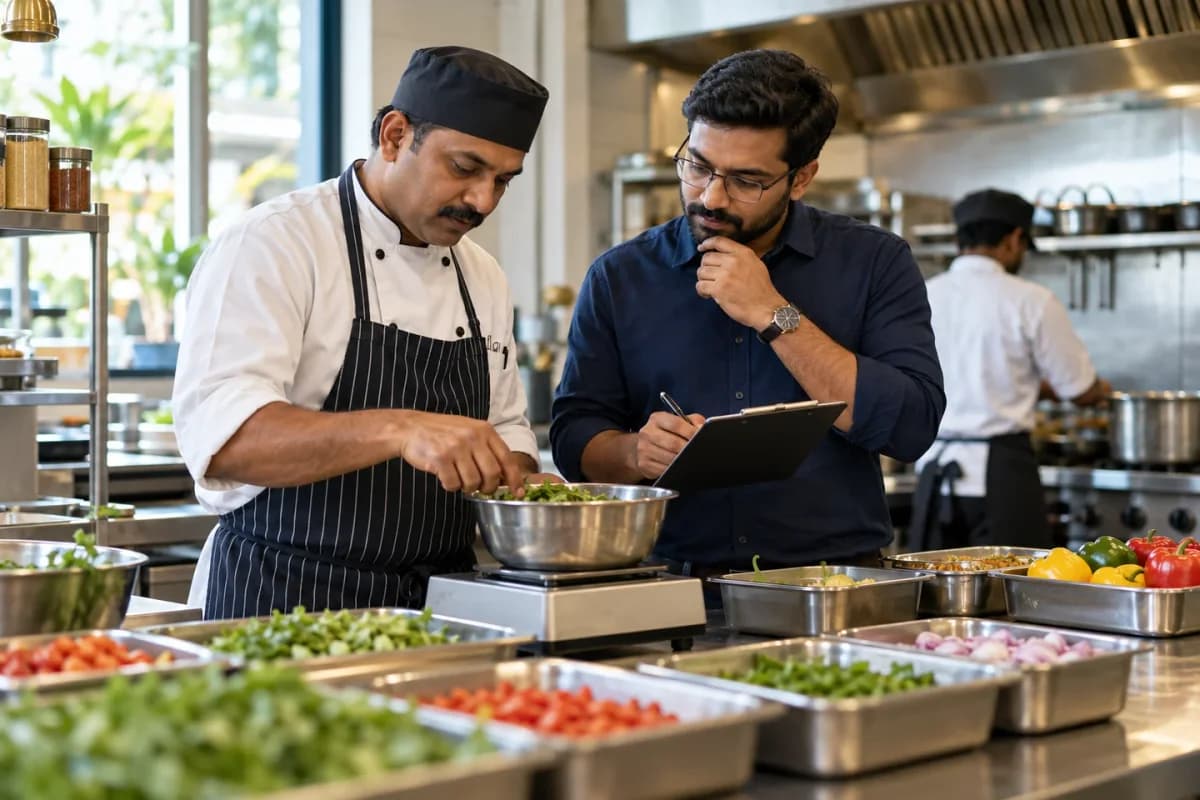
What a dish record holds
A dish is entered once, in the words your card uses, and every screen picks it up from there.
Rates by order type
A single dish can be priced at two or more rates. Dine-in, parcel and delivery platform rates can differ, and a parcel may add a packing charge for the boxes and bags it uses. Buffet and thali rates are held as their own items, with the dishes they include listed against them. Dishes sold by weight carry a rate per kilo. The bill then takes the weighed quantity.
Recipe cards behind the dish
The recipe is what connects a dish sold to the store issue behind it. It is entered dish by dish.
Why recipe cards decide food cost
Restaurant costing guides tie cost control to recipes. The cost the menu should have run up is items sold multiplied by recipe cost. That number is compared with what the store actually used.
Who keeps the menu current
What recipe cards do not do
- Dish costing and price advice are outside it
- Your card is not published to a delivery app or a print shop
- Recipe quantities are as close as you enter them, and no judgement is made on them
- Nutrition and allergen labelling are not part of it
Menu changes through a restaurant’s week
A menu is never finished. Prices move, dishes come and go, and specials appear for a weekend. Each names who touches it as the week goes by, from Monday to Sunday.
Agree the evidence before signing off this part.
Use a representative scenario to decide what this part of the system must show and where review is still needed.
Why recipe cards decide food cost
What changes when a component or quantity is substituted?
Take one entry from “Why recipe cards decide food cost” and change an input in a test copy. Review the resulting material requirement and cost with the person who approves production.
Background reading: ERPNext: bills of materials
Rates by order type
Which rule wins when two rates or offers apply?
Use “Rates by order type” to check an ordinary sale and one that meets two pricing conditions. Ask for the calculation behind each final amount, rather than only the total.
Background reading: ERPNext: pricing conditions
Frequently asked questions
Can one dish carry a different parcel rate?
Yes. Dine-in, parcel and platform rates are held against the same dish, and the bill picks the rate from the order type.
Must every dish have a recipe?
No. Recipes can be entered for the dishes that matter most to your store count and left empty elsewhere.
Who updates rates when the menu card is reprinted?
Your manager can change rates, and our staff will do a long list of changes for you on request.
Does a thali or buffet work as one item?
Yes. It is held as its own item with the dishes it covers noted, so the kitchen reads what to send.
Can a dish be hidden for the lunch session only?
Sessions can be chosen per dish. Which sessions your card uses is chosen at set-up.
What is a recipe card used for?
It lists what one portion of a dish takes from the store. It links dishes sold to material issued, so differences can be questioned.
Can we change a rate for tomorrow only?
A change can be set to start from a later shift. Bills already open on the floor stay at their punched rate.
How this feature fits the system.
Restaurant Management System: the parts that work with this feature, the trades that use it and the ways to put it in place.
Point of sale billing, tax and settlement
Cashiers raise a taxed bill for a table, parcel or platform order, record the reason for any discount and split settlement across cash, card and wallet.
Point of Sale BillingTable plan and dine-in orders
Captains open an order against a table, add items through the meal and move or merge tables, so the running order stays on one record.
Order ManagementKitchen stock and indents
Storekeepers count provisions, vegetables and packing material, issue them against kitchen indents and log wastage with a reason, so the store balance follows what the kitchen drew.
Stock Tracking and AlertsTell us what you need.
Tell us what your team does today, where work gets stuck and what you want to change.
What happens after you share your requirements
- We review your brief and the systems you already use.
- We clarify the workflow, missing information and the work to consider first.
- The proposed scope sets out the deliverables, responsibilities and dependencies.
- Review the scope and commercial terms before deciding whether to proceed.
Start with your requirements
Describe your current process, the people involved and the change you need. Start with the details you know; we can clarify the rest together.
Share your requirements