Monitoring alerts for refrigeration units and cold rooms
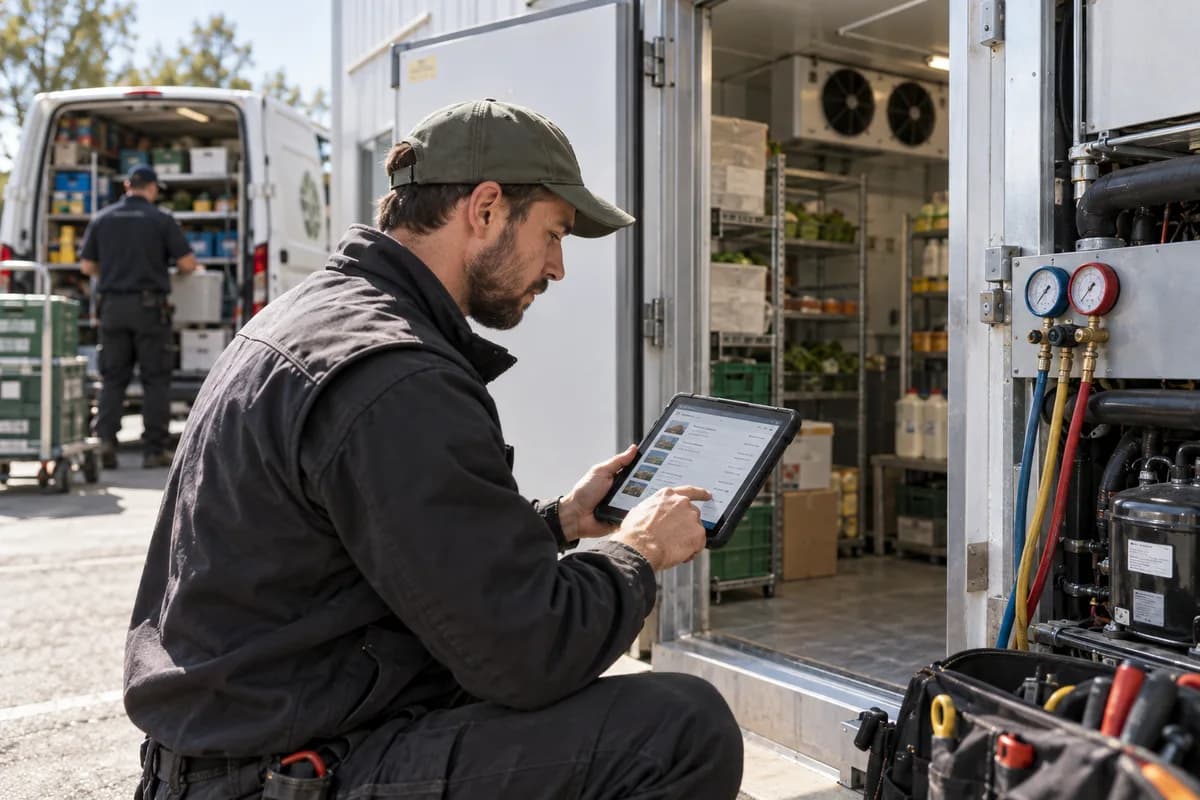
Monitoring alerts bring temperature alarms from connected units and food-safety data loggers into the same system as the fault calls. Where your monitoring supplier can send an alert, a call opens against the unit that raised it. The dispatcher starts with the unit’s history and the stock at risk.
What a refrigeration monitoring alert records
An alert is a short message. It comes from a monitoring system. The record keeps what it said and links it to a unit on your register. Fields are agreed with your monitoring supplier, so the link is scoped before any alarm is relied on.
A temperature alarm from alert to repair
An alarm is only useful if someone acts. The moments below follow one alert from a connected cold room at a supermarket to a repaired unit, and the people it passes through in turn. Each step leaves a line on the call.
Who acts on a monitoring alert
Four roles meet an alert after it lands, and each asks something different of it. One decides, one attends, one reviews and one bills. All four read the same alert.
Settling monitoring alert rules at set-up
A noisy link floods the desk with calls, and a silent link leaves rooms warm. Four decisions are made with your monitoring supplier, the dispatcher and the service manager before alerts go live. Do them in this order.
Alerts hand over to fault calls and reports
An alert is the front door to the fault call. It hands the unit and the symptom to the call, and the call carries them through dispatch, the visit and the invoice. Other features then read the same record. The five links below show how.
- Unit register ties each alarm source to its unit
- Fault calls open from the alert and are dispatched
- Service reports record the cause the engineer found
- Recurring faults by make and model read alarms
- Invoices bill the call-out raised by an alarm
Where monitoring alerts stop
Alerts bring in what your monitoring supplier sends. They are not a monitoring system, and they set no alarm limits. Whether a limit is right, and what happens to stock after a warm spell, stay with the customer and their food-safety adviser. Alerts that never arrive cannot open a call. A customer with one cabinet may be content with the supplier’s own screen.
Frequently asked questions
Which monitoring systems can send alerts?
That rests on your monitoring supplier. If the system can send an alert, a call can open against the unit. The link is scoped with the supplier during implementation. Where it cannot, the dispatcher logs the call by hand.
Can a food-safety data logger open a call?
Data loggers are named as a source, so an alarm from one can open a call on its unit. Logger and site are noted on the call. The customer’s own food-safety duties stay with the customer.
Will every alarm open a fault call?
Only the alarms you choose to link. Which alerts open a call is agreed at set-up, with the supplier and the dispatcher. A noisy alarm can stay a note, and a serious one can open a call.
Can the engineer see which alarm raised a call?
The call is marked with how it arrived. Alert wording sits on it. The engineer opens it on a phone beside the unit’s history. Later review reads alarms together with repeat faults by make and model.
What happens if the alert link fails?
The dispatcher logs calls by hand when customers phone in. Units, history and reports work as before. Once the link returns, alerts open calls again, and the dispatcher stops logging by hand. Nothing already recorded is affected.
How this feature fits the system.
Commercial Refrigeration Management Software: the parts that work with this feature, the trades that use it and the ways to put it in place.
Maintenance contracts and renewals
Each contract holds its covered units, visit count and renewal date, so a lapse is flagged before a cold room fails.
Asset AMC TrackingFault calls and dispatch
A breakdown becomes a numbered call with the unit, the symptom and stock at risk, and it stays open until the engineer closes it.
Ticket ManagementPlanned maintenance calendar
Planned visits from contracts are placed against engineers by day and area, with urgent faults able to displace a routine service.
Technician SchedulingTell us what you need.
Tell us what your team does today, where work gets stuck and what you want to change.
What happens after you share your requirements
- We review your brief and the systems you already use.
- We clarify the workflow, missing information and the work to consider first.
- The proposed scope sets out the deliverables, responsibilities and dependencies.
- Review the scope and commercial terms before deciding whether to proceed.
Start with your requirements
Describe your current process, the people involved and the change you need. Start with the details you know; we can clarify the rest together.
Share your requirements