Facility and court bookings for country clubs
Facility and court bookings places tee times, squash, padel and croquet courts, rooms and the pool on one calendar, by slot. Priority windows and guest limits apply as each booking is made, and a record shows who attended. Desk staff, the starter and the coaches read the same sheet.
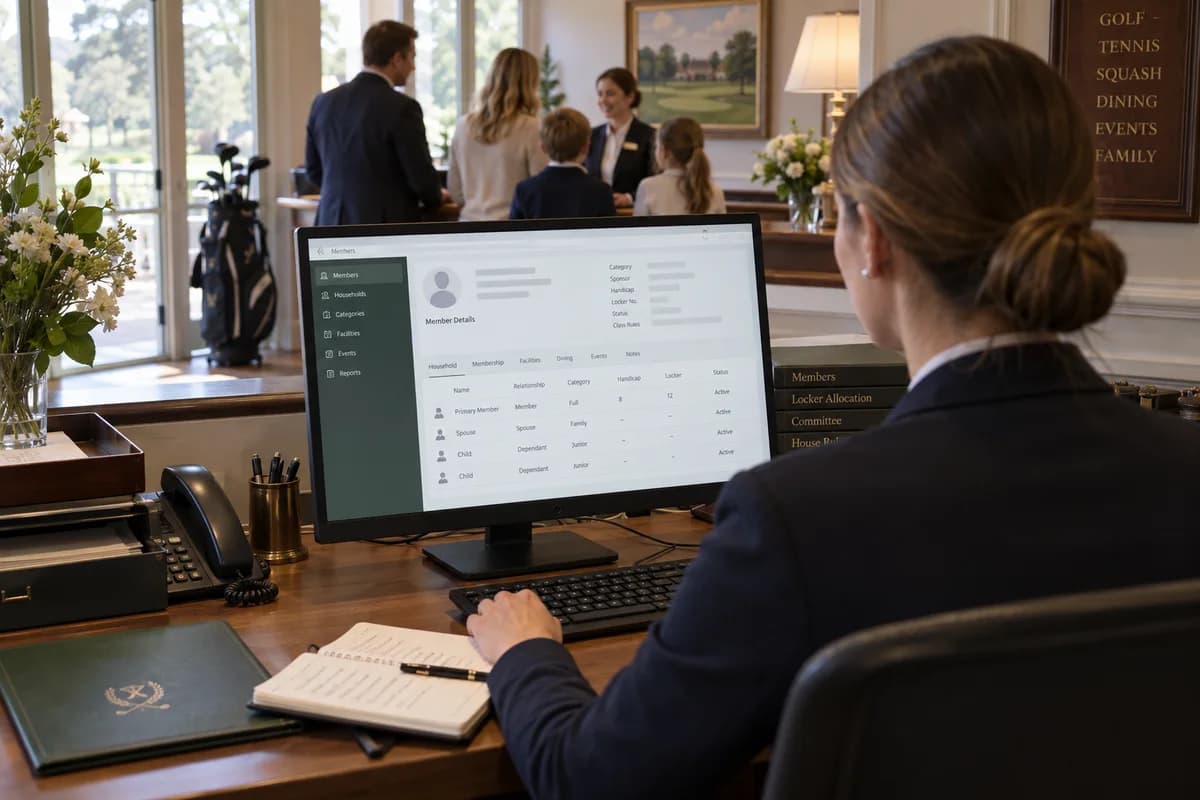
What a country club booking records
Each booking rests on three facts. A slot, a facility and a person. Around them sit the guests, the priority window and, afterwards, the attendance. Every facility follows the slot length set for it, so staff read one sheet and not a pile of separate diaries.
A busy day on the tee sheet and courts
Bookings arrive by phone, at the desk and through a coach. Whatever the route, each lands on the same sheet. A slot taken at the desk is gone from the member’s phone screen before the call ends.
Who books and who reads the sheet
Four groups touch the sheet. Each sees every slot, but each uses it for a different job. Rights to change a booking are set by the club. Nobody edits outside those rights.
Settling booking rules before set-up
Booking rules are the club’s house rules written down. Settle them before the first slot is opened. The general manager and the head of sport hold the answers. Each takes one short talk.
How bookings connect to other club features
Each booking reads from the member record and hands its results onward. The class and the guest allowance come in. Attendance and guest names go out to the entry log and the committee’s figures. Each link keeps the sheet honest without extra typing. No retyping occurs.
- Class and priority window come from member records
- Guests are logged in guest passes and entry log
- Lesson slots are booked through lessons and coaching
- Room dates are shared with events and functions
- Use by court and hour reaches committee reports
Where facility and court bookings stop
This sheet holds slots and names. It does not maintain courts, close the course in bad weather or set the rota for the starter. Those stay with the club’s staff. Whether use of a facility is charged is a matter for the committee. A club with one court and a handful of members can keep a paper sheet on the wall.
Frequently asked questions
Can squash and croquet use different slot lengths?
Each facility carries its own slot length and booking window. Squash, padel and croquet follow their own lengths. Staff adjust nothing by hand when a member books one of them. Staff rekey nothing for each slot.
What stops two people taking the same slot?
A clash is blocked as the booking is made. Whoever completes first holds the slot, and the second person sees it gone. Nobody has to arbitrate. The same rule covers the desk, the phone and a coach.
How are priority windows set for each class?
The club enters the window for each class as its rules describe it. A class may open earlier than another. The sheet applies the window when a member books, so staff never recite it. The rule applies the same way every time.
Can a manager override a guest limit?
A manager may approve an exception to the limit. The visit still counts against the host’s record. Decide beforehand who holds that right, so the desk knows whom to ask. The exception stays visible to the office.
Does the sheet record who actually played?
Staff mark attendance after play. It then shows who turned up and which slots went unused. That record supports the use figures and any later conversation with a member. The mark takes a few seconds.
How this feature fits the system.
Country Club Management Software: the parts that work with this feature, the trades that use it and the ways to put it in place.
Member and family records
Each member, spouse and dependant is held under one account, with class and joining date, so rules apply to the right person.
Contact & Account ManagementMembership applications
An application moves from sponsor to committee, and each decision is recorded with its date before the member number is issued.
Workflow and ApprovalsDues and joining fees
Annual dues and instalments are raised on set dates by category, and a part-paid or overdue account is flagged for the office.
Subscription BillingTell us what you need.
Tell us what your team does today, where work gets stuck and what you want to change.
What happens after you share your requirements
- We review your brief and the systems you already use.
- We clarify the workflow, missing information and the work to consider first.
- The proposed scope sets out the deliverables, responsibilities and dependencies.
- Review the scope and commercial terms before deciding whether to proceed.
Start with your requirements
Describe your current process, the people involved and the change you need. Start with the details you know; we can clarify the rest together.
Share your requirements