Guest passes and entry log for country clubs
Guest passes and entry log records each guest by host and date, counts visits against the host’s allowance and logs who entered each area. The same list serves a member-guest day. Reception reads it at the door, and the committee reads the totals when it sits to review guest policy.
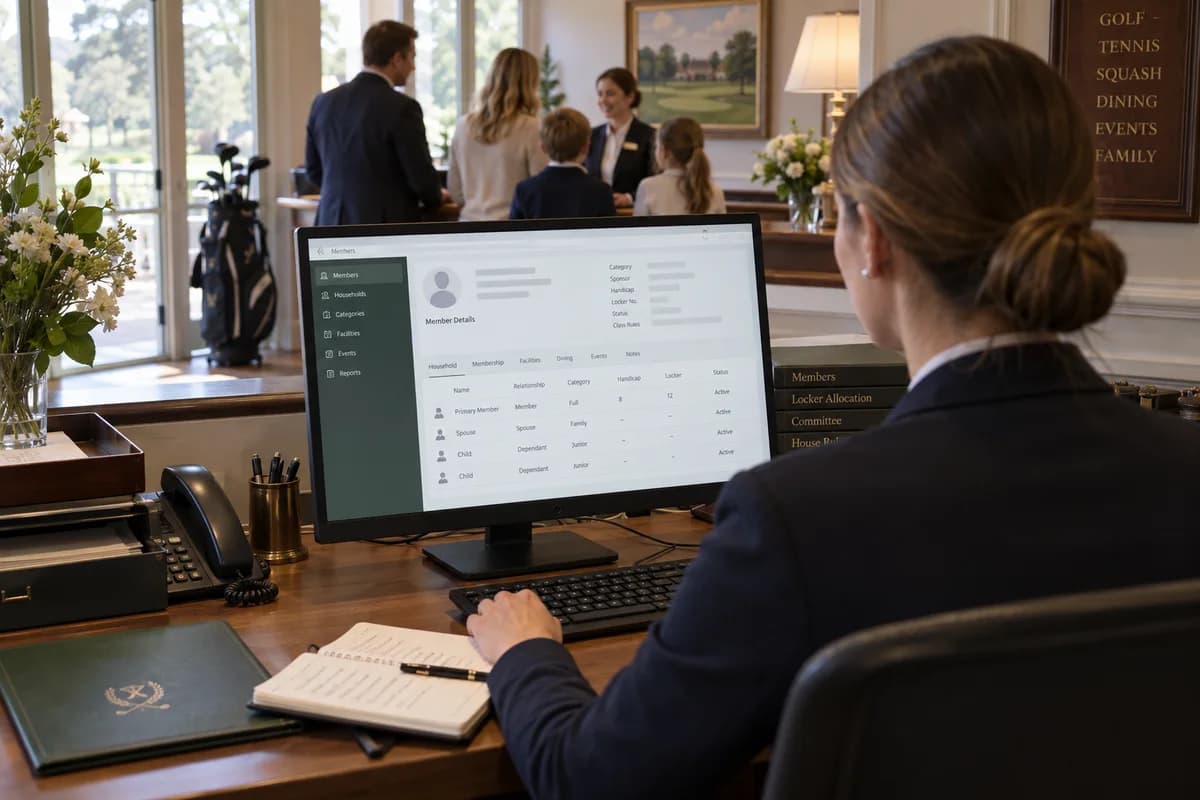
What the guest list and entry log keep
Each visit has three facts. The host, the date and the area entered. Together they form the log. A member’s allowance is counted from it, so the desk reads a total at the door instead of guessing from memory or a signing-in book.
Welcoming guests through the club day
Guests arrive at all hours, with different hosts and different plans. Each arrival touches the same list. Here is how the desk, the managers and the sports staff use it through an ordinary day at the club, from opening to closing.
Who records guests and who reads the log
Guests are recorded at the desk and read by several teams. Each reads only what the work demands. Only named people may change a visit once it has been made. Staff read the rest.
Settling guest rules before set-up
Guest rules are where a club’s habits meet its constitution. Write them down. Settle them in writing before the first guest is entered. The committee and the general manager hold the answers.
How guest passes connect to other club features
The guest list takes its limits from the member record and its names from bookings. It hands visit totals to the committee’s figures. A guest is typed once, and every other feature that needs the name reads it from here. Each name is typed once.
- Allowances come from the host’s class in member records
- Guest names travel with facility and court bookings
- Guest visits by member reach committee reports
- Function guest numbers stay with events and functions
- Exceptions approved by a manager appear on the host’s record
Where guest passes and the entry log stop
The log records entry. It does not check identity, guard a door or decide who may be admitted. Door hardware, safety and any rules on admitting the public stay with the club. Safeguarding of children visiting the club remains a club policy. A club with one gate and a signing-in book, and few guests, can keep the book.
Frequently asked questions
How is a guest counted against an allowance?
Each recorded visit counts once. It reduces the host’s allowance by one. Staff read what is left before admitting the next guest. The count comes from the log, so nobody tallies visits by hand at season end.
What happens when a member has used the allowance?
Staff see the limit is reached and refer the request to a manager. The manager may approve an exception. If approved, the visit is recorded with a note that it is an exception to the rule.
Can a member-guest day use the same list?
It uses the same list as ordinary visits. Pairs are named against hosts, and the visits are counted as the club’s rules direct. The day’s entries stay with the rest of the log, ready for the committee.
Does the entry log work with door access control?
Door and access control can be connected during implementation, if the door system can send entries to the club’s software. Where it cannot, staff record entries. One log holds them all. The door supplier confirms what is possible.
What details do we hold about a guest?
The club decides. A name, the host and the date are the core of the record. Further details raise privacy questions, so settle them with the committee and its adviser before the first guest is entered.
How this feature fits the system.
Country Club Management Software: the parts that work with this feature, the trades that use it and the ways to put it in place.
Member and family records
Each member, spouse and dependant is held under one account, with class and joining date, so rules apply to the right person.
Contact & Account ManagementMembership applications
An application moves from sponsor to committee, and each decision is recorded with its date before the member number is issued.
Workflow and ApprovalsDues and joining fees
Annual dues and instalments are raised on set dates by category, and a part-paid or overdue account is flagged for the office.
Subscription BillingTell us what you need.
Tell us what your team does today, where work gets stuck and what you want to change.
What happens after you share your requirements
- We review your brief and the systems you already use.
- We clarify the workflow, missing information and the work to consider first.
- The proposed scope sets out the deliverables, responsibilities and dependencies.
- Review the scope and commercial terms before deciding whether to proceed.
Start with your requirements
Describe your current process, the people involved and the change you need. Start with the details you know; we can clarify the rest together.
Share your requirements