Aisle counts and shrinkage log for discount stores
Cheap goods get cracked in dump bins, pulled off hooks and shelved in the wrong bay. This feature counts one gondola at a time and logs breakage, damage and theft with a reason. Each count sits beside the stock the system expects. Losses get a place to look.
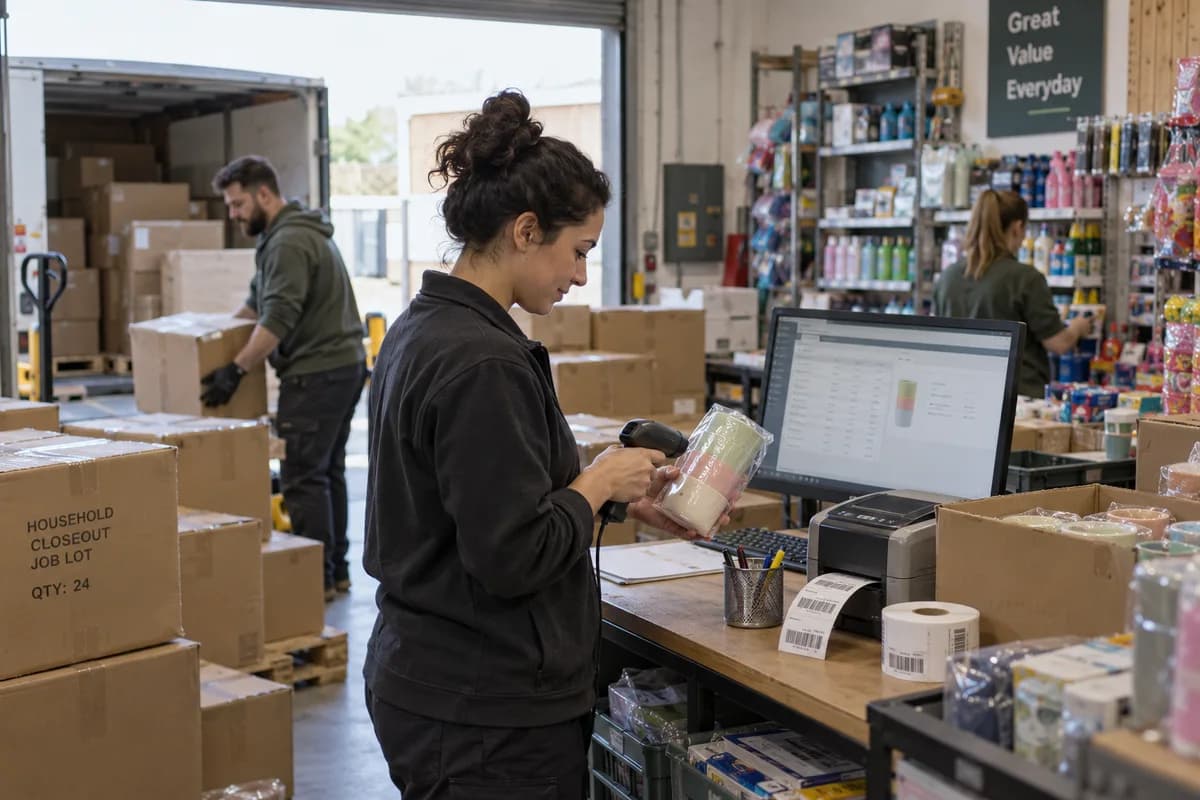
What a gondola count and loss entry keep
A count is a short record. It names a gondola, an item, a counted quantity and the quantity the system expected. A loss entry adds a reason. Together they turn a vague shortfall into something a manager can read at the end of a shift.
Counting and logging through a working week
Counting happens in gaps between customers. Staff take one gondola, count it and move on. Loss entries are written when a break is found, not saved up for later. Over a trading week the log fills in as the shop trades.
Who counts, who reads and who acts
Counting is stockroom work. Reading is a manager’s job. Buying and ownership use the pattern. Four roles share the log, and each reads it from a different side of the shop floor, the desk or the stockroom.
Decisions to settle before counting starts
Counting is only useful when everyone logs a loss the same way. Four choices make that happen. Settle them with the stockroom lead and each store manager at one meeting, before the first gondola is counted.
How counts and the log link to other features
The count compares two things the system already holds. It takes receipts, sales and transfers to build the expected figure, then reports the difference where other features in the product can act on it. Five links carry that work between features. They are named below.
- Takes expected stock from the item master and receipts
- Reduces expected stock as till billing sells lines
- Sends cracked cartons back through supplier orders and returns
- Moves damaged packs from returns and exchanges to the damaged cage
- Adjusts expected stock after branch transfers are accepted
Where counting and the log stop
The log names a gondola and a reason. It does not name a thief, prevent a theft or recover a loss. It also does not value a write-off for the accounts. Staff discipline, insurance claims and the tax treatment of lost stock stay with the owner, the accountant and an adviser. A tiny shop can count by eye.
Frequently asked questions
How do we count one gondola at a time?
Pick the gondola and enter the counted quantity for each line on it. The system shows the stock it expects beside each figure. Other gondolas wait. That keeps a count short enough to finish between customers.
Which loss reasons can staff log?
Cracked stock, damaged packs and theft are the reasons the log is built around. Staff pick one when they write the entry. A reason travels with the quantity, so the report can group losses by reason and by gondola.
What happens to a difference after a count?
It is logged against the gondola with a reason. Breakage and theft are then read by gondola, reason and week. What follows is the manager’s call. That might be a recount or a change of display.
Where do damaged packs physically go?
Damaged packs go to the damaged cage, whichever fixture they came from. The loss is logged with a reason. A pack that can still be sold goes back to the shelf, through a return at the till.
Can the log blame a particular cashier?
No person is named in a loss entry. The entry names a gondola, an item and a reason, and records who counted. Questions about a person are asked outside the system, with an adviser’s help if needed.
How this feature fits the system.
Discount Store Management Software: the parts that work with this feature, the trades that use it and the ways to put it in place.
Item master and job-lot receiving
Every closeout lot becomes items with your own codes and landed cost, so one mop head no longer sits under two names.
Product ManagementBarcodes and shelf labels
Cartons that arrive without a code get a printed barcode, and shelf-edge strips print from the very price the till reads.
Barcodes and LabelsPrice tiers by store
A price change is dated and reaches each store’s till together, instead of being copied by hand onto laminated signs.
Price Lists and SchemesTell us what you need.
Tell us what your team does today, where work gets stuck and what you want to change.
What happens after you share your requirements
- We review your brief and the systems you already use.
- We clarify the workflow, missing information and the work to consider first.
- The proposed scope sets out the deliverables, responsibilities and dependencies.
- Review the scope and commercial terms before deciding whether to proceed.
Start with your requirements
Describe your current process, the people involved and the change you need. Start with the details you know; we can clarify the rest together.
Share your requirements