A serial number register for forklift dealers
Every counterbalance, reach and pallet truck the dealership sells, hires or services is held under its data plate serial number. The register keeps model, capacity, mast, carriage, forks and hour meter. It also keeps the owner or hirer and the papers tied to the truck. One search shows its whole history.
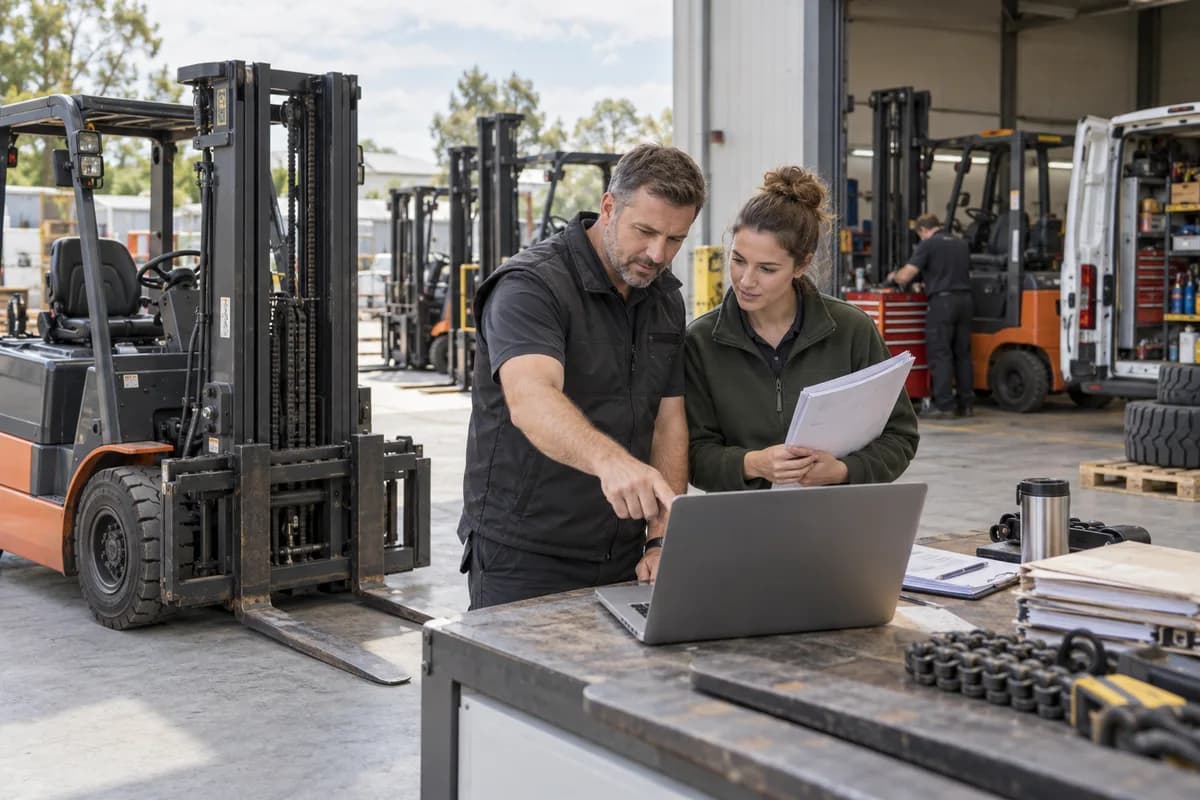
What the truck register keeps for each serial number
A register entry is the truck itself, written down from its data plate. Everything else points back to it. Fields are set at the start, so each truck is described the same way, whether it arrived new, used or as a trade-in.
A register search through a working week
Staff in a forklift dealership reach a truck by searching, not by scrolling a list. Four moments from an ordinary week follow. Each starts with a serial number or a customer’s name, and each ends on the same truck record.
Who reads the register and what appears
Sales, the workshop, hire and accounts share one truck record, but each reads a different part of it. Rights decide who may edit a field. Everyone else only reads, and nobody keeps a private copy.
Decisions before the truck register is loaded
Four choices settle how clean the register stays. Each is cheaper to decide before loading than after trucks have been keyed twice. GullySystem and the owner agree them in the first workshop.
How the register feeds the rest of the product
This register sits under almost every other feature in a forklift dealership, because every quotation, contract, job and claim is about a particular truck. It supplies the specification and the hours, and it takes back what each feature learns. The links are listed below, one line each.
- Quotations pick a truck and its specification from here
- Hire contracts start from a serial number and its hours
- Service jobs and job cards write hours back to the truck
- Warranty claims draw serial number and hours from the record
- Spares, batteries and chargers link their serial numbers to the truck
Where the truck register stops
Here the dealership holds what it knows about a truck. It does not follow a truck on the road, because there is no GPS or live tracking. A truck’s place is whatever the hire contract or job card says. Which safety inspections apply depends on the regulator in the customer’s country. The owner settles that with an adviser. A dealer with a handful of trucks and no workshop can keep a sheet.
Frequently asked questions
What if a data plate is unreadable or missing?
Take the serial number from the delivery papers or the manufacturer, and attach a photograph of the damaged plate to the truck. A note records where the number came from. An uncertain number is confirmed with the manufacturer.
Can one truck show both sale and hire history?
A truck that was sold, hired, serviced and taken back as a trade-in keeps one record. Each event is added as it happens. Open the truck and the sequence reads from first sale to latest job.
How are customer-owned trucks held in the register?
A truck the dealer never sold is registered when it first comes in for service. The owner is named. The job history builds from there, which suits workshops that service customer fleets under planned contracts.
Where do battery serial numbers sit in the register?
Each battery and charger carries its own serial number and is linked to the truck it serves. Replacements and warranty status are recorded against the battery. Watering rounds are too. The truck shows which pack it carries now.
Who updates the hour meter on a truck?
Whoever records a service or an off-hire check enters the reading. Technicians do it on the job card, and the hire desk does it at return. Each reading is kept. The record then shows the run of hours.
How this feature fits the system.
Forklift Dealer Management Software: the parts that work with this feature, the trades that use it and the ways to put it in place.
Enquiries and quotations
A quotation is built from the truck models, attachments and battery options on file, and every revision stays with the enquiry.
Quote & Proposal ManagementMachine register by serial number
Each truck, battery and charger carries its own serial number, so a sale, a hire and a repair all point back to one machine.
Batch and Serial TrackingHire contracts and off-hire checks
A hire contract holds the rate, the period, the opening hours and the return condition, so billing follows what was agreed.
Contract ManagementTell us what you need.
Tell us what your team does today, where work gets stuck and what you want to change.
What happens after you share your requirements
- We review your brief and the systems you already use.
- We clarify the workflow, missing information and the work to consider first.
- The proposed scope sets out the deliverables, responsibilities and dependencies.
- Review the scope and commercial terms before deciding whether to proceed.
Start with your requirements
Describe your current process, the people involved and the change you need. Start with the details you know; we can clarify the rest together.
Share your requirements