Forklift service jobs and job cards
A forklift workshop answers breakdown calls and planned visits all week. Each becomes a job. The job card records the fault, the work done, the hour meter and the parts fitted, such as mast chains, tilt cylinders, hoses and brake shoes. Every completed card adds to the truck’s service history.
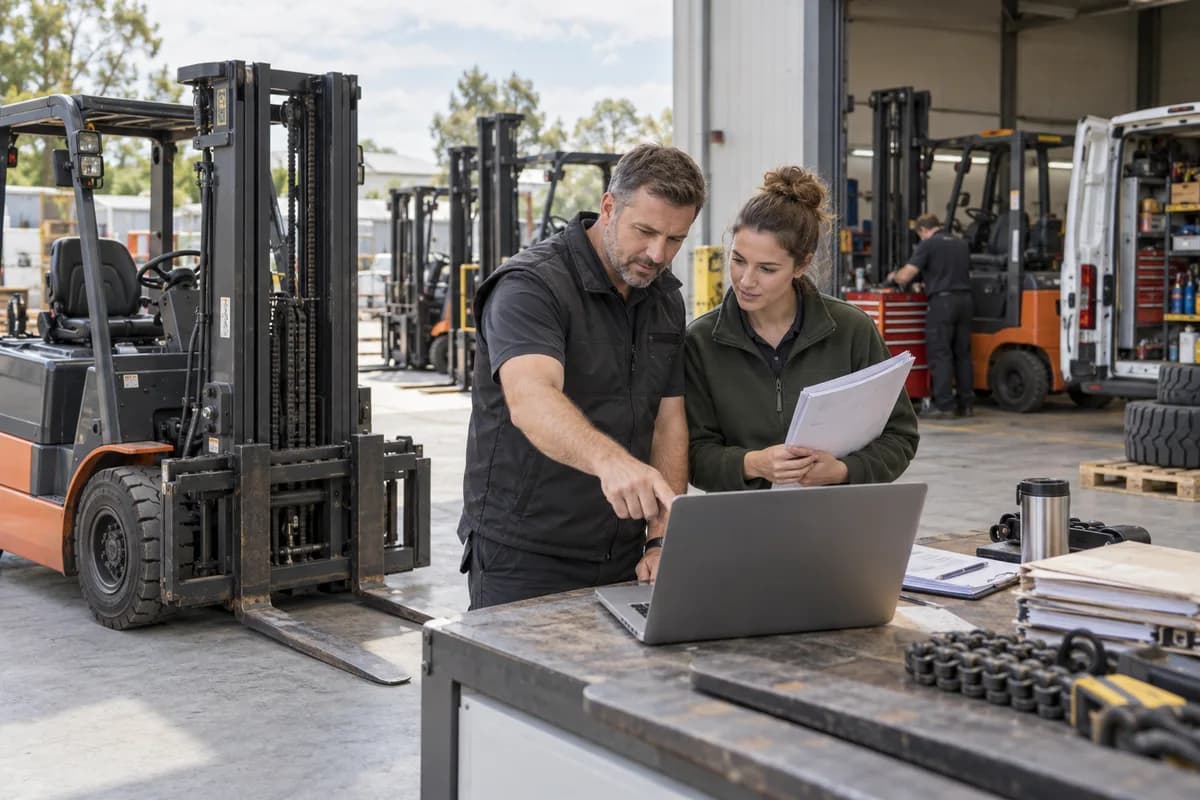
What a forklift job card records
Think of a job card as the workshop’s account of one visit to one truck. It is raised before the fitter leaves. Between raising and closing it collects what was found, what was done and what was fitted. Nobody has to rebuild the visit later.
Job cards through a workshop day
Breakdowns arrive by phone and planned services arrive by plan, so the workshop must hold both at once. Four moments from one working day show how a card is opened, worked and closed. Each is handled by a different person.
Who works from job cards and what they see
The workshop, the parts counter, accounts and management all read the same card, and each needs a different slice of it. Rights decide who may close a card or change parts issued. Others view without editing.
Decisions before job cards go to the workshop
Job cards work when fitters fill them in, and fitters fill in what is quick. Four choices decide how much the workshop is asked to enter. Settle them with the foreman before the first card is raised. Short forms win.
How job cards link to other features
Here the workshop touches nearly every other feature. A card begins from a truck record or a plan, draws parts from the store and ends in an invoice or a claim. Cards take and give. The links below show where each fact comes from and goes.
- Each card opens against a truck in the register
- Planned services arrive from service plans and reminders
- Technician scheduling places each job with a fitter
- Parts and batteries are issued from spares and chargers
- Closed cards feed invoices and warranty claims
Where job cards stop
Records are what a card provides. It does not diagnose a fault, and it does not replace the fitter’s judgement or the manufacturer’s service manual. Whether a truck is safe to run is decided by a qualified person, under the rules in the customer’s country. A one-person workshop with few trucks can write cards by hand.
Frequently asked questions
Can a fitter use job cards at a customer’s site?
The fitter opens the job in the phone browser and logs the hour meter, parts used and what was found. A connection is needed. Where signal is poor, notes are entered once back in range. Nothing is lost.
How does a card show repeated faults on one truck?
Each completed card adds to the truck’s history. A chain replaced twice or a hose that keeps splitting is visible when the record is opened. A manager can then ask why the same fault returns. The pattern is plain.
What if a part is not available?
Set the job to waiting for a part, and it stays open. The parts counter sees the request. When the part arrives, the job moves on and the customer is told. Jobs waiting for parts are counted on the manager’s screen.
Is every breakdown call a job?
Every breakdown or planned visit is raised as a job, even a short one. That keeps the truck’s history complete. A phone fix without a card would leave a gap in the record, and the next fitter would not know.
Can the card go to the customer as proof of work?
The closed card holds the fault, the work, the hours and the parts. The dealership can share what it chooses with the customer. Agree what is shown, and in what layout, at set-up. The choice is yours.
How this feature fits the system.
Forklift Dealer Management Software: the parts that work with this feature, the trades that use it and the ways to put it in place.
Enquiries and quotations
A quotation is built from the truck models, attachments and battery options on file, and every revision stays with the enquiry.
Quote & Proposal ManagementMachine register by serial number
Each truck, battery and charger carries its own serial number, so a sale, a hire and a repair all point back to one machine.
Batch and Serial TrackingHire contracts and off-hire checks
A hire contract holds the rate, the period, the opening hours and the return condition, so billing follows what was agreed.
Contract ManagementTell us what you need.
Tell us what your team does today, where work gets stuck and what you want to change.
What happens after you share your requirements
- We review your brief and the systems you already use.
- We clarify the workflow, missing information and the work to consider first.
- The proposed scope sets out the deliverables, responsibilities and dependencies.
- Review the scope and commercial terms before deciding whether to proceed.
Start with your requirements
Describe your current process, the people involved and the change you need. Start with the details you know; we can clarify the rest together.
Share your requirements