Enquiries and site surveys for hardscaping contractors
Enquiries and site surveys put the first call and the first visit to the ground on one job record. Estimators log where the enquiry came from, book the survey slot, then records areas, depths, levels, falls, access and photographs. Nobody retypes figures from a notebook.
What a hardscaping survey record holds
A survey record is the first page of a hardscaping job. It carries the customer’s details, the source of the enquiry, the survey slot and every measurement taken on the ground. Later quotes and orders read from it. Each field has a place, so nothing depends on memory.
A survey week at a paving firm
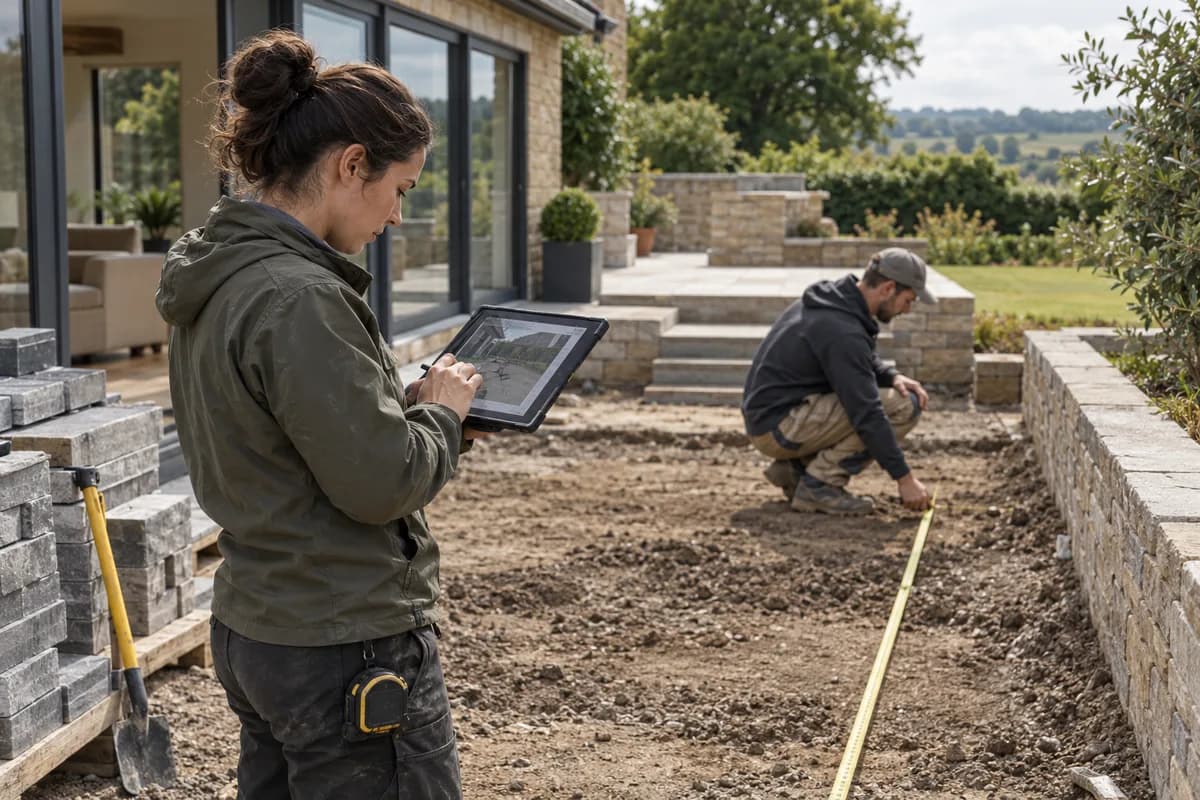
Before it becomes a quote, a survey changes hands more than once. The office takes the call, the estimator goes to site and a crew leader may be asked to look at a drain later. Each moment adds to the same job record.
Who opens a survey record in a hardscaping firm
Each person opens the survey for a reason. Measurements matter to the estimator, dates to the office and the enquiry source to the owner. Crew leaders need the access notes before the first load arrives.
Choices to make before hardscaping surveys start
A few choices are best settled before the first survey is keyed in. GullySystem configures the screens and the firm decides what each field means. The four below come first, in this order.
How hardscaping surveys feed the rest of the product
Every later record on a hardscaping job grows from the survey. Its areas and depths go to the quotation, its access notes go to the schedule and its photographs stay on the job for comparison later. The figures are keyed once. Each later page starts from them.
- Measured areas and depths pass to quotations by area and material
- Measured areas meet catalogue coverage when materials are worked out
- Access notes and gate widths inform supplier orders and deliveries
- Survey photographs sit beside the photographs in job stages and progress
- A deeper dig found later can be priced as a variation
Where hardscaping survey records stop
The survey records what the estimator saw and measured. It does not test the ground, locate buried pipes or judge whether a wall needs an engineer. Those opinions stay with specialists, and the owner decides when to call one. A firm that surveys only a few patios a year may find a notebook and a camera enough.
Frequently asked questions
Can I attach photographs taken on a phone?
Yes, from the phone itself. Crew leaders and estimators add photographs from a phone, and each is labelled against the job and the part of the plot. Entries made where signal is weak reach the office once the phone is back in range.
Does a survey carry across to the quote?
The quote reads areas and depths from the survey, so no figure is retyped by hand at the office desk. Your own rates then price them. Adjusting a figure is still possible, and the quote keeps each revision.
How are enquiry sources recorded?
Each enquiry is logged with a source, such as a referral, a website form or a garden designer. The list of sources is agreed at set-up. Whoever takes the call picks one, before anything else is typed.
What if survey figures change after quoting?
A revised quote is issued, and the earlier version stays on file. If the change comes after acceptance, it is priced as a variation. The customer approves it first. The accepted figure joins the next stage bill.
Is a survey needed for every small job?
That is the firm’s call. A small repair may need only a note and a photograph, while a terrace needs full measurements. The record accepts both. Fields shown for each job type are agreed at set-up.
How this feature fits the system.
Hardscaping Contractor Management Software: the parts that work with this feature, the trades that use it and the ways to put it in place.
Quotations by area and material
Measured areas and depths multiply your unit rates into a quote, and each revision the customer saw stays on file.
Estimate/Quotation ManagementSupplier orders and deliveries
Orders for aggregate, block and pavers are raised per job, and each delivery is received against its order.
Purchase Order ManagementSupplier orders and deliveries
A drop is checked on arrival against its delivery note, so short or damaged pallets are noted before the driver leaves.
Goods Receipt (GRN)Tell us what you need.
Tell us what your team does today, where work gets stuck and what you want to change.
What happens after you share your requirements
- We review your brief and the systems you already use.
- We clarify the workflow, missing information and the work to consider first.
- The proposed scope sets out the deliverables, responsibilities and dependencies.
- Review the scope and commercial terms before deciding whether to proceed.
Start with your requirements
Describe your current process, the people involved and the change you need. Start with the details you know; we can clarify the rest together.
Share your requirements