Receiving and job tagging for repair workshops
Receiving and job tagging books each motor, pump or gearbox into an industrial repair workshop at the gate. The clerk records nameplate data, condition and photographs, prints a tag and issues a job number. Inspectors, stores, technicians and accounts then file every later entry against that number, so identical units from one plant stay apart.
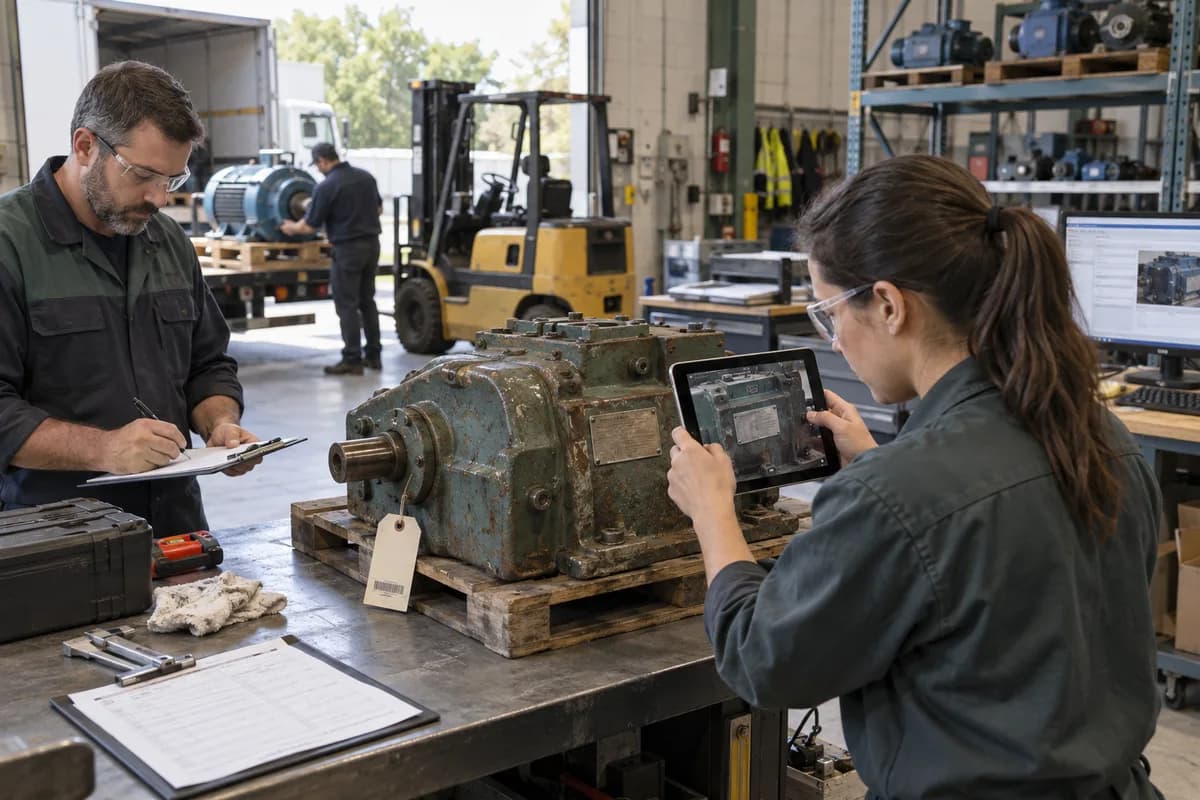
What the gate record keeps for each unit
A gate record is the first page of a repair job. It holds what the unit looked like when it crossed the dock, so a later argument about damage or missing parts has something to check against.
A day at the receiving dock
Pallets are the busy part of receiving. Several units of one make arrive together, and each must leave the dock with its own identity. Four moments show how the clerk and the later desks use the record. They run from the first truck of the morning to the last pump of the afternoon.
Who sees the gate record and why
The same record serves several desks, but each person looks for something different. Gate staff write it. Nobody retypes it. The others read it before they touch the unit or the paperwork.
Decisions to settle before gate set-up
Receiving runs simply once rules are agreed. Settle them with the gate clerk, the inspector and the owner before the first tag prints. Every later record depends on them, so a short meeting now saves rework.
How receiving feeds the rest of the product
The job number issued at the gate is the thread that holds the other features together. Nothing downstream invents its own identity for the unit. One number runs through all of it. Each feature takes that number and the nameplate data from receiving and adds its own entries.
- Teardown reports open on the job number from the gate
- Quotations take nameplate data and arrival condition from receiving
- Stores issue bearings and seals against the same number
- Outside work notes carry the number and the photographs
- Dispatch and invoices close the job the gate opened
Where receiving and tagging stops
Receiving records what arrived and gives it an identity. It does not judge whether the unit is worth repairing, measure wear or fix a price. Freight claims, transit insurance and ownership disputes stay with the owner and an adviser. A one-person bench with a few repairs a week can number tags by hand. A notebook is enough there.
Frequently asked questions
Can the tag be printed with a barcode?
Barcode and tag printing is one of the integrations offered. The layout is set during implementation. Which fields appear on the tag, and whether a code is printed, is agreed with the gate clerk. A tag printer shapes the cost.
What if two units arrive with the same serial number?
Each still gets its own job number, so the records stay apart. Gate staff note the clash. Photographs show which unit is which, and the customer can be asked to confirm which plate is correct before work starts.
Can nameplate fields differ for motors and pumps?
Each item type has its own fields. A motor records frame size and pole count, while a hydraulic cylinder records bore and stroke. Fields are set from the nameplate data your workshop already records on arrival.
Do pallets have to be booked in one unit at a time?
Every unit gets its own record, even when a pallet arrives together. Staff work down the pallet, one nameplate at a time. A job number and tag follow for each unit. Nothing is booked as a lot.
Can the gate see a unit’s earlier repairs?
Searching by serial number brings up earlier jobs for the same unit, with their teardown findings and test readings. The inspector hears at once that the item has been here before. That saves a fresh start.
How this feature fits the system.
Industrial Repair Management Software: the parts that work with this feature, the trades that use it and the ways to put it in place.
Teardown reports
Each unit has a job card where the inspector records measured wear, parts to replace and the likely cause of failure.
Job CardsQuotations and approvals
A quotation is priced from the teardown lines using your labour, machining and part rates, with every revision kept and the approval noted.
Quote & Proposal ManagementRepair stages and bays
A repair moves through strip, repair, machining, assembly and test, and the board shows which bay and technician hold it now.
Work Order ManagementTell us what you need.
Tell us what your team does today, where work gets stuck and what you want to change.
What happens after you share your requirements
- We review your brief and the systems you already use.
- We clarify the workflow, missing information and the work to consider first.
- The proposed scope sets out the deliverables, responsibilities and dependencies.
- Review the scope and commercial terms before deciding whether to proceed.
Start with your requirements
Describe your current process, the people involved and the change you need. Start with the details you know; we can clarify the rest together.
Share your requirements