Repairs, restoration and call-backs for masons
Repairs, restoration and call-backs gives a masonry firm a short job record for repointing, chimney, retaining wall and restoration work. Photographs, the mortar mix and the stone used are kept on it, and any later call-back attaches to the same structure, beside the original work.
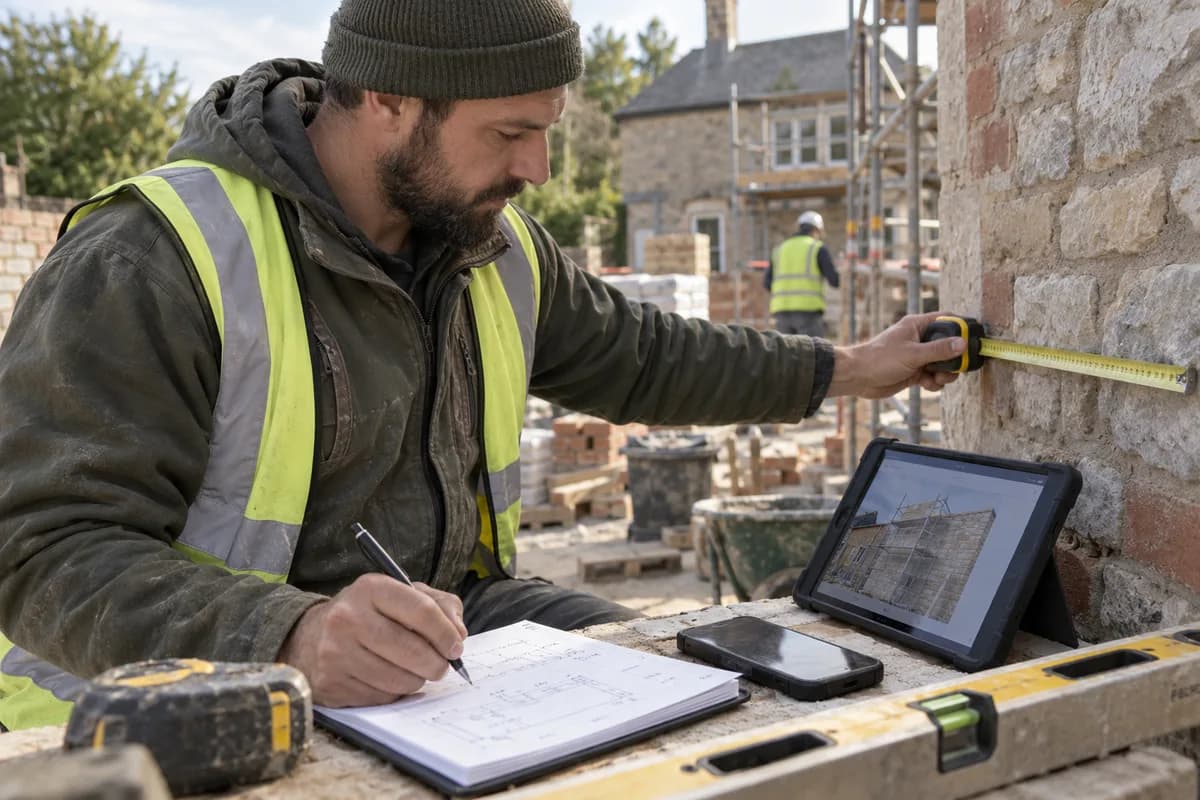
What a masonry repair record keeps
A repair record is lighter than a building job but holds more detail about the fabric. It names the structure, the defect found, the work done and the material used, with the mix and the stone. Photographs sit alongside the written notes.
Repair work from first call to call-back
Repair work arrives as small jobs on old structures. These moments follow a repointing job, a chimney repair and the restoration of an old garden wall, from the first photograph to a later call-back. Entries stay brief. Photographs carry the weight.
Who logs, repairs and reads the record
Four people use the repair record. The supervisor creates it on site, the crew follows it, the office links later calls to it and the owner reads what it adds up to.
Repair record decisions to settle before set-up
Repair records only help if the structure is named the same way each time. These four points are settled with you in the build. Settle them before the first call-back is linked.
How repairs link to other masonry features
Repairs are small jobs with the same links as a building. A repair starts from an enquiry, prices from the rate list, draws material from the store and is billed from a measurement. The difference is memory. A structure remembers every visit it has had.
- Takes repair requests from Enquiries and site visits
- Reuses mortar mixes and stone types from Estimates and rate lists
- Books repair material through Material issue and site store
- Bills measured repairs through Measurements and stage bills
- Passes completed repairs to Receipts and dues
Where repair records stop
This feature logs repairs and call-backs. It does not diagnose why a wall failed, specify a conservation method or certify that a protected structure may be altered. Engineering advice, heritage rules and the terms of any repair promise stay with the owner and qualified advisers. A neighbour’s small patch with no call-back history can be kept in a notebook.
Frequently asked questions
Can a call-back be linked to work from before the system?
Yes, create the structure and enter the earlier repair from your old notes, with what you know of the mix and stone. The call-back then attaches to it. Missing details are left blank, not guessed.
Does it hold mortar mix details for each structure?
Yes, the mix is written on the repair record, such as a lime mix or a cement mix, with its proportions as you note them. A later repair reads it first. The stone used is noted beside it.
How is a call-back different from a new repair?
A call-back sits under the original structure and shows the original work beside it. Its entry is brief. It holds the date, the complaint and the fix. New work on a different wall starts a new structure.
Can we keep photographs of old walls from before we quote?
Yes, photographs taken at the site visit are filed under the client and the enquiry, with the visit date. They can be attached to the repair record. The before images are then on hand when work begins.
Is a large restoration job run differently from a small repair?
A restoration job can be run as a full site job with stages, crew and schedule, including weather holds. A small repair is a one-stage job. Both keep the photographs, mix and stone on the record.
How this feature fits the system.
Masonry Contractor Management Software: the parts that work with this feature, the trades that use it and the ways to put it in place.
Enquiries and site visits
Each enquiry is logged with its source and address and a visit is scheduled, so builders and homeowners are followed up from one list.
Lead ManagementEstimates and rate lists
Estimates are built from the firm’s own material, labour, scaffolding and waste rates, with each revision kept beside the original figure.
Estimate/Quotation ManagementSite jobs and work orders
Every wall, building or repair runs as a job with stages, crew, material and schedule, from the first course to the final finish.
Work Order ManagementTell us what you need.
Tell us what your team does today, where work gets stuck and what you want to change.
What happens after you share your requirements
- We review your brief and the systems you already use.
- We clarify the workflow, missing information and the work to consider first.
- The proposed scope sets out the deliverables, responsibilities and dependencies.
- Review the scope and commercial terms before deciding whether to proceed.
Start with your requirements
Describe your current process, the people involved and the change you need. Start with the details you know; we can clarify the rest together.
Share your requirements