Enquiries and site visits for masonry contractors
Enquiries and site visits gives a masonry contractor one list of every request, with its source, the site address and the booked visit. The sketches, measurements and photographs taken on site are filed under the client. Office staff log the call, and the supervisor attends the visit.
What each masonry enquiry record holds
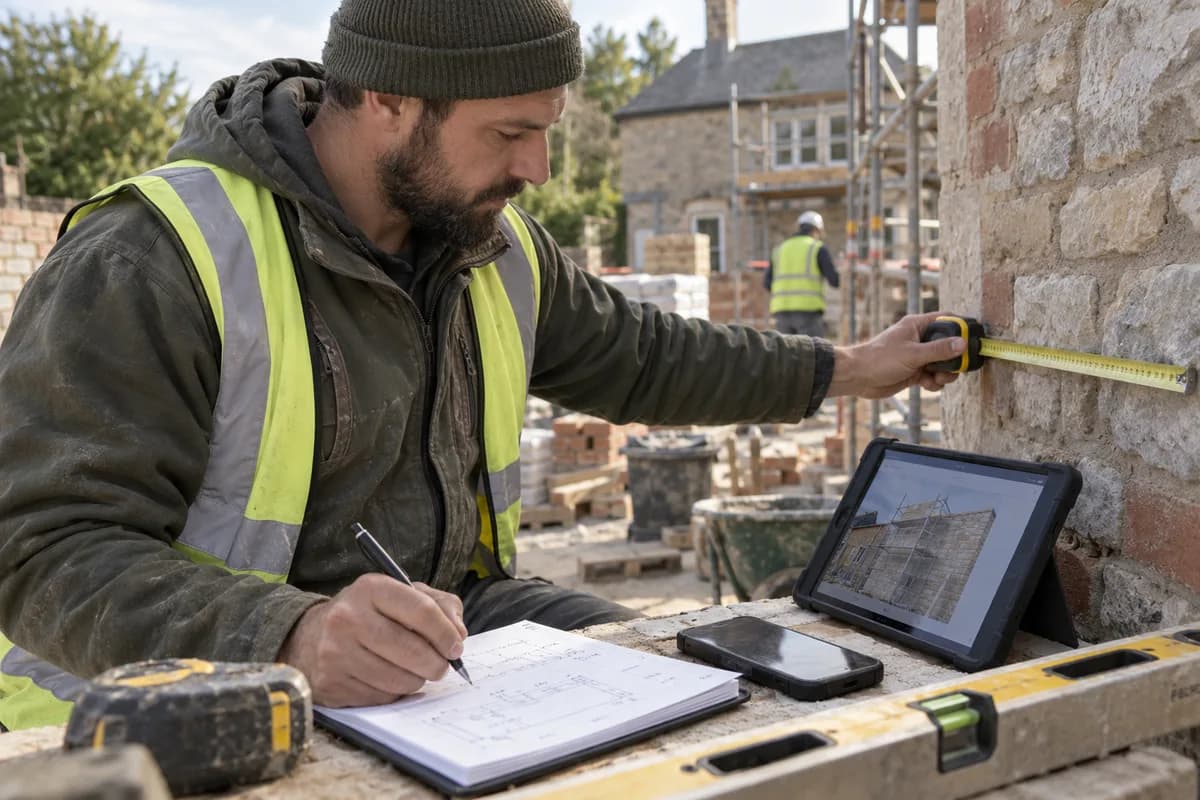
Every enquiry becomes a record under the client, whether it came from a builder, an architect, a homeowner or a property manager. The record holds the source, the address of the wall or building, the kind of work asked for and the visit that follows. Site material is attached to it.
A site visit from call to estimate
An enquiry passes between the office, the supervisor’s van and the estimator, yet it stays one record. Each person adds the part they know. The examples below follow one working week of new walling, chimney repairs and a restoration enquiry for an old boundary wall.
What each person needs from the enquiry list
Each role reads it differently. Staff in the office keep the entry, the supervisor adds the site notes, and the owner reads the list as a whole. Crew see the visits they are sent to.
Decisions to settle before enquiry set-up
A few rules keep the list clean. Each is agreed with you during the build and written into the set-up notes. Settle all four before the office starts logging calls.
How enquiries feed the rest of the masonry system
Every masonry job record starts here. What is entered here travels forward to the estimate, then to the job, and the same client file carries on through billing and later repairs. The lines below name the features that take from it or hand work to it.
- Hands visit measurements to Estimates and rate lists
- Passes an accepted estimate on as a Masonry site job
- Shares the client file with Measurements and stage bills
- Takes later repair requests into Repairs, restoration and call-backs
- Gives Receipts and dues the client name and site
Where the enquiry feature stops
This feature records and books. It does not price the work, order material or decide whether a job is worth taking. It does not replace the supervisor’s eye on a wall. Quotes, tax treatment and contract terms stay with the owner and the accountant. A firm that takes a few small jobs a month can manage with a notebook and a phone.
Frequently asked questions
Can we log an enquiry that arrives by messaging app?
Yes, the office copies the message into a new enquiry and picks the source from your list. Photographs the client sent are attached to the same record. Entry is by office staff. So the supervisor arrives knowing what the client has already shown.
Can one client have several site visits?
Yes, a homeowner may ask about a garden wall and later about a chimney. Each request is its own enquiry under the same client, with its own address, visit and files. The client’s history stays together.
Where do the visit measurements go?
Measurements are filed on the enquiry under the client, beside the sketches and photographs. The estimate is built from them there. The supervisor types them in on site. Dates show which visit each figure came from.
Can we see which source brings us the best jobs?
Each enquiry carries its source, so the owner can read the list by source and by outcome. Estimates are reported open, won and lost. Read together, they show which builders, architects or homeowners lead to signed jobs.
What happens to an enquiry that never becomes a job?
It stays on the list with its visit notes and photographs, marked lost with a reason you choose. The client may return. The old sketches and measurements are then still filed under that client, ready to reuse.
How this feature fits the system.
Masonry Contractor Management Software: the parts that work with this feature, the trades that use it and the ways to put it in place.
Enquiries and site visits
Each enquiry is logged with its source and address and a visit is scheduled, so builders and homeowners are followed up from one list.
Lead ManagementEstimates and rate lists
Estimates are built from the firm’s own material, labour, scaffolding and waste rates, with each revision kept beside the original figure.
Estimate/Quotation ManagementSite jobs and work orders
Every wall, building or repair runs as a job with stages, crew, material and schedule, from the first course to the final finish.
Work Order ManagementTell us what you need.
Tell us what your team does today, where work gets stuck and what you want to change.
What happens after you share your requirements
- We review your brief and the systems you already use.
- We clarify the workflow, missing information and the work to consider first.
- The proposed scope sets out the deliverables, responsibilities and dependencies.
- Review the scope and commercial terms before deciding whether to proceed.
Start with your requirements
Describe your current process, the people involved and the change you need. Start with the details you know; we can clarify the rest together.
Share your requirements