Rejects, stripping and replating log
Rejected pieces cost acid, labour and tank time twice. This feature logs each reject with its cause, sends the pieces to strip and replate, and joins the cost to the same lot. The owner sees what rework costs by customer and by part. The line sees which cause keeps coming back.
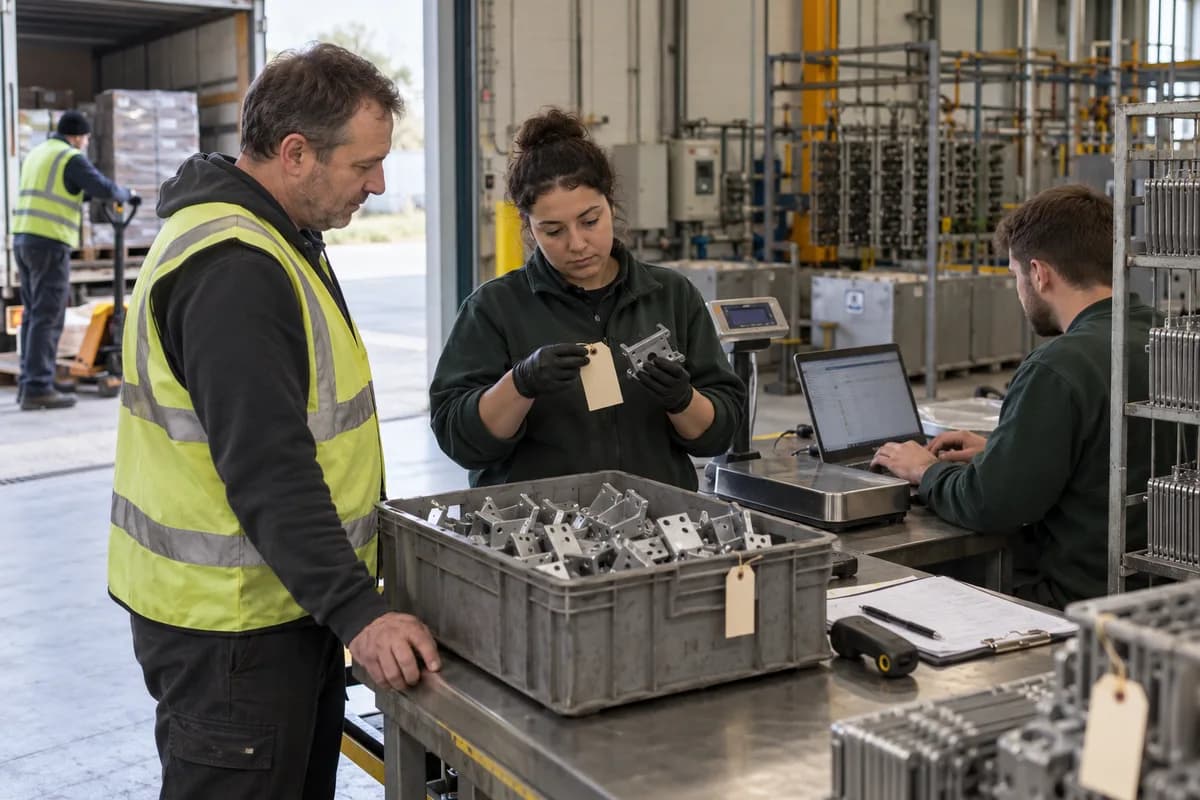
From a rejected rack to a replated lot
A rack comes out of the tank and something is wrong. Parts are burnt at the edges, or rough, or too thin. Without a record, the pieces simply go back through the line. With one, the shop learns what each failure costs. That is the point.
Reject fields behind the cost figures
A reject entry is short, but its value comes from being consistent. Cause, count and cost are recorded the same way each time. Only then can the shop compare one customer or one part with another. Sameness makes comparison fair.
Who logs a reject and who reads the cost
Rejects are logged at the bench but read in the office. The two ends need to agree on what each entry means. Entries stay short.
How rejects connect to the rest of the line
A reject entry is rarely the end of the story. It starts from an inspection result and ends in a replated lot. On the way it touches the schedule, the bath records and the invoice. Each link keeps the story in one place. It runs from first failure to final delivery.
- Failed inspection results open the reject entry
- Strip and replate steps join the lot’s route
- Replated lots return to thickness and inspection
- Rework cost by customer informs price list reviews
- Reject causes point back to baths and racks
Settling how rework is named and counted
Rework data is only useful when it is consistent. Different habits at the bench make the figures meaningless. A few agreements come first. They decide whether the cost figures can be trusted at all.
What the reject log leaves to the owner
The log shows what failed, what it cost and which cause led. It does not decide whose fault a failure was, and it does not charge a customer for rework. Pricing and blame stay with the owner. A shop that rarely rejects a piece may only need a note in a book. Volume decides the matter.
Frequently asked questions
Can the same piece be rejected twice?
Each pass through strip, replate and inspection is logged against the lot. A second failure adds a second entry with its own cause. The history shows every attempt. Repeated rework on one lot is plain.
How are reject causes chosen?
The shop keeps a short list, with causes such as burning, roughness or low thickness. The operator picks one at the bench. Free text is avoided so the totals by cause are counted without a clean-up.
Where does the cost of stripping come from?
Acid, labour and tank time are the shop’s own figures. They are entered for each rework job and tied to the lot. The system adds them up by customer and part. Totals appear on one screen.
Does a replated lot need a new work order?
The rework joins the schedule as a queue entry linked to the same lot. The planner can raise its priority. The lot number stays, so the customer’s paperwork still points to one delivery from start to finish.
Can we see which part loses money on rework?
Strip and rework cost is reported by customer, and rejects are reported by cause, customer and part. Read together, they show which part keeps returning to strip. The pricing decision stays with you, the owner.
How this feature fits the system.
Plating Company Management Software: the parts that work with this feature, the trades that use it and the ways to put it in place.
Customer lots and receiving
Every delivery is booked in as a numbered lot with count and weight, so the same parts can be traced from the gate to dispatch.
Batch and Serial TrackingWork orders and line scheduling
A work order carries the finish, thickness and due date, and each tank sees which lots are queued next on its route.
Work Order ManagementRacks, barrels and loading
Lots with a compatible finish are grouped onto racks or into barrels by count and surface area, before they enter the first bath.
Production PlanningTell us what you need.
Tell us what your team does today, where work gets stuck and what you want to change.
What happens after you share your requirements
- We review your brief and the systems you already use.
- We clarify the workflow, missing information and the work to consider first.
- The proposed scope sets out the deliverables, responsibilities and dependencies.
- Review the scope and commercial terms before deciding whether to proceed.
Start with your requirements
Describe your current process, the people involved and the change you need. Start with the details you know; we can clarify the rest together.
Share your requirements