Crew scheduling and on-call roster for restoration teams
Restoration work does not wait for a diary. This feature plans technicians, project managers and subcontract crews by day, and keeps the after-hours roster for burst pipes and storm callouts beside it. Dispatchers see who is free, technicians see their next visit, and the owner can tell at a glance whether Saturday night is covered.
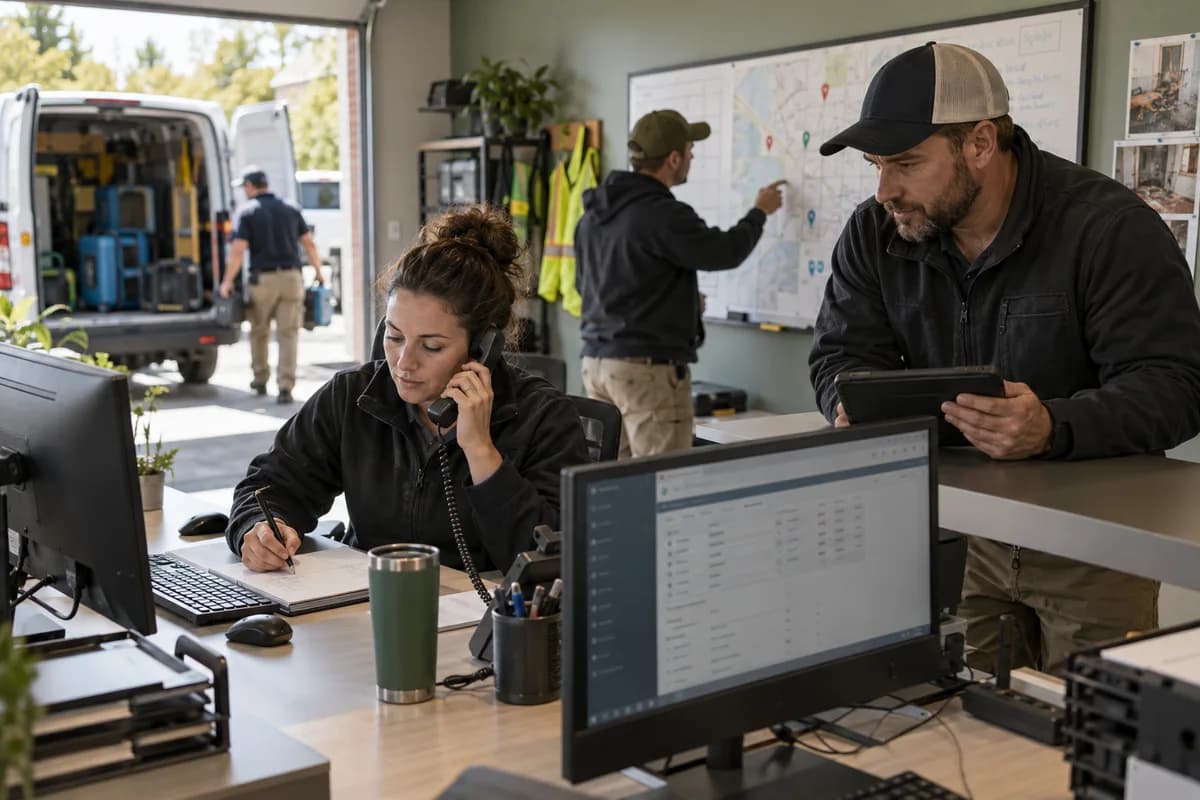
Rota entries behind every shift and callout
A crew schedule is a set of dated entries, one for each person and each subcontract crew. The after-hours roster sits beside the day plan, so the office can see at a glance who is on duty tonight. Every entry names who, when and where.
A storm week at the scheduling board
A storm warning fills the diary before the first call arrives. Burst pipes follow a cold night, and floods follow heavy rain. The roster has to answer fast. The office needs to see who is booked, who is on standby and who has already been out all night.
Different views of one crew plan
A schedule is read by the people on it and by the people who run it. Each sees what matters to the next shift. The owner reads the whole plan as well and spots thin days before they arrive.
Fixing the rules of the on-call rota
A rota is only as good as its rules. Agree them with your project managers and the people who take night calls before the first week is entered. GullySystem adjusts them later on request.
Handing the plan to site and office
The schedule sits between intake and the site. Dispatch asks it who is free, and the answer returns to the loss. Once a crew is booked, the visit becomes the place where readings, equipment moves and photographs are recorded. Subcontract bookings later connect to purchase orders and completion.
- Dispatchers pick crews from the day plan and roster
- Booked visits open the matching moisture and drying logs
- Technicians record equipment moves under the loss they attended
- Subcontract crew days link to rebuild phases and subcontractors
- Crew time on each loss feeds margin by job
Limits of a crew roster
Planning records who is booked and who is on call. That is its whole job. It cannot decide how big a crew a job needs, check licences, count hours worked or pay wages. Pay and working-time rules belong to the owner and an adviser. A firm of three or four people can run a shared calendar. This earns its place once nights, weekends and subcontract crews pile up.
Frequently asked questions
Can the roster show who is on call tonight?
The after-hours roster names the person for each night, and the call handler reads it when a burst-pipe or storm call arrives. Handovers are dated, so last week’s name is not mistaken for this week’s. Tonight’s entry is easy to spot.
How are subcontract crews planned beside employees?
Subcontract crews are booked by day on the same plan as technicians and project managers. Each shows against the loss in hand. Rebuild work then follows through purchase orders and completion records. It is one trail.
What if the on-call technician is already out?
Read together with the day plan, the roster shows the call handler that person is at another loss. The next name is tried. The dispatch is then recorded on the new loss, with the crew chosen.
Does every technician see every job in the firm?
Technicians open the jobs assigned to them on a phone. How much else each person sees is agreed in the first workshops, with the owner and the project managers. Access is part of set-up, not an afterthought.
Does crew scheduling replace our payroll?
No. Bookings and the roster live here. Wages and timesheets for pay do not, and they stay with your accountant. Crew time still feeds margin by job after labour, material and equipment. The owner reads that alongside the plan.
How this feature fits the system.
Restoration Contractor Management Software: the parts that work with this feature, the trades that use it and the ways to put it in place.
Loss intake and dispatch
Every call or message opens a loss with its address, payer and claim reference, so none is logged late or sent to two crews.
Lead ManagementCrew scheduling and on-call roster
Technicians and subcontract crews are planned by day, and the after-hours roster shows who can attend a burst-pipe call tonight.
Technician SchedulingMoisture and drying logs
Each visit leaves a record of moisture readings, humidity and equipment by room, which becomes the drying log an insurer may request.
Service Reports and Proof of VisitTell us what you need.
Tell us what your team does today, where work gets stuck and what you want to change.
What happens after you share your requirements
- We review your brief and the systems you already use.
- We clarify the workflow, missing information and the work to consider first.
- The proposed scope sets out the deliverables, responsibilities and dependencies.
- Review the scope and commercial terms before deciding whether to proceed.
Start with your requirements
Describe your current process, the people involved and the change you need. Start with the details you know; we can clarify the rest together.
Share your requirements