Serial, firmware, burn-in and repair records for every inverter you ship.
IGBT and control board lots, kit issue, assembly, bootloader flashing, burn-in, final test, repair and warranty sit in one system for solar inverter makers. Each serial number keeps its board lots, firmware build and test readings. A returned unit opens its full build history. Support staff answer a claim from the record, not from memory.
- Your inverter models, bills of materials and test fields keyed in during set-up
- Running orders and stock entered from the files the stores keep
- Our staff update test fields whenever you ask
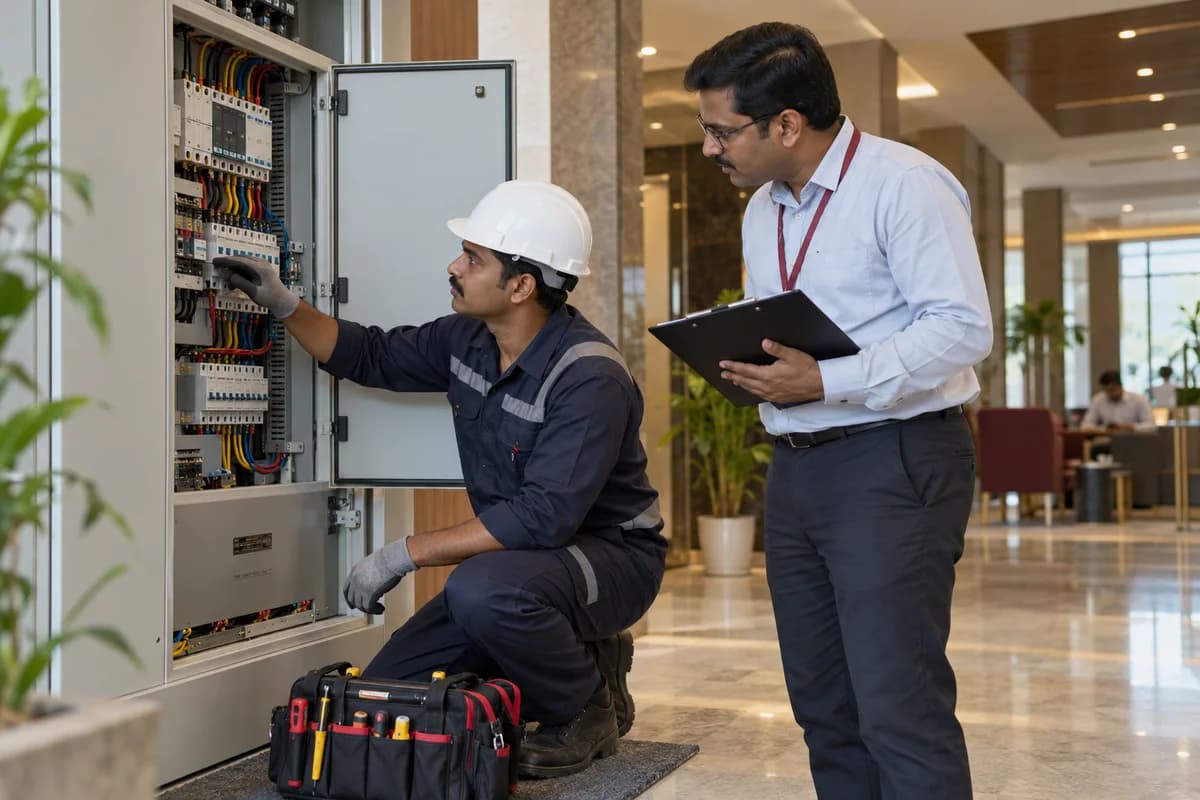
Board and IGBT module lots, kit issue, heatsink mounting, firmware flashing, burn-in, final test, repairs and warranty are recorded in one system for inverter makers. Each serial number carries its parts, firmware build and readings. A returned inverter opens its build history, so support and production see the same facts.
What goes wrong before the software.
How the work flows through it, step by step.
- 1
Order and work order
A buyer’s order names the model, kilowatt rating, phase and quantity. The planner issues a work order, which pulls a kit against the bill of materials.
- 2
Receiving and kitting
Control boards, IGBT modules, DC link capacitors, inductors and enclosures are received by lot. Stores issue a kit and record which lots went to which work order.
- 3
Assembly
Operators bolt the IGBT stack to the heatsink with thermal paste, wire the unit and torque the busbar terminals. Operator and station are recorded against the serial.
- 4
Flashing and burn-in
The firmware image and grid-code parameter set are flashed and logged. The unit then runs at rated load in the rack, and hours and heatsink temperatures are saved.
- 5
Test and labelling
Output voltage, efficiency points, residual current trips, insulation resistance and RS485 communication are checked against model limits. Passing units get the rating label with its serial.
- 6
Dispatch and warranty
Scanning a carton at the dock checks it against the sales order, and the buyer receives the inverter serials packed inside. A warranty record opens with the dispatch and commissioning dates.
What is inside.
Every module can be switched on, left out or changed to match how your team already works.
The business modules it is built from.
Each one is also available on its own, or inside a system built for you.
- Bill of Materials
Each inverter model lists its control boards, IGBT modules, heatsink and enclosure, and a change to the list is saved as a new revision.
- Batch and Serial Tracking
Board and capacitor lots are logged at receiving and issued by lot, so a suspect lot returns the list of serials that used it.
- Work Order Management
A work order releases a kit for a stated number of units, and shortfalls in boards or enclosures appear before assembly starts.
- Production Planning
Assembly stations are loaded from open work orders, and the supervisor sees which model waits for which control board.
- Quality Control
Output, efficiency and trip limits are held per model, and a unit outside them is held at the test bay for the repair bench.
- Ticket Management
Every returned inverter opens a ticket under its serial with the fault code, parts swapped and retest, so repeat returns show their history.
- Contract Management
Warranty terms from each order are stored against the serial, and claims are counted from the dispatch or commissioning date you choose.
- Stock Tracking and Alerts
Fans, fuses and display boards are counted against reorder levels, and service engineers draw them against a call.
How we would put it in.
Setup, data migration, integrations and anything built on top.
One system, each person sees their part.
For the plant manager
Read units through burn-in, the final test pass rate by model, returns open and orders due, all from one screen.
For assembly supervisors
Release work orders, assign stations and see shortages of control boards, IGBT modules or enclosures before a line stops.
For test and firmware engineers
Maintain firmware images and test limits, and review burn-in and final test results by serial. A change to a limit carries its date.
For service engineers
Open a returned unit’s build history, log the fan or fuse replaced and book the retest. Repeat faults on one serial stand out.
For purchase and stores
Receive boards and capacitors by lot, kit work orders and reorder spares against minimum levels.
The numbers the owner asks for.
- Units by model through burn-in and final test
- Firmware version installed, by serial and date
- Failure codes by model and component lot
- Returns and repairs by serial and visit count
- Warranty claims against dispatch and commissioning dates
- Spares used against reorder levels
- Board assembler deliveries against work orders
Who this is built for.
- String inverter makers
- Hybrid and battery inverter assemblers
- Microinverter makers
- Makers of inverters for pumps and off-grid systems
- Contract assemblers who build inverters to another brand’s design
When it is not the right choice.
- Component makers who only produce power modules or capacitors for others will need a different product.
- Firms that only sell and commission inverters will find Solar Installation Management Software closer.
Adapted to your business before it goes live.
You are not handed a login and left to it. The product is set up around your records, your people and the tools you already use.
Works alongside
- SMS
- WhatsApp or other messaging
- Test rack file import
- Label printer
- Accounting export
Questions owners ask before a demo.
How do we know which firmware each unit has?
The flashing step logs the hex file and parameter set against the serial. If an MPPT bug is found later, one filter lists every affected unit and its buyer.
Can we trace a unit to a capacitor lot?
Yes. Kits are issued by lot to the work order, so a suspect DC link capacitor lot returns the serials that used it, with their dispatch dates.
Does it keep burn-in data?
Yes. Slot, hours at load, heatsink thermocouple readings and trips are saved against the unit, so a failure points to both the inverter and its rack position.
What about an outside board assembler?
Deliveries are logged as receipts with their lots. If you send gate driver parts to the assembler, the issue and the return are logged as a subcontracted process.
How are returns handled?
Each returned inverter is booked under its serial, with the fault code and the fan or fuse swapped. A second return shows the first visit’s history.
Can warranty periods differ by buyer?
Yes. The terms in each order are stored, and the warranty register counts from the date you choose, such as dispatch or commissioning.
Do operators need training?
Station screens are short and follow the order of the line, from busbar torque to rack loading. A session at each station is part of the introduction.
Can test limits be changed?
Yes. Pass and fail limits for each model are changed by GullySystem staff when you ask, and every change carries its date.
Who owns the unit records?
You do. Build and test records leave as spreadsheets, and the export layout is fixed in the proposal first.
Is there a price list?
No price list is published. Cost depends on lines, stations and the test rack link. A demo built around one of your models comes before any written proposal.
Wondering what it would cost? Share your requirements and an engineer will come back with a scope.
Businesses that use this.
See Solar Inverter Manufacturer Management Software with your own data.
Tell us how you run things today. We’ll show you the parts that matter to you and say plainly what would need changing.
- No obligation
- A reply within one business day
- Your details stay private
Start with your requirements
Seven short steps that tell us what you need. An engineer reads them before getting in touch.
Share your requirements