Notes for owners · Industry-Specific Software Guides
Who Does What in a Catering Business, From Order Desk to Head Cook
The order desk owns menus and quotes, the head cook owns quantities, the supervisor owns the hall, and accounts owns settlement. The owner reads margins across all of them. Each role should record one thing well. GullySystem’s Catering Management Software gives each its own screen. Ten weddings a season may need only a careful register.
Ganesh HS, Strategy and Technology, GullySystem · · 3 min read
The order desk: enquiry, menu and quotation
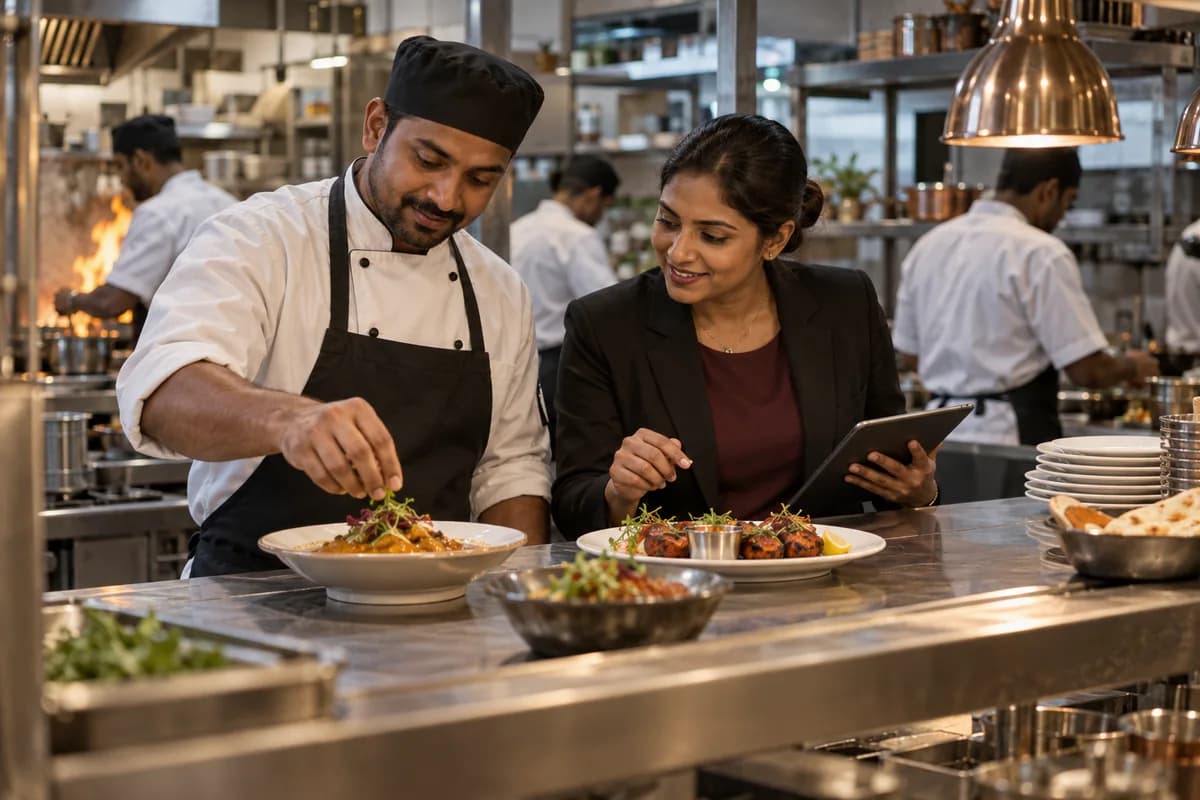
The order desk meets the family or the company. It records the date, venue, session and approximate count, suggests menus, sends the per-plate quotation and takes the advance.
Its most important job is the menu version. Families change menus several times, often by voice note late at night. The desk should save each change as a new version and mark which one the family approved.
Only that approved version reaches the kitchen. Everything else is history.
The head cook: quantities and purchases
The head cook turns the closing count into rice, dal, vegetables, oil and sweets. Often this is done on paper, from memory of a similar event that may have had a different menu and a different crowd.
Written recipes per hundred plates make this repeatable. They will be rough at first and improve after a few events. The week’s quantities across events then combine into one purchase list.
- Recipes written per hundred plates
- Quantities worked from the closing count
- One purchase list across the week
- Corrections noted after each event
The site supervisor: the day at the hall
The supervisor carries the loading list, checks which staff reported and runs service. When guests keep arriving, he sees the extra plates go out. He is the witness.
He should note plates added, late counters and last-minute items as they happen, with the time and who asked. That note settles the bill later. He also counts handis, chafing dishes and gas equipment back onto the vehicle.
Accounts: advances, settlement and contracts
Accounts records the advance, part payments and the closing balance for each event. The settlement bill is built from the closing count plus additions, less the advance.
Office canteen and hostel contracts add a second rhythm. Daily counts by site become a monthly invoice with GST. Where a client deducts TDS, ask your CA how to record it.
Supplier bills belong here too, tagged to the events they served.
- Advance received per event
- Additions recorded at the hall
- Balance due at settlement
- Supplier bills tagged by event
The owner: margins, clashes and vessels
The owner reads across every role. Which events covered their cost? Which cooks are promised to two functions on one day? Which vessels have not come back?
Margins should be visible only to people the owner chooses. Costing is sensitive, and the kitchen does not need it. Decide early. Settle this before anyone gets a login.
Event role sheet
A table with one column per role and one row per stage, from enquiry to settlement. In each cell, write what that role records and where it is kept. Blank cells show work that nobody owns today.
Open a blank worksheet to printQuestions owners ask
Should the head cook type into software?
Ideally very little. His screen can show the approved menu and quantities on a phone, mostly read-only. Quotations and costing are easier on a laptop at the desk.
Does catering software check our food licence or hygiene?
No. GullySystem’s catering software has no view on licences or hygiene checks. Those stay with you and whoever advises you on them.
Can one person cover several roles?
Yes, and in small firms one person often does. The roles still exist. Writing down who records what keeps work from falling between them.
Is a restaurant POS a fit for event catering?
Usually not. A POS bills table by table. Event work needs menu versions, closing counts, staff bookings and vessel tracking.