Standing orders, dough batches, ingredient lots and route returns in one bakery record.
Manage outlet orders, bake plans, dough batches, ingredient lots, allergen changeovers, wrapping, van loading and returns in one system. Each dough batch holds the flour and yeast lots it used, the oven it went through and the trays it filled. The planner reads yesterday’s returns before setting tonight’s bake. Drivers confirm drops and collections on a phone.
- Products, tray sizes, routes and recipes held in the units your planner already uses
- Outlet lists and standing orders migrated
- Allergen and shelf-life rules named by your head baker
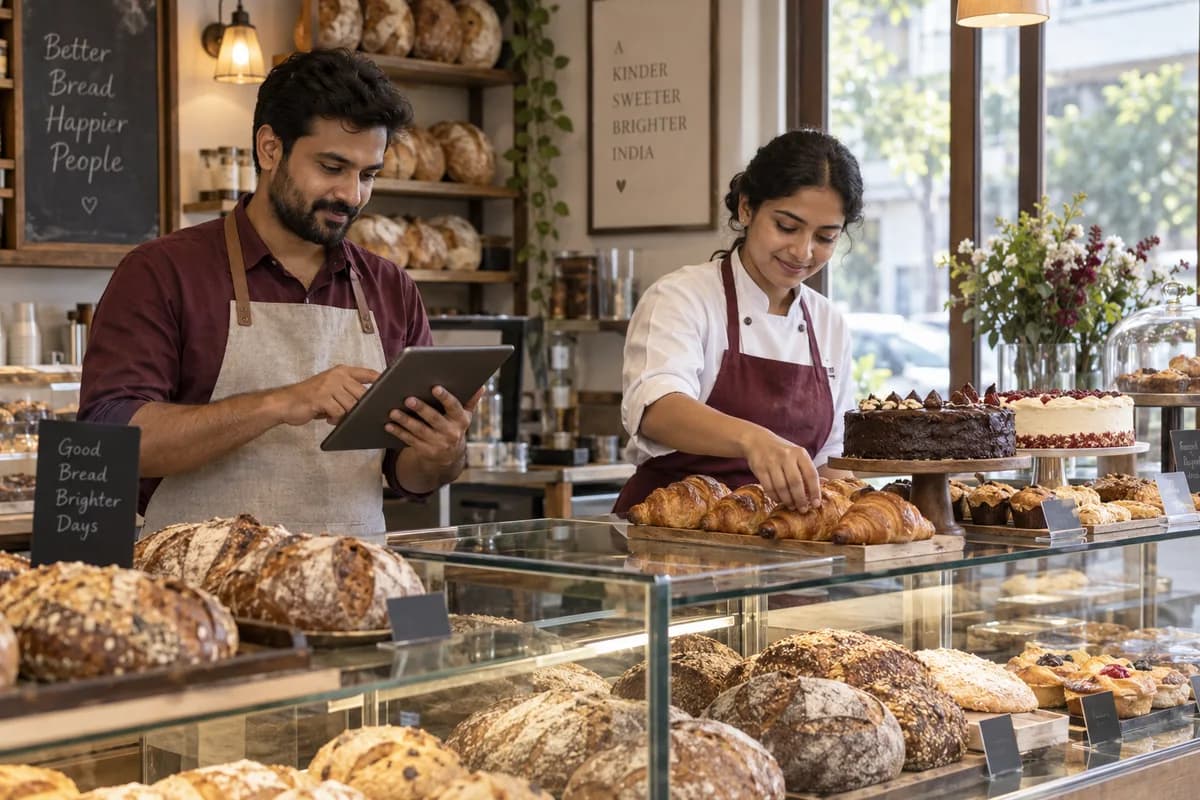
Factory bakeries making bread, buns, biscuits, rusks and cakes for shops and wholesale plan orders, bake runs and dough batches here, configured by GullySystem. Each batch carries its flour lots, oven, trays and best-before date. Van routes and returns follow the same record. Allergen and shelf-life rules come from your head baker.
What goes wrong before the software.
How the work flows through it, step by step.
- 1
Orders close
Totals are struck at cut-off. Outlet orders and standing patterns are grouped by product, tray size and route.
- 2
Planning the night
The planner turns the totals into dough batches for each mixer, with oven slots and cooling rack space.
- 3
Mixing and lots
Each batch records the flour, yeast, fat and improver lots weighed to the recipe.
- 4
Baking and cooling
Oven, tray count and any short or burnt trays are noted. Cooled product moves to slicing.
- 5
Wrapping and loading
Packs are dated and lot coded. Trays and crates are counted onto the van.
- 6
Delivery and returns
Drivers confirm each drop, collect empties and log unsold trays, which become credits and next week’s plan input.
What is inside.
Every module can be switched on, left out or changed to match how your team already works.
The business modules it is built from.
Each one is also available on its own, or inside a system built for you.
- Order Management
Standing patterns and one-off changes are held per shop, then closed at the cut-off hour so the plan works from a fixed list of trays.
- Production Planning
Order totals become dough batches for each mixer, and the planner sees oven slot and cooling rack time before any dough is made.
- Bill of Materials
Each recipe lists flour blend, fat, yeast and improver quantities that scale to the number of loaves or trays in the batch.
- Batch and Serial Tracking
Flour and yeast lots are recorded per dough batch, so a complaint about one pack leads back to the sacks it used.
- Quality Control
A line cannot start its next product until the clean-down checks are ticked and the supervisor signs the changeover.
- Barcodes and Labels
Wrapping prints a best-before date and lot code taken from the shelf life stored for each product and pack.
- Sales Returns and Credit Notes
Unsold trays counted by the driver become a credit against the outlet, and the product and route stay on the record.
- Stock Tracking and Alerts
Flour, fat and film stock is compared with next week’s plan, and low items raise an alert for the buyer.
How we would put it in.
Setup, data migration, integrations and anything built on top.
One system, each person sees their part.
For the bake planner
Total the orders and adjust batches. Read yesterday’s returns before the night shift starts.
For mixing and oven leads
See the batch sheet for each mixer, record lots weighed, and mark the oven time and tray count.
For line supervisors
Sign the allergen changeover and the wrapping date check before a run begins.
For dispatch and drivers
Load the van by route. Confirm each drop and log returned trays from a phone.
For quality staff
Search by lot number. See which batches, outlets and routes received a given flour sack.
The numbers the owner asks for.
- Bake plan against actual trays by product
- Ingredient lots used by dough batch
- Allergen changeovers signed by line and shift
- Returns by outlet, route and product
- Shelf-life dates printed by product and pack
- Standing order changes after cut-off
- Flour and packaging stock against the next week’s plan
Who this is built for.
- Factory bakeries making bread, buns and rolls for shops and chains
- Biscuit, rusk and cookie makers supplying retail and wholesale
- Cake and pastry plants with delivery routes to outlets
- Bakeries that supply cafés, hotels and catering firms
- Bakery groups with several lines or satellite depots
When it is not the right choice.
- A shop bakery that bakes and sells over its own counter will find Bakery Management System closer.
- A packaged snack maker with no dough line may prefer Food Packaging Manufacturer Management Software.
Adapted to your business before it goes live.
You are not handed a login and left to it. The product is set up around your records, your people and the tools you already use.
Works alongside
- SMS
- Label printer
- Accounting export
- Payment gateway
Questions owners ask before a demo.
Can the plan follow orders that change after cut-off?
Yes. Late changes are flagged against the closed list. The planner decides whether to add a small extra batch or short the route.
How are allergen changes handled between lines?
Each line carries a checklist of the clean-down steps your quality team defines. A signed entry is needed before the next product is started.
Can I trace a complaint back to one flour sack?
Yes. Enter the lot number and the system lists the dough batches, wrapping runs, vans and outlets that received that flour.
Will drivers need a special device?
No. A driver’s phone is enough. It confirms drops, counts empties and notes returned trays against each outlet.
Can products with different shelf lives share one line?
Yes. A cake, a loaf and a biscuit each carry their own life. The wrapping line prints the right date.
Does it handle credit notes for unsold trays?
Yes. Returned trays are entered per outlet and product, and a credit note is raised from the count the driver confirms.
Is last year’s order history usable?
Yes. Outlet patterns and past order totals can be imported from spreadsheets, so planning starts with real numbers from the first night.
What does a demo cover?
A demo uses a handful of your own products and routes, so you see an order become a bake plan, a dough batch and a loaded van.
Wondering what it would cost? Share your requirements and an engineer will come back with a scope.
Businesses that use this.
See Bakery Product Manufacturer Management Software with your own data.
Tell us how you run things today. We’ll show you the parts that matter to you and say plainly what would need changing.
- No obligation
- A reply within one business day
- Your details stay private
Start with your requirements
Seven short steps that tell us what you need. An engineer reads them before getting in touch.
Share your requirements