Reports for Clothing Store Owners and Managers
Every report here is built from what the counter already enters. No separate register is kept, and no figure is typed twice to make a report appear.
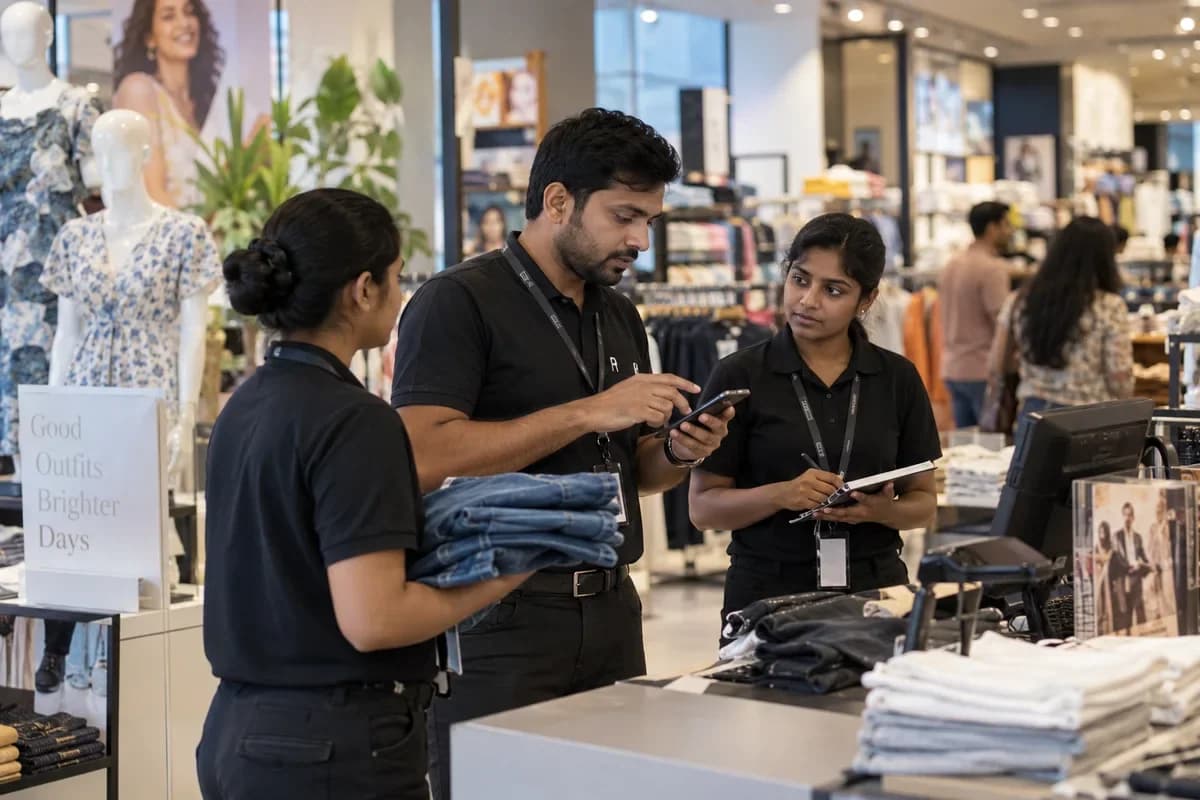
What an owner reads daily
What the month shows
How a report is read
Every report opens on screen for the period you pick and can be filtered by outlet, product type, brand or salesperson. A line can be opened to the bills behind it, so a figure is never a dead end. Export to a spreadsheet is there. A report the owner opens daily can be pinned to the home screen.
Reading sell-through without a statistics degree
Sell-through is a plain idea: of the pieces that came in, count the ones that have gone out. Garment owners watch it by size, because a style that looks strong can hide two stuck sizes.
A short weekly routine for the owner
Reports earn their place when they change a decision. Owners settle on a ten-minute routine and keep to it.
Choosing the numbers that deserve a place on the home screen
A dashboard of twenty tiles hides the three that matter, so most owners pin only the figures they read before the first customer walks in. Pick numbers that lead to an action on the same day, and leave the rest a tap away.
- Yesterday’s sales and the payment split
- Size and colour gaps waiting for a buyer
- Alteration slips running past their promised date
- Credit notes issued and still unused
Questions to ask before trusting any report
A figure is only useful when you can trace it. Ask these of your vendor and of yourself.
- Can I open a total and see the bills behind it
- Is the period end the same hour for every counter
- Do returns reduce sales on the day they happen or on the original day
- Who may see the cost price columns
- Can I export the raw lines and rebuild a figure myself
What reports do not do
- No GST return is filed from here
- They do not value stock for your books without your accountant
- They do not compare your shop against any other shop
- A report not on this list is quoted before it is built
Reports opened by each person across a week
One set of reports is read by four different people for four different reasons. This page follows them through a week. It shows which report each one opens and what they do after reading. The reports themselves stay the same.
Agree the evidence before signing off this part.
Use a representative scenario to decide what this part of the system must show and where review is still needed.
How a report is read
What does one row mean before totals are combined?
Choose one period in “How a report is read” and compare it with the source records. Define the date basis and grouping before accepting a total that combines several kinds of entry.
Background reading: Microsoft: reporting grain and relationships
Exchanges and credit notes outstanding
What returns to stock, and what returns to the customer’s account?
Walk through “Exchanges and credit notes outstanding” using a partly paid sale. Agree the physical return and the financial correction separately, with a reference to the original transaction.
Background reading: ERPNext: returns and credits
Frequently asked questions
Can a report be sent every morning?
Yes, a daily sales and gap summary can reach the owner by WhatsApp or mail, at a time you set.
Can we get a report that is not listed?
Often yes. We check what it needs from the records, then quote it before any work starts.
Does the owner need to be in the shop?
No. Reports open on a phone, and an owner away from the counter reads the same figures.
Can a figure be traced to its bills?
Yes, every line opens to the bills, lots or slips behind it, with dates and staff names.
Can I see two outlets together?
Yes, reports add up across outlets, and a filter narrows them to one.
How do I find slow stock?
The not-moved report lists styles by days on the floor and days since the last sale, so slow lines surface on their own.
Can staff see the cost price?
Only to roles you allow. Cost columns are kept to the roles you name.
How this feature fits the system.
Clothing Store Management Software: the parts that work with this feature, the trades that use it and the ways to put it in place.
Barcode tags and price labels
A swing ticket prints for each garment carrying style code, size, colour and price, and a torn or missing ticket is reprinted.
Barcodes and LabelsCounter billing and day close
Counter staff scan garments, apply a discount, print a tax bill, take cash, wallet or card, and close each counter at shutter time.
Point of Sale BillingPurchase orders and supplier records
Orders go to wholesalers and brand distributors, bales are received against them with sizes checked, and each supplier ledger is kept.
Purchase Order ManagementTell us what you need.
Tell us what your team does today, where work gets stuck and what you want to change.
What happens after you share your requirements
- We review your brief and the systems you already use.
- We clarify the workflow, missing information and the work to consider first.
- The proposed scope sets out the deliverables, responsibilities and dependencies.
- Review the scope and commercial terms before deciding whether to proceed.
Start with your requirements
Describe your current process, the people involved and the change you need. Start with the details you know; we can clarify the rest together.
Share your requirements