Concession stock and reorder levels for cinemas
Stock is recorded for the snack counter’s own shelf. Deliveries come in, issues and wastage go out, and each item carries a reorder level. When popcorn kernels, syrup, cups or cartons fall towards it, a warning reaches the manager before the shelf is empty. Staff stop counting by eye.
What cinema concession stock records
Four things move on the snack shelf: what arrives, what is issued, what is wasted and what is left. The stock record keeps all four for every item, from popcorn kernels to the cartons they are served in. Here is how each is kept.
A cinema snack shelf through the week
Stock work happens in the quiet hours as much as in the rush. Deliveries arrive when the foyer is empty, wastage is found when the counter is cleared, and the reorder warning shows when the manager next looks. Four moments from a week follow.
Who keeps and reads the stock record
Stock is kept by the people at the shelf and read by the people who pay for it. Each role below sees a different slice of the same record. Access follows set-up.
Concession stock decisions to settle before set-up
A stock record is only trusted when the habits behind it are agreed. Settle the points below with the snack counter lead and the manager before the first delivery is entered. Each one changes the daily routine.
How concession stock connects to the cinema
Stock sits behind the snack counter and in front of the accounts. It takes its draw-down from sales and its deliveries from the people at the shelf. It gives back a count the manager can read and a warning before the shelf is empty. The five links below show where it reaches.
- Takes item and combo quantities from every snack sale
- Feeds stock movement into the owner’s margin view
- Warns the manager when cups or cartons run low
- Leaves supplier payments to the accounting export
- Adds the day’s stock movements to the manager’s close
Where concession stock stops
The stock record counts and warns. It does not place the order with a supplier, agree a price or pay an invoice. Those stay with the manager and the accounts. It cannot tell a count from a miscount either, so the shelf is still looked at. A kiosk selling a few packaged items can keep a tally sheet.
Frequently asked questions
How does a reorder warning work?
When the count falls towards it, the item appears on the low list and a warning reaches the manager. The level is yours to set, so a fast item can carry a higher one.
Can wastage be recorded with a reason?
Yes, wastage takes a short reason. Spilt, spoiled and out-of-date stock are told apart from stock that sold. Whoever finds the loss enters it, and the count drops at once. Owners read wastage as a line of its own.
What counts as an issue to the counter?
An issue is stock moved from the stock room to the counter for service. Recording it keeps the two places apart. The room’s count and the counter’s count are each right. Whether you track a separate stock room is a set-up choice.
Can a delivery be entered in pack sizes?
Yes, a delivery is entered in packs. The item holds its pack size, so the count rises by the units that pack contains. The sizes are agreed when the item list is loaded. Bring a recent delivery note to settle them.
Does it stop popcorn running out mid-interval?
It warns the manager early. A warning is not a delivery, so someone still has to order and the supplier has to deliver. Setting levels high ahead of a busy film is the manager’s call.
How this feature fits the system.
Movie Theatre Management Software: the parts that work with this feature, the trades that use it and the ways to put it in place.
Screens and show schedule
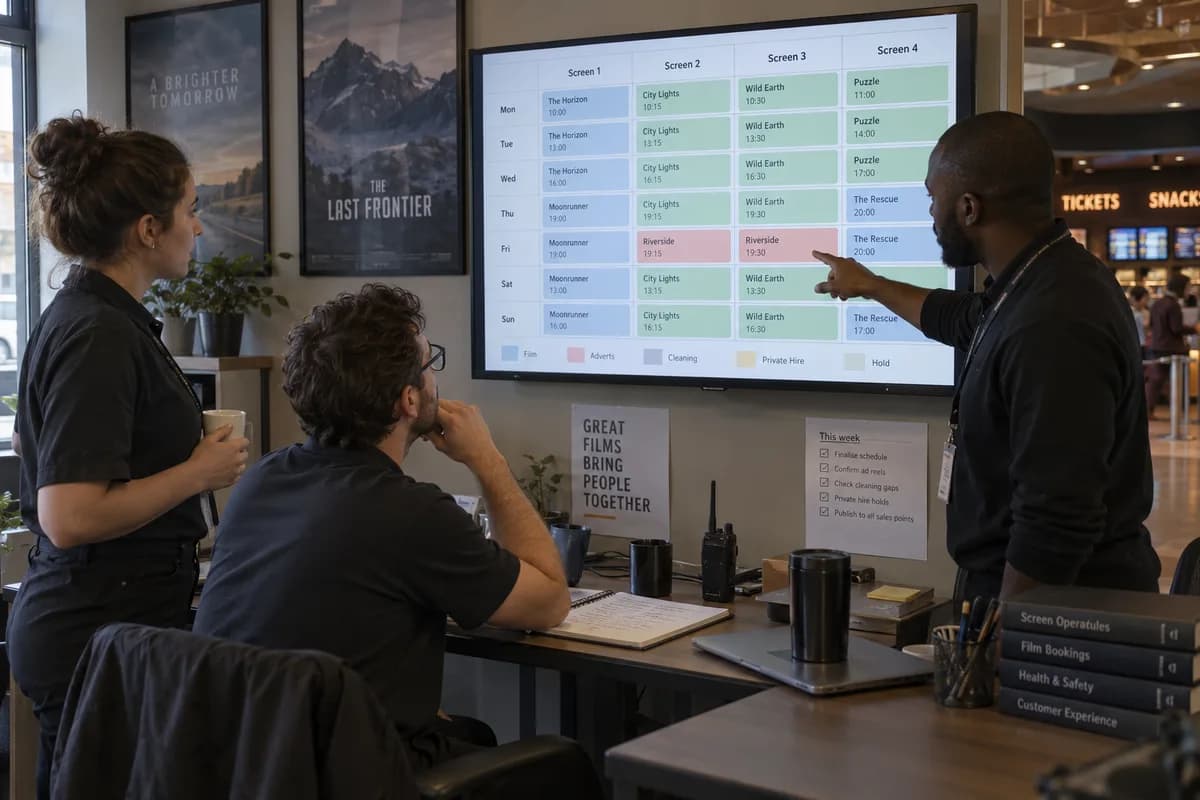
Each screen is a shared resource booked by show, with cleaning gaps and advert reels, so overlapping shows are flagged before publishing.
Resource and Room BookingTicket sales at counter, kiosk and online
The booking page shows live seats from the same map the box office uses, so a ticket sold online is gone at the counter.
Online Booking PortalConcession sales and combos
The counter screen sells snacks, drinks and combos, with each combo priced against the items inside it and a bill printed at once.
Point of Sale BillingTell us what you need.
Tell us what your team does today, where work gets stuck and what you want to change.
What happens after you share your requirements
- We review your brief and the systems you already use.
- We clarify the workflow, missing information and the work to consider first.
- The proposed scope sets out the deliverables, responsibilities and dependencies.
- Review the scope and commercial terms before deciding whether to proceed.
Start with your requirements
Describe your current process, the people involved and the change you need. Start with the details you know; we can clarify the rest together.
Share your requirements