Offers and membership for cinemas
Offers and membership are the discounts a cinema gives and the people it gives them to. Member cards, discount days and voucher codes are all applied at the counter and online as a ticket or a snack sale is rung. Each offer then reports what it brought in.
What cinema offers and membership record
An offer is defined before it is given. Before a card means anything, the member has to be known. The records below are what the system keeps for both, from the rule behind a discount to the sale that used it.
A cinema offer through a trading week
Offers are felt at the till before they are seen in a report. A customer holds out a card, a customer types a code online, or a quiet Tuesday is given a reason to fill. Four moments show an offer at work.
Who runs, applies and reads the offers
Offers are decided at the top, applied at the till and judged afterwards. Each role below plays a part in one step. Few touch all three. Set-up decides who may create an offer and who may only use one.
Cinema offer decisions to settle before launch
A mistaken offer costs real money. Settle the points below with the owner and the manager before any offer goes live. Write each rule in plain words that the counter can follow.
How offers and membership connect to the cinema
Offers sit between the price card and the final bill. They take a price band from ticket sales or a snack price from the counter and lower it by a rule. What they hand on is a record of which offer was used and what it brought in. Five features are linked below.
- Lowers ticket price bands at counter, kiosk and online
- Reduces snack and combo prices at the counter
- Reports takings by offer to the owner
- Adds offer use to the manager’s close of the day
- Shares offer takings with the accounting export
Where offers and membership stop
Offers apply a discount by rule and record what it brought in. They do not decide what discount is wise, design a loyalty scheme or write the terms of a membership. Marketing choices stay with the owner. Data protection and consent for a member list are the theatre’s duty, taken up with an adviser. A theatre with one standing discount can write it on the price board.
Frequently asked questions
Can one voucher code be used twice?
Each code records whether it has been used. A second attempt can therefore be seen in the record. Whether a code may be used more than once is decided when the offer is set up. The rule is the owner’s to choose.
Do member offers work on the booking page?
Yes, offers run online as well. A voucher code is typed on the booking page, and the reduction shows before payment. How a member is recognised online is agreed during implementation. Ask for it to be shown in the demo.
Can an offer be switched off on a set date?
Yes, an offer can carry an end date. After that date, the counter and the booking page stop applying it. The manager can also end one early. Agree who may do that before launch. Past sales keep the offer they used.
Can we see what a discount day brought in?
The offers report lists each offer with the sales that used it and what they brought in. Set beside ordinary takings, a discount day can be judged on figures. Keeping an offer is the owner’s call.
Does a member card work at the box office and snack counter?
Yes, one card works at both. One member record serves both tills, so the same member is found at either. Each sale is tied to that member, wherever it was rung. The counter staff need no second list.
How this feature fits the system.
Movie Theatre Management Software: the parts that work with this feature, the trades that use it and the ways to put it in place.
Screens and show schedule
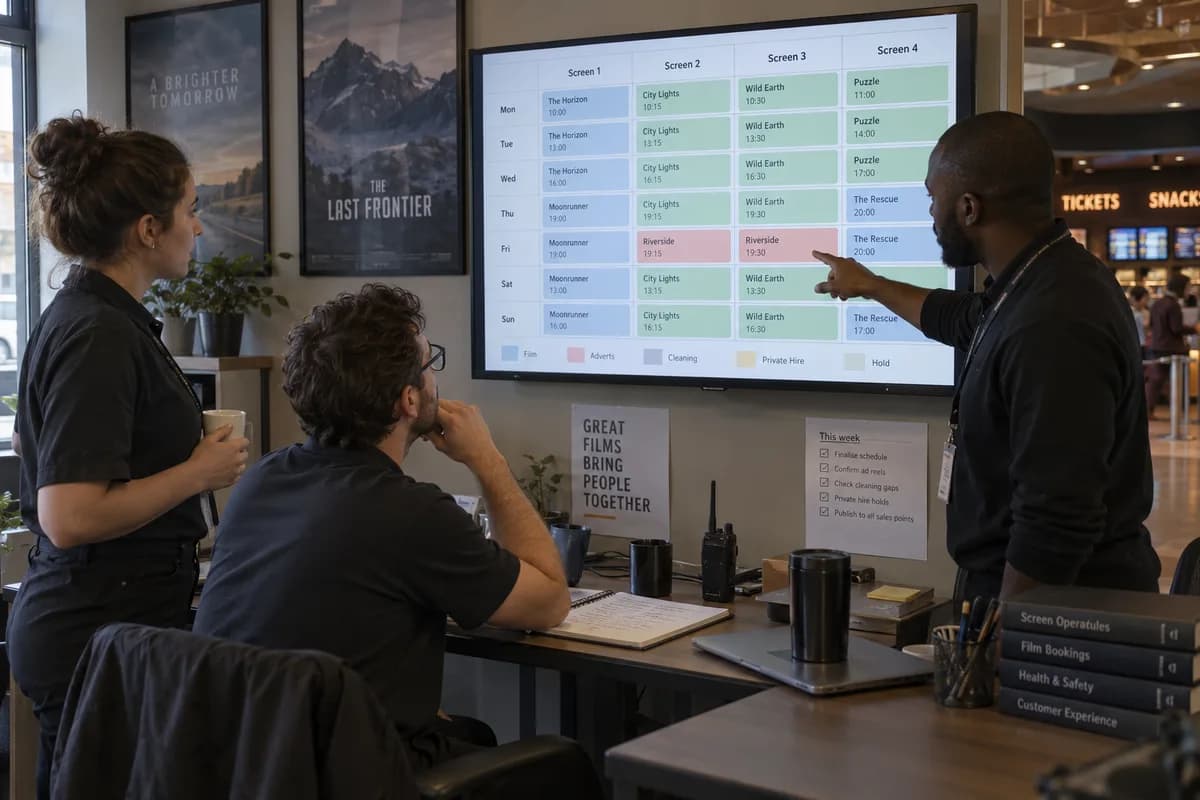
Each screen is a shared resource booked by show, with cleaning gaps and advert reels, so overlapping shows are flagged before publishing.
Resource and Room BookingTicket sales at counter, kiosk and online
The booking page shows live seats from the same map the box office uses, so a ticket sold online is gone at the counter.
Online Booking PortalConcession sales and combos
The counter screen sells snacks, drinks and combos, with each combo priced against the items inside it and a bill printed at once.
Point of Sale BillingTell us what you need.
Tell us what your team does today, where work gets stuck and what you want to change.
What happens after you share your requirements
- We review your brief and the systems you already use.
- We clarify the workflow, missing information and the work to consider first.
- The proposed scope sets out the deliverables, responsibilities and dependencies.
- Review the scope and commercial terms before deciding whether to proceed.
Start with your requirements
Describe your current process, the people involved and the change you need. Start with the details you know; we can clarify the rest together.
Share your requirements