Seat maps and ticket price bands for cinemas
Every screen has a seat map drawn the way the hall is laid out, and each row type carries its own price band. Adult, child, concession and premium rates are set here, with separate rates for weekdays and weekends. Managers draw and price. Box office staff then sell from the result.
What a cinema seat map and price card keep
A seat map is more than a picture. Behind each seat sit a row, a type and a band, and together they decide what it costs. These are the records the map and the price card hold for every screen in the building.
A cinema week of seat plans and prices
Both the seat map and the price card are set up rarely but read at every single sale. A new screen, a refit, a price change or a new weekend rate is when someone opens them. Here is how the week uses them.
Who draws, prices and sells from the seat map
Drawing and pricing are manager jobs. Selling is a counter job. Reading the results is the owner’s. Each role below meets the seat map from a different side, and each sees only what its work needs.
Cinema seat and price decisions before set-up
Seat maps and price cards are easy to build and awkward to change once tickets are sold against them. Settle them early. Agree the points below with the owner and the manager before any show goes on sale.
How seat maps and prices feed other features
The seat map and the price card sit between the programme and the till. They take a screen from the show schedule and give every sale its seat and its price. Whatever sells then flows on to the figures that the settlement uses. These are the links.
- Takes each screen and show from the show schedule
- Gives counter, kiosk and online sales one shared map
- Passes tickets sold and takings to distributor settlements
- Applies member cards and voucher codes to band prices
- Holds seats for private hire on the same map
Where seat maps and price bands stop
The map and the card record seats and rates. They do not decide what a ticket ought to cost. That stays with the owner. Local tax rules and the currency belong to the theatre and its accountant, and are agreed before opening day. A hall with a single price and unreserved seating can manage with a printed card and a till.
Frequently asked questions
Can weekend prices differ from weekday prices?
Yes, each band holds two rates. One is for weekdays and one is for weekends, so a Saturday show is priced without anyone editing the card by hand. The owner sets both figures once, and the box office reads whichever applies.
Can each screen have a different seat layout?
Every hall has its own map. A small hall may have fewer rows and a large one more, and rows can be arranged to follow the room. Rows of a premium type are marked wherever they fall.
What does a child or concession ticket do to the map?
Nothing changes on the map itself. The seat is taken the same way, and only the band applied to the sale differs. The ticket type is chosen at the till, and the price follows from the band for that type and row.
What if the hall layout changes after a refit?
A refit changes the hall, so the map is redrawn. The manager does that. Agree beforehand what happens to shows already on sale, because tickets sold are tied to seats on the old map, and write the answer down.
How are premium rows shown to the customer?
Premium rows are marked on the map apart from standard ones, and the band for that row applies when the seat is picked. At the counter, the kiosk and the booking page, the same map is shown. The marking is the same everywhere.
How this feature fits the system.
Movie Theatre Management Software: the parts that work with this feature, the trades that use it and the ways to put it in place.
Screens and show schedule
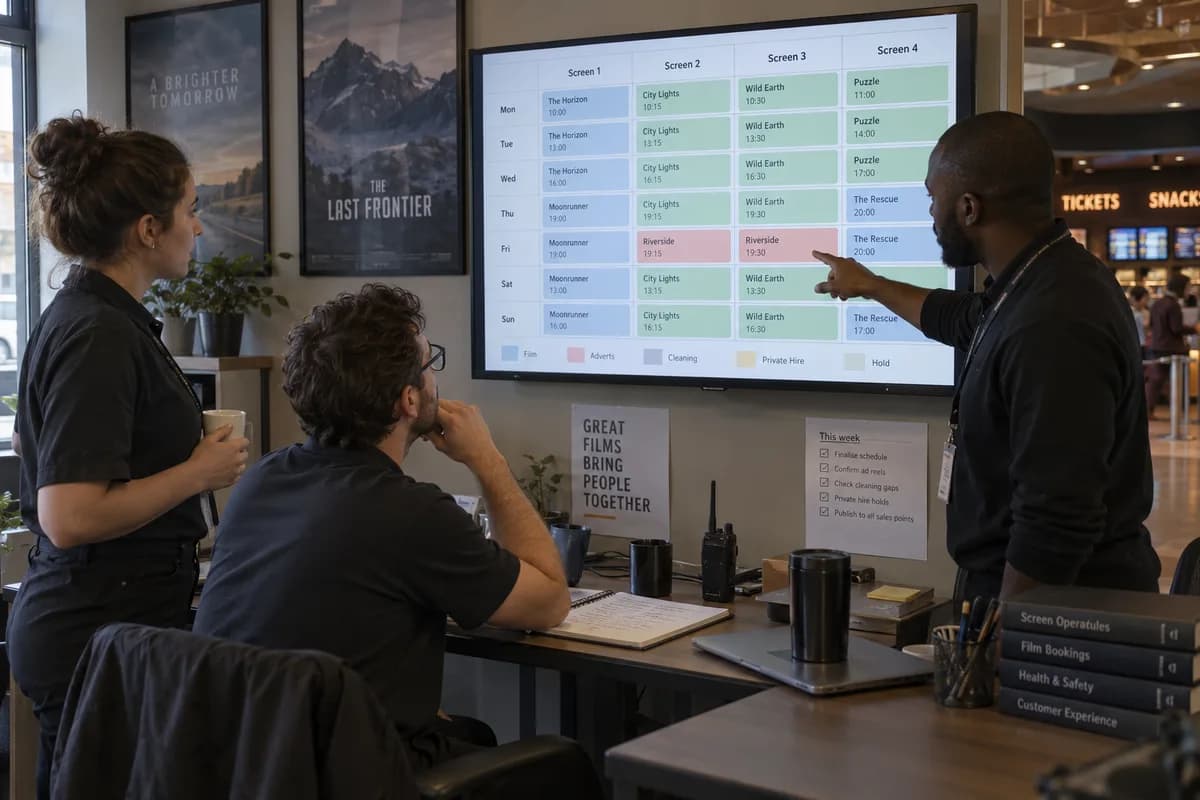
Each screen is a shared resource booked by show, with cleaning gaps and advert reels, so overlapping shows are flagged before publishing.
Resource and Room BookingTicket sales at counter, kiosk and online
The booking page shows live seats from the same map the box office uses, so a ticket sold online is gone at the counter.
Online Booking PortalConcession sales and combos
The counter screen sells snacks, drinks and combos, with each combo priced against the items inside it and a bill printed at once.
Point of Sale BillingTell us what you need.
Tell us what your team does today, where work gets stuck and what you want to change.
What happens after you share your requirements
- We review your brief and the systems you already use.
- We clarify the workflow, missing information and the work to consider first.
- The proposed scope sets out the deliverables, responsibilities and dependencies.
- Review the scope and commercial terms before deciding whether to proceed.
Start with your requirements
Describe your current process, the people involved and the change you need. Start with the details you know; we can clarify the rest together.
Share your requirements