Equipment and maintenance log for cinemas
Every projector, sound system and set of seating has its own record. It holds the last service, the next due date, and each fault and repair between. A reminder arrives before a due date. Projection and the manager see it before a show is lost to it.
What a cinema equipment log records
Cinema equipment ages in plain sight, and the log is where its history is kept. Each item has a file. A file holds a few kinds of entry. Here are the four kinds of entry that the booth and the manager rely on.
A cinema equipment log through the week
Equipment gets attention in two ways, planned and sudden. Planned work follows the calendar of service dates that the manager keeps. Sudden faults arrive in the middle of a show, when the audience is already seated. It serves both. Four moments show how.
Who logs, plans and reads the equipment log
Everyone who works a show can see a fault, and only a few look after the log. The roles below meet it at different points, from the first note in the booth to the decision about the next show. Each sees something different.
Equipment log decisions to settle before set-up
A log needs a good list. Settle the points below with the manager and the projection lead before the first entry, so every item has a name and a due date.
How the equipment log connects to the cinema
The log protects the programme. The manager reads it beside the show schedule to find a gap for a visit. A fault in a hall can be weighed against its coming shows. Reports and shifts draw on it too. The five links below name them.
- Reads show times to find gaps for service visits
- Names the screen whose seating or sound has a fault
- Gives engineering shifts the due dates to plan around
- Lists service dates due in the owner’s reports
- Leaves repair invoices to the accounting export
Where the equipment log stops
Recording and reminding are its whole job. It does not repair a projector, test a sound system or judge whether seating is safe to sit on. Safety checks, certificates and insurance requirements belong to the owner and the engineer. Its reminders are only as good as the dates entered, and a missed entry is a missed warning. A theatre with one projector can write its dates on a wall calendar.
Frequently asked questions
Can a reminder arrive before a service date?
Yes, reminders arrive before the due date. That leaves room to fit the visit into a quiet gap in the programme. How early they arrive is agreed for each item when the log is set up.
Does the log list faults by screen?
Each fault belongs to an item. Each item sits in a screen, so the faults for one hall can be read together. A failing projector or a run of broken seats is then easy to see.
Is repair history kept after a fix?
Yes, repair history stays on the item. Each entry shows the date and what was done. A part that fails twice shows twice. The owner can read the history when choosing between another repair and a replacement.
Can an engineer’s visit count as a service?
A visit is entered with its date and its notes. Whether it counts as the planned service, and when the next is due, is entered by the manager or the projection lead. That call is not made for you.
Can the log hold other equipment than these three?
The log is built around projectors, sound systems and seating. Anything else, such as a ticket scanner or a kiosk, is discussed during implementation. Start with the three. The quotation names what is included. Each addition changes the work.
How this feature fits the system.
Movie Theatre Management Software: the parts that work with this feature, the trades that use it and the ways to put it in place.
Screens and show schedule
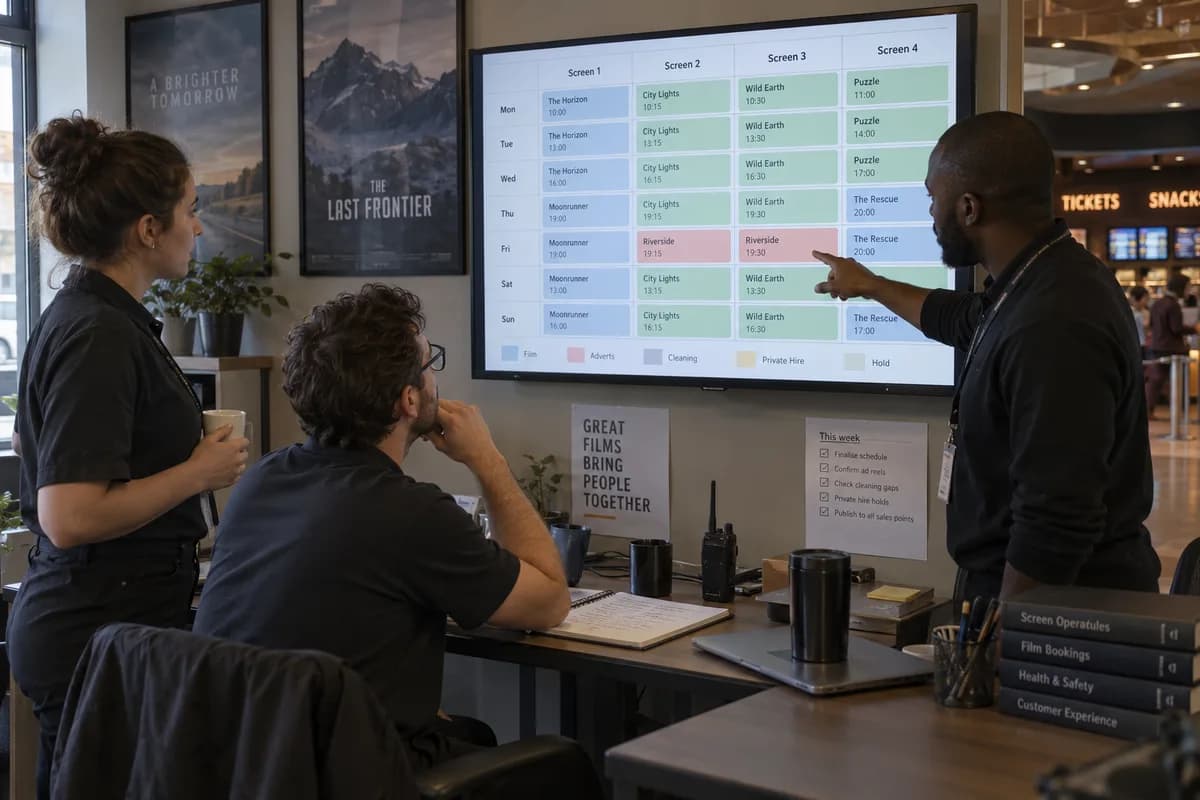
Each screen is a shared resource booked by show, with cleaning gaps and advert reels, so overlapping shows are flagged before publishing.
Resource and Room BookingTicket sales at counter, kiosk and online
The booking page shows live seats from the same map the box office uses, so a ticket sold online is gone at the counter.
Online Booking PortalConcession sales and combos
The counter screen sells snacks, drinks and combos, with each combo priced against the items inside it and a bill printed at once.
Point of Sale BillingTell us what you need.
Tell us what your team does today, where work gets stuck and what you want to change.
What happens after you share your requirements
- We review your brief and the systems you already use.
- We clarify the workflow, missing information and the work to consider first.
- The proposed scope sets out the deliverables, responsibilities and dependencies.
- Review the scope and commercial terms before deciding whether to proceed.
Start with your requirements
Describe your current process, the people involved and the change you need. Start with the details you know; we can clarify the rest together.
Share your requirements