Film bookings and distributor terms for cinemas
Each film booking holds the distributor, the terms, the minimum run and the dates in one record. Terms are either a share of takings or a flat rental. The signed copy stays attached. When a return is prepared, the booking is the page the figures are read against.
What a cinema film booking records
Each film has one booking. It is the agreement between the theatre and a distributor, written as fields that the rest of the system can read. These are the fields and papers kept for every film booked into the building.
A cinema booking from offer to last day
The record lives for as long as the film runs and a little after that. People touch it at the start, in the middle of the run, and at the end when the distributor expects its return. Four moments show it.
Who keeps and reads the film bookings
Film terms are commercial, so not everyone needs to see them. The people below meet bookings in different ways, from agreeing the terms to reading a single date. Access is set during implementation.
Film booking decisions to settle before set-up
Terms carry money. A wrong figure on a booking becomes a wrong figure on the return. Settle the points below with the owner and the manager before any booking is entered, and keep the signed papers close while you do.
How film bookings connect to the cinema
A film booking is the source for the film side of the building and for what is owed. It supplies the film to the programme and the terms to the return. The takings that the return is read against come from ticket sales and the shows run. Five links follow.
- Supplies each booked film to the show schedule
- Gives distributor settlements the share, rental and minimum run
- Reads shows run and tickets sold from ticket sales
- Shows run dates to the programme and projection staff
- Feeds the owner’s view of sums owed to distributors
Where film bookings stop
The booking records what was agreed. It does not negotiate with a distributor or advise whether a share beats a flat rental. What a clause means in law is a question for an adviser. A film society that shows a single title a month can keep its agreements in a folder.
Frequently asked questions
Can I record a flat rental instead of a share?
Yes, either form is recorded. It holds the form that applies, with its figures. A share is read against net takings, and a flat rental is a fixed sum for the run. Preparing the return then follows the rule for that film.
Where are the signed terms kept?
The file sits on the booking. Anyone allowed to open the booking can read the signed terms beside the dates and figures. Who may open it is a set-up choice made with the owner and the manager.
What if a distributor changes the dates?
The manager edits the dates on the booking, and the shows are moved to match. The change is made in one place, so the return reads the new dates. Keep the agreed change with the paper.
How does a minimum run show up on a booking?
The minimum run is a field on the booking, next to the opening and closing dates. It is read while shows are placed. The system records it, and the decision to keep a film stays with the manager.
Who checks the terms against the return?
That is the manager’s job. It sets shows run, tickets sold and net takings beside the terms on the booking. A wrong share or date can then be spotted before the figures are sent. The distributor’s own layout is agreed during implementation.
How this feature fits the system.
Movie Theatre Management Software: the parts that work with this feature, the trades that use it and the ways to put it in place.
Screens and show schedule
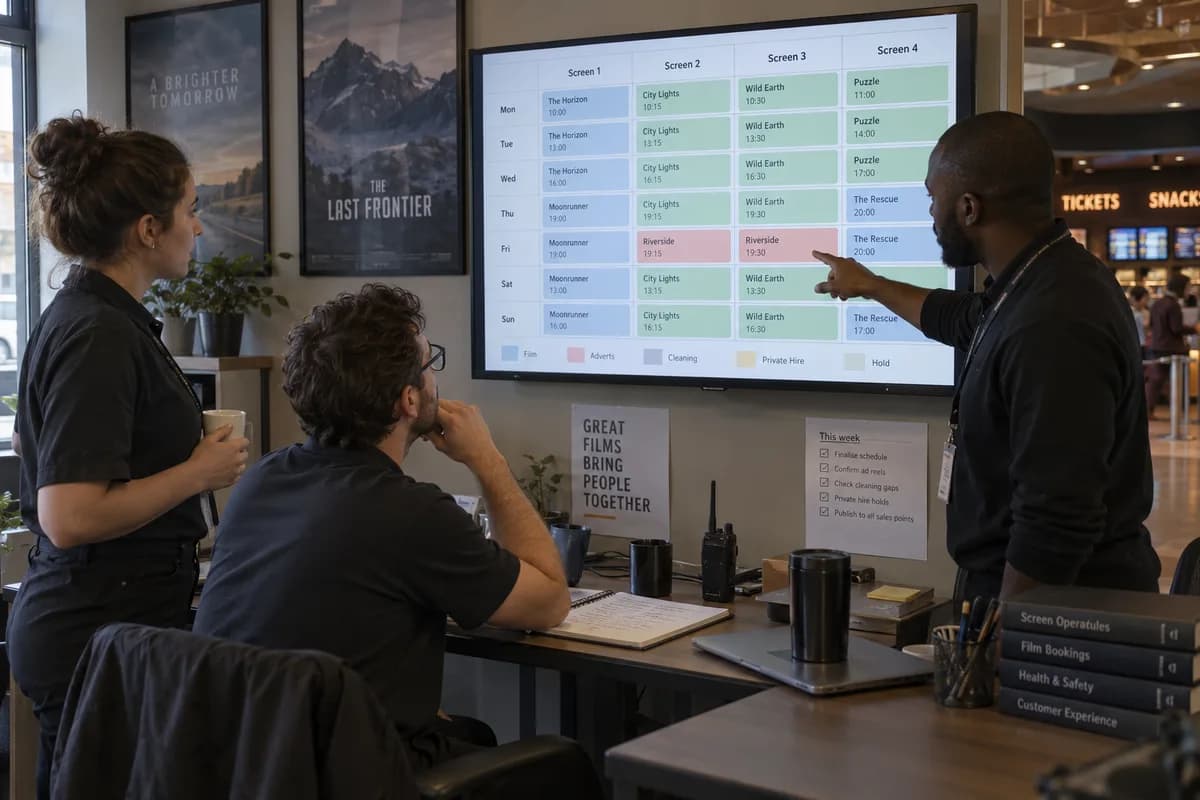
Each screen is a shared resource booked by show, with cleaning gaps and advert reels, so overlapping shows are flagged before publishing.
Resource and Room BookingTicket sales at counter, kiosk and online
The booking page shows live seats from the same map the box office uses, so a ticket sold online is gone at the counter.
Online Booking PortalConcession sales and combos
The counter screen sells snacks, drinks and combos, with each combo priced against the items inside it and a bill printed at once.
Point of Sale BillingTell us what you need.
Tell us what your team does today, where work gets stuck and what you want to change.
What happens after you share your requirements
- We review your brief and the systems you already use.
- We clarify the workflow, missing information and the work to consider first.
- The proposed scope sets out the deliverables, responsibilities and dependencies.
- Review the scope and commercial terms before deciding whether to proceed.
Start with your requirements
Describe your current process, the people involved and the change you need. Start with the details you know; we can clarify the rest together.
Share your requirements