Selling cinema tickets at counter, kiosk and online
Every show has one seat map. The box office, the kiosk and the booking page all sell from it. A seat taken at one point is gone from the others at once. Price bands and offers are applied as each ticket is issued, and each sale is recorded.
What a cinema ticket sale records
Every sale leaves a record that the box office, the manager and the distributor return all read. A ticket is more than a receipt. It ties a seat, a show, a price and a point of sale together. Here is what is kept.
A cinema day from first sale to last scan
Sales do not pause once the doors open for the first show. Counter, kiosk and booking page are all open while a queue forms, a film starts and the next show goes on sale. Four moments from an ordinary trading day follow. Each one touches the same seat map.
Who sells and who watches the sales
Selling is shared between staff and customers. Staff work at the counter, while customers use the kiosk and the booking page. These roles meet the sales records. Each sees a different slice.
Cinema ticketing decisions to settle before launch
Ticketing faces the public, so its rules need agreeing first. Settle these four points with the manager and the box office lead before the first show goes on sale. Each one is hard to change later.
How ticket sales connect to the cinema
Ticket sales take a lot and give a lot. They need the show, the seat map and the price card before a single seat sells. What they produce is the sales record that offers, settlements and the day’s close all depend on. Here are the five links.
- Takes shows and start times from the show schedule
- Reads seat maps and price bands for every sale
- Applies member cards, discount days and voucher codes to tickets
- Honours seats held for private hire and press shows
- Sends shows run and tickets sold to distributor settlements
Where ticket sales stop
The ticket system sells and records seats. It does not take card payments itself, because the payment gateway does that. Fees charged by the gateway are between the theatre and that provider. Tax rules on ticket prices belong to the theatre and its accountant. A single-screen hall that sells at one counter on show nights can run on a ticket book.
Frequently asked questions
What happens if two people pick the same seat?
Whoever completes the sale first holds the seat. The other buyer then finds it gone from the map and chooses another. That is why one seat map per show matters. Neither point keeps a private count of its own.
Can customers buy at the kiosk without staff?
The kiosk is a self-service sales point. It sells against the same seat map as the counter, so a customer choosing there sees only seats that are free. Staff still handle refunds and anything the theatre keeps at the counter.
Does a ticket sold online show up at the door?
Yes, the sale is on record. Every ticket carries its show and seat, so an admission scanned at the door can be matched to it, wherever the sale was made. Scanner choice is settled during implementation.
How does a refund affect the seat map?
A refund returns the seat to the map. It becomes free for the counter, the kiosk and the booking page together. The refund stays on record against the original ticket, so takings after refunds can be read at close.
Do online buyers get a ticket by email or message?
Email and SMS are listed among the connections. Whether a ticket confirmation uses them, and what it says, is agreed during implementation, along with the payment gateway. Ask to see a sample confirmation at the demo.
How this feature fits the system.
Movie Theatre Management Software: the parts that work with this feature, the trades that use it and the ways to put it in place.
Screens and show schedule
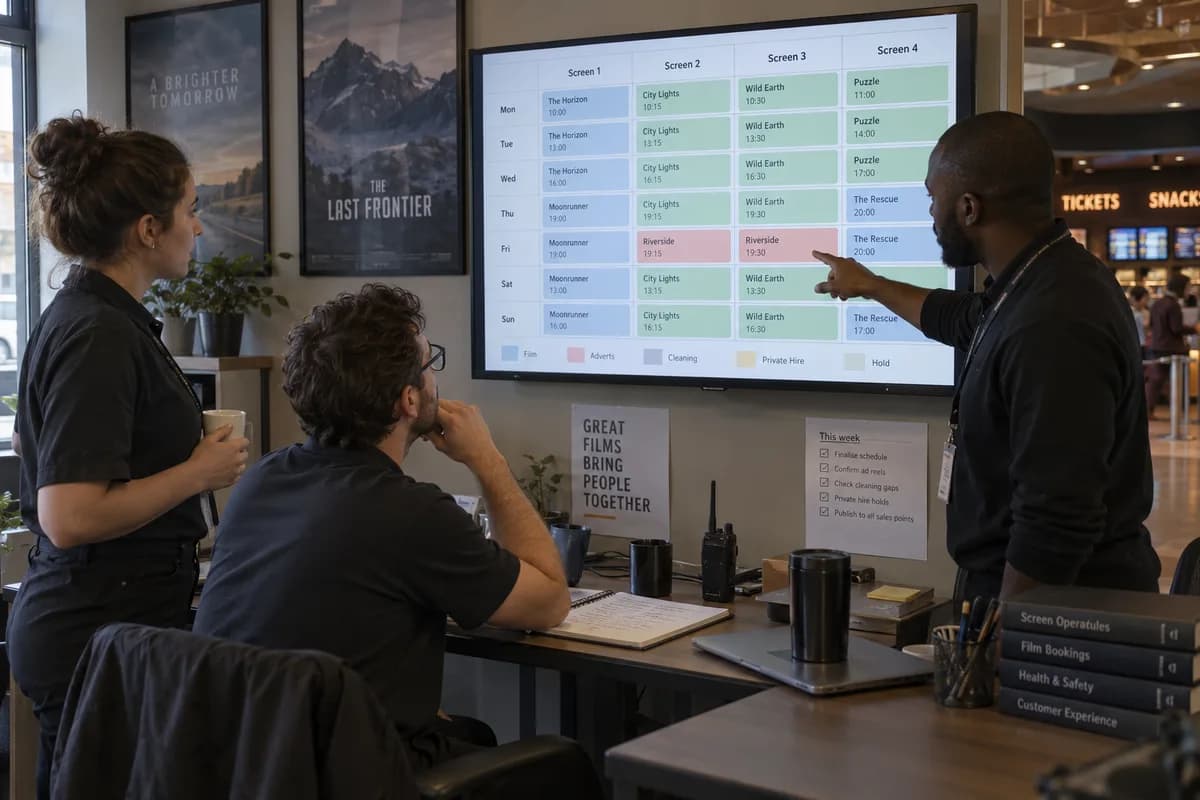
Each screen is a shared resource booked by show, with cleaning gaps and advert reels, so overlapping shows are flagged before publishing.
Resource and Room BookingTicket sales at counter, kiosk and online
The booking page shows live seats from the same map the box office uses, so a ticket sold online is gone at the counter.
Online Booking PortalConcession sales and combos
The counter screen sells snacks, drinks and combos, with each combo priced against the items inside it and a bill printed at once.
Point of Sale BillingTell us what you need.
Tell us what your team does today, where work gets stuck and what you want to change.
What happens after you share your requirements
- We review your brief and the systems you already use.
- We clarify the workflow, missing information and the work to consider first.
- The proposed scope sets out the deliverables, responsibilities and dependencies.
- Review the scope and commercial terms before deciding whether to proceed.
Start with your requirements
Describe your current process, the people involved and the change you need. Start with the details you know; we can clarify the rest together.
Share your requirements