Bills of materials and device specifications in orthotics
Device specifications and bills of materials define each orthotic device once, with its blank, sheet gauge, top cover, strap and finishing steps. When an order is confirmed, the work order reserves the right stock from that definition. Technicians, the store and the owner read the same list, and nobody retypes a materials list.
What each orthotic device specification lists
A specification is a recipe. It belongs to one device type, so a heat-moulded insole, a knee brace and an ankle-foot orthosis each carry their own. It names the materials and the steps, and every work order copies it. Change it once and later orders follow.
A week of bills of materials in the workshop
Specifications work quietly and are noticed when missing. Four ordinary moments show where a bill of materials saves a conversation. Each sits at a different point between the order desk, the store and the bench, and each starts from the same list.
Who relies on the bill of materials
A materials list is read at three or four desks and benches, and each reader wants a different slice. GullySystem sets the views at configuration. The four below follow the roles on the product page.
Decisions to settle before specifications are keyed
GullySystem enters the device range first. Every work order depends on it. A little thinking about the four points below saves rework later. Bring the device list and a few finished examples to the first meeting.
How bills of materials feed stock and production
The bill of materials sits between the order and the shelf. Several later features read it. It turns a device type into reserved stock, hands its stages to the work order, and gives the owner a plan. The bench is measured against that plan, line by line.
- Prescription orders pick the device type that selects the list
- Material stock and batches supply the items and lot numbers
- Production work orders copy stages and quantities from it
- Purchasing from material suppliers reorders what the lists consume
- Remakes record extra sheet used against the original list
Where specifications stop in an orthotics workshop
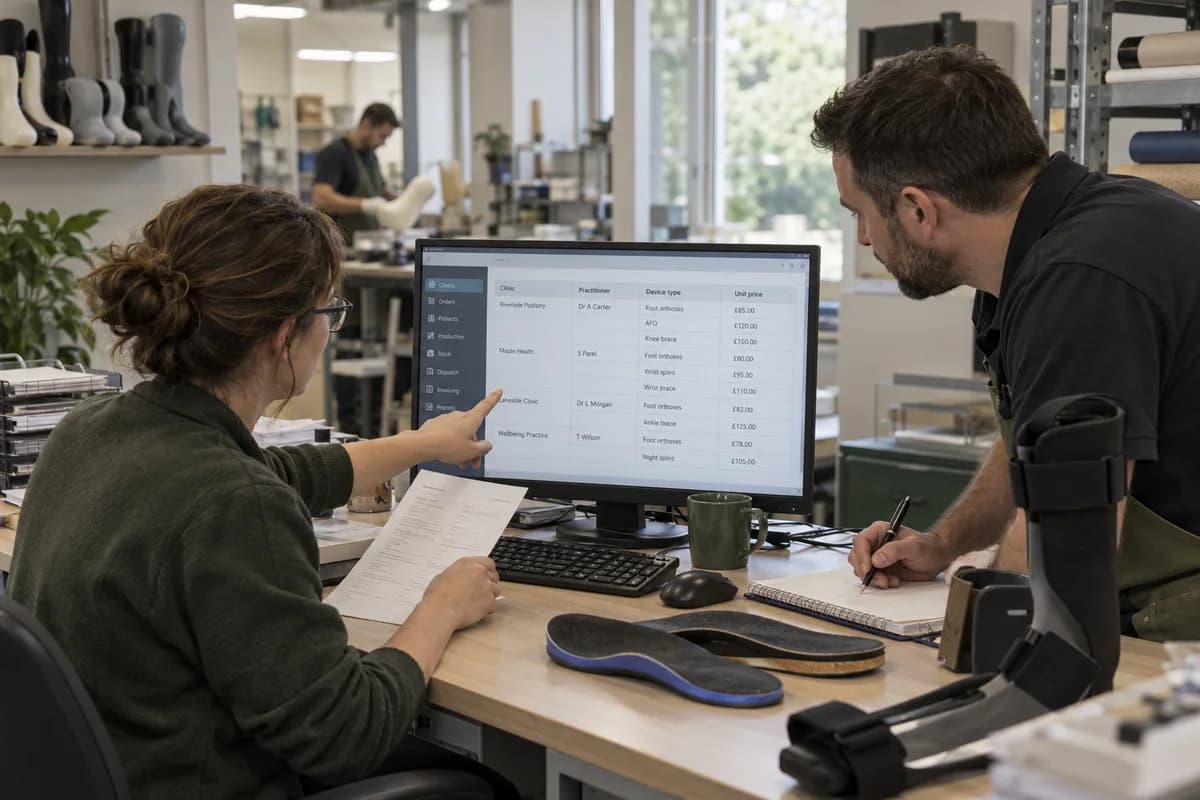
A specification records how the laboratory chooses to build a device. It does not price the device. Prices sit on each clinic’s account. Whether a build is clinically right is for the podiatrist, and the accountant decides how material cost is treated in the books. A workshop making one device type from one blank can keep a laminated card instead.
Frequently asked questions
Can one device type use two different blanks?
A device type holds one list. Where a clinic wants a different blank for the same insole, set it up as a separate device type. That keeps orders and reports clean. GullySystem staff add types when asked.
Do offcuts change the bill of materials?
Planned quantity sits on the list. Bench staff enter offcuts on the work order, so the issued figure can differ from the plan. That gap is the owner’s study. The list itself does not change on its own.
Can strap sizes and cover colours be specified?
Specify the strap and the cover as stock items, such as a grey top cover or a Velcro strap size, each with its own line. A different colour is a different item. The work order reserves whichever the list names.
What happens to open orders when a specification changes?
That is the owner’s decision at set-up. An order already reserved may keep its first list or be moved to the new one by the store. Settle the rule before the first change is made.
Do standard supports need a bill of materials too?
They carry a list too. Standard supports are made to a stock level and share the production plan. Their stock is reserved and reordered in the same way, from the same material records, whether the support is custom or off the shelf.
How this feature fits the system.
Orthotics Manufacturing Management Software: the parts that work with this feature, the trades that use it and the ways to put it in place.
Clinic accounts and price lists
Each clinic and podiatrist is a separate record, so a device is billed to the right account at that clinic’s agreed price.
Contact & Account ManagementPrescription orders
Every prescription becomes a numbered order from receipt to dispatch, with scans and clinical notes attached and its status visible to the order desk.
Order ManagementDevice specifications and bills of materials
Each device type lists its blank, sheet, cover, strap and adhesive quantities, so a work order reserves the right material without retyping.
Bill of MaterialsTell us what you need.
Tell us what your team does today, where work gets stuck and what you want to change.
What happens after you share your requirements
- We review your brief and the systems you already use.
- We clarify the workflow, missing information and the work to consider first.
- The proposed scope sets out the deliverables, responsibilities and dependencies.
- Review the scope and commercial terms before deciding whether to proceed.
Start with your requirements
Describe your current process, the people involved and the change you need. Start with the details you know; we can clarify the rest together.
Share your requirements