Prescription orders for an orthotics workshop
Prescription orders turn each request from a clinic into a numbered record in an orthotics laboratory. The patient reference, device type, side, shoe size, foot posture and clinical notes are captured once, with casts, scan files and foot photographs attached. Desk staff, designers and bench staff all work from that single order.
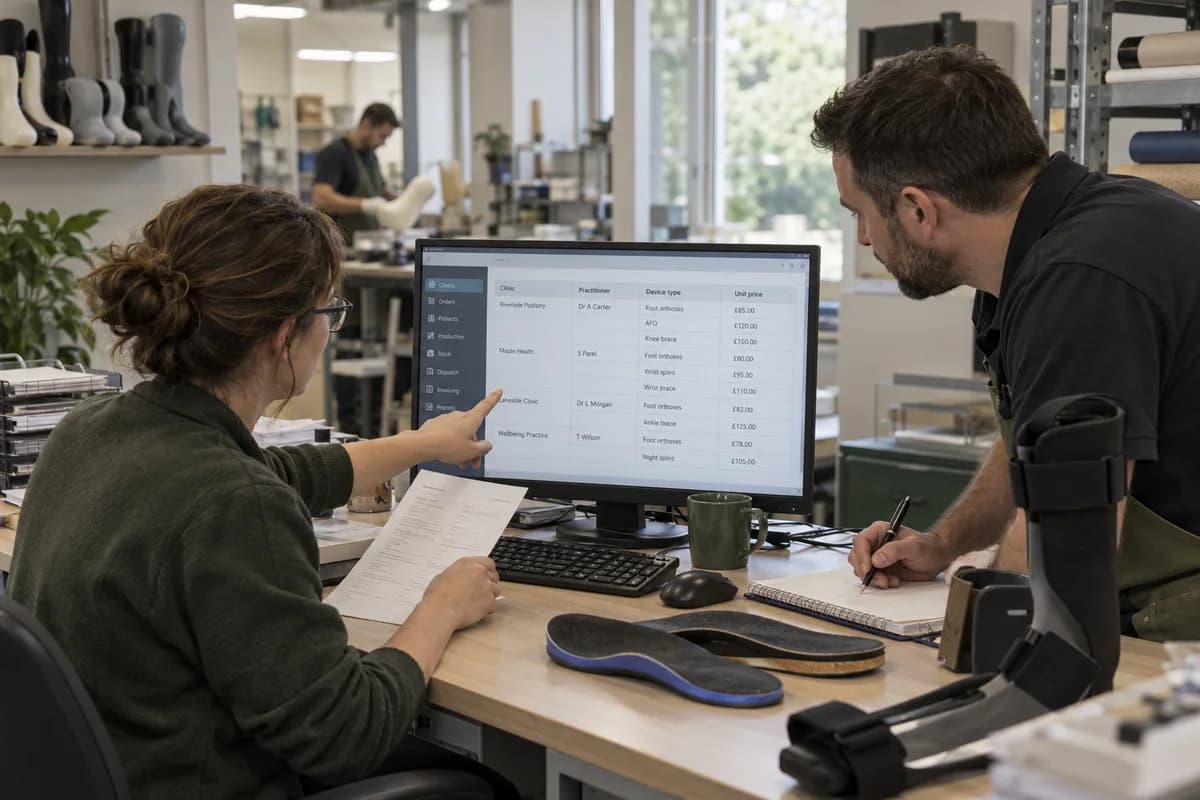
What a prescription order keeps on file
A prescription order is the one place a device starts. It holds the facts a designer needs before opening a scan, so gaps show on the order itself rather than at the mill. Staff fill the fields below on receipt.
A working week of prescription orders
Prescriptions land at any hour of the working week and from several directions. Order desk staff turn each one into a single record, and the people downstream pick that record up from the same screen. Four moments follow, one for each day.
Who opens a prescription order and why
Each role meets the order at a different point, and sees only what that point needs. GullySystem sets the views when it configures the laboratory. The owner can ask for changes later. The four views differ.
Decisions to settle before prescriptions are keyed
Prescription orders hold health-related information, so the choices below deserve a clear answer from the owner before the first live order. The laboratory’s adviser should hear them too. Each is quick to settle.
How prescription orders reach design and billing
A confirmed order is the root of everything made for that device. Design files hang from it. The bill of materials reads it, and the work order is raised from it. The invoice at the end takes its clinic and price from the same record.
- Clinic accounts supply the price list and delivery address
- Design files and revisions attach to the order
- Device specifications reserve blanks and sheet for the order
- Production work orders are raised per device from it
- Clinic ordering portal entries arrive as ready orders
Where prescription orders stop and clinicians begin
This record keeps what the podiatrist asked for. It does not judge whether the prescription is right. Clinical decisions stay with the clinic, and duties about health data stay with the laboratory and its adviser. A workshop taking only a few prescriptions from one clinic may find a shared folder and a written form enough.
Frequently asked questions
Can a prescription arrive by email and still become an order?
Yes, through the desk. The email is keyed onto the order screen and any files that came with it are attached. Portal entries need no keying. Whichever route a prescription took, the finished record looks the same.
What happens when a measurement is missing?
Someone at the desk marks the order as held and queries the clinic. Query and reply stay on the order. Production planning shows held devices apart from those ready to go, so nobody mills a guess.
Can two people work on the same order at once?
Roles keep the jobs apart. The request is edited at the desk, a designer works on files and the bench ticks stages. Changes are recorded against the order, so no one has to guess who touched what.
Does every order need a scan attached?
Not every order starts with a scan. Some begin with a plaster cast or a foam box impression. Each order shows what has arrived. Orders still missing a scan are counted separately for the desk.
How is a patient found without a name?
Search by the patient reference the clinic sends. The reference, the clinic and the device type narrow the list quickly. A laboratory that wants names stored decides that with GullySystem before set-up, along with who may read them.
How this feature fits the system.
Orthotics Manufacturing Management Software: the parts that work with this feature, the trades that use it and the ways to put it in place.
Clinic accounts and price lists
Each clinic and podiatrist is a separate record, so a device is billed to the right account at that clinic’s agreed price.
Contact & Account ManagementPrescription orders
Every prescription becomes a numbered order from receipt to dispatch, with scans and clinical notes attached and its status visible to the order desk.
Order ManagementDevice specifications and bills of materials
Each device type lists its blank, sheet, cover, strap and adhesive quantities, so a work order reserves the right material without retyping.
Bill of MaterialsTell us what you need.
Tell us what your team does today, where work gets stuck and what you want to change.
What happens after you share your requirements
- We review your brief and the systems you already use.
- We clarify the workflow, missing information and the work to consider first.
- The proposed scope sets out the deliverables, responsibilities and dependencies.
- Review the scope and commercial terms before deciding whether to proceed.
Start with your requirements
Describe your current process, the people involved and the change you need. Start with the details you know; we can clarify the rest together.
Share your requirements