Purchasing from material suppliers for orthotics
Purchasing from material suppliers turns reorder levels into purchase orders for EVA, polypropylene sheet, covers and straps. Each delivery is matched against its order before the sheets are booked into the rack. The store, purchasing and the owner see what is ordered, what has arrived and what is still due.
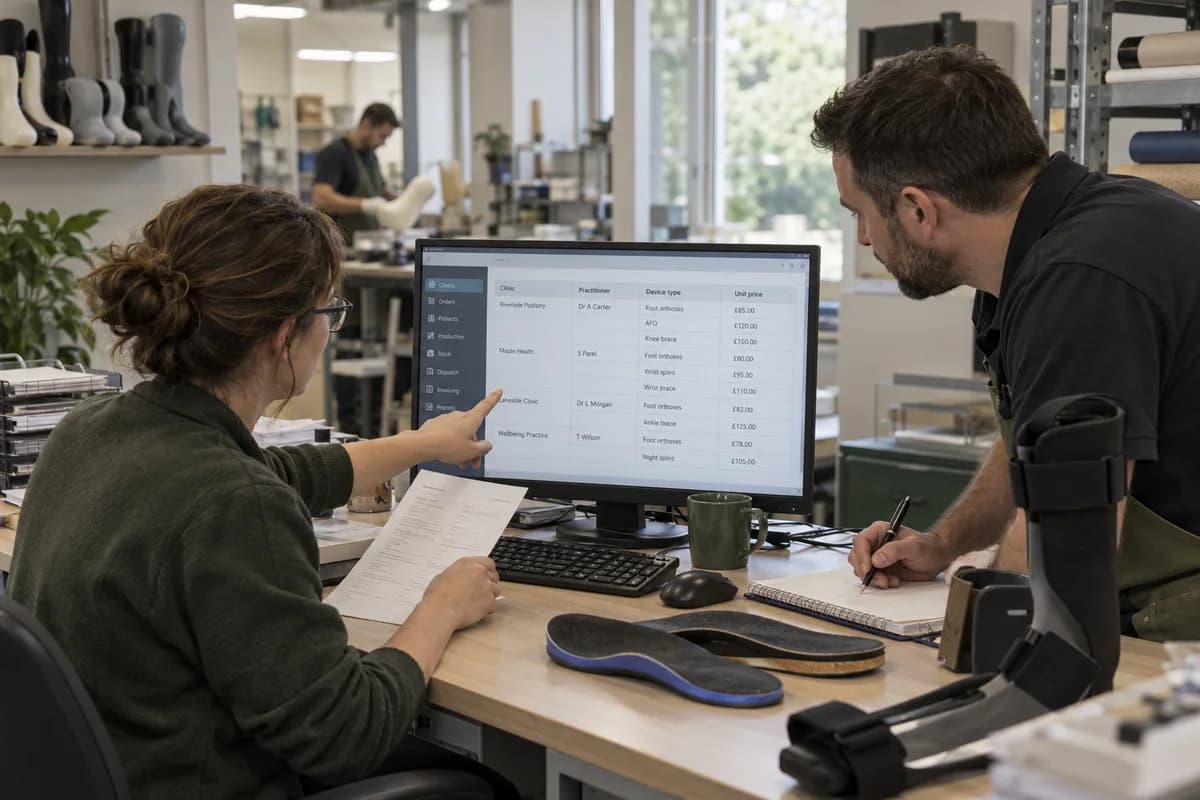
What an orthotics purchase order records
A purchase order says what the laboratory has asked a material supplier to send. It lists the materials, the quantities and the date it is wanted. Later the delivery is matched to it. Four things sit on every order, whatever the material.
A week of buying for the workshop
Buying is a small job when the levels are right. Here is one storekeeper’s week. Four ordinary moments follow, with the owner stepping in once. None of them needs a phone call to find out what is on the rack.
Who buys and who receives material orders
Buying touches the store, the bench, the designers and the owner. GullySystem sets who may raise an order and who may only read it.
Decisions to settle before ordering from suppliers
Purchasing rules are small but they spend the laboratory’s money. Settle the four points below with the owner before the first reorder level is set. Bring a recent supplier order.
How purchasing connects to stock and planning
Purchasing is the supply end. Reorder levels from stock start an order, and a booked delivery closes it. In between, planning reads what is due. Each step uses the same item names, so grades never drift. A blank on order but not yet in the rack is visible to the plan.
- Material stock and batches raise the reorder alert
- Device specifications name the items a supplier order lists
- Production planning reads which blanks are still due
- Remakes show extra sheet that drove an early reorder
- Lot numbers from deliveries carry through to work orders
Where purchasing from suppliers stops
The product raises, tracks and matches orders. It does not choose a supplier, negotiate a price or pay an invoice. Those stay with the owner and the accountant, and any third-party fees are for the laboratory to settle. A workshop that buys from one supplier by phone a few times a month can keep a notebook.
Frequently asked questions
Is the reorder level set for each material?
Each stock item has its own reorder level, so sheet, blanks, covers and straps are watched separately. You set the levels with GullySystem at set-up. Review them after a few weeks of real use, once the first deliveries have shown how fast sheet goes.
What happens when a delivery arrives short?
The shortfall is noted on the order line. What arrived is booked in and the balance stays open. Purchasing can then chase the supplier. The order stays in view until it is complete, so no one forgets a missing strap.
Who chooses the supplier on a reorder?
Purchasing staff choose the supplier when they review the order. The product holds supplier records and the materials each one supplies. It does not rank suppliers or compare prices. That judgment stays with purchasing and the owner.
Are supplier invoices handled here?
Payment is not handled here. Orders and booked deliveries show what was received, which helps the accountant check a supplier’s bill. Payment sits in your accounting software, and an accounting software export is one of the integrations.
Can an urgent clinic order trigger a rush purchase?
A held order can show that a blank is not in stock. Purchasing raises a one-off supplier order for it. The planning view then shows when the blank is due. Rush fees from a supplier are the laboratory’s own business.
How this feature fits the system.
Orthotics Manufacturing Management Software: the parts that work with this feature, the trades that use it and the ways to put it in place.
Clinic accounts and price lists
Each clinic and podiatrist is a separate record, so a device is billed to the right account at that clinic’s agreed price.
Contact & Account ManagementPrescription orders
Every prescription becomes a numbered order from receipt to dispatch, with scans and clinical notes attached and its status visible to the order desk.
Order ManagementDevice specifications and bills of materials
Each device type lists its blank, sheet, cover, strap and adhesive quantities, so a work order reserves the right material without retyping.
Bill of MaterialsTell us what you need.
Tell us what your team does today, where work gets stuck and what you want to change.
What happens after you share your requirements
- We review your brief and the systems you already use.
- We clarify the workflow, missing information and the work to consider first.
- The proposed scope sets out the deliverables, responsibilities and dependencies.
- Review the scope and commercial terms before deciding whether to proceed.
Start with your requirements
Describe your current process, the people involved and the change you need. Start with the details you know; we can clarify the rest together.
Share your requirements