Work orders from design to finishing in orthotics
Production work orders carry one orthotic device through the bench from design to finishing. Staff tick each stage and enter hours, offcuts and the adhesive batch used. The order desk reads the stage from the screen, and the owner watches cost build while the work proceeds instead of at the end.
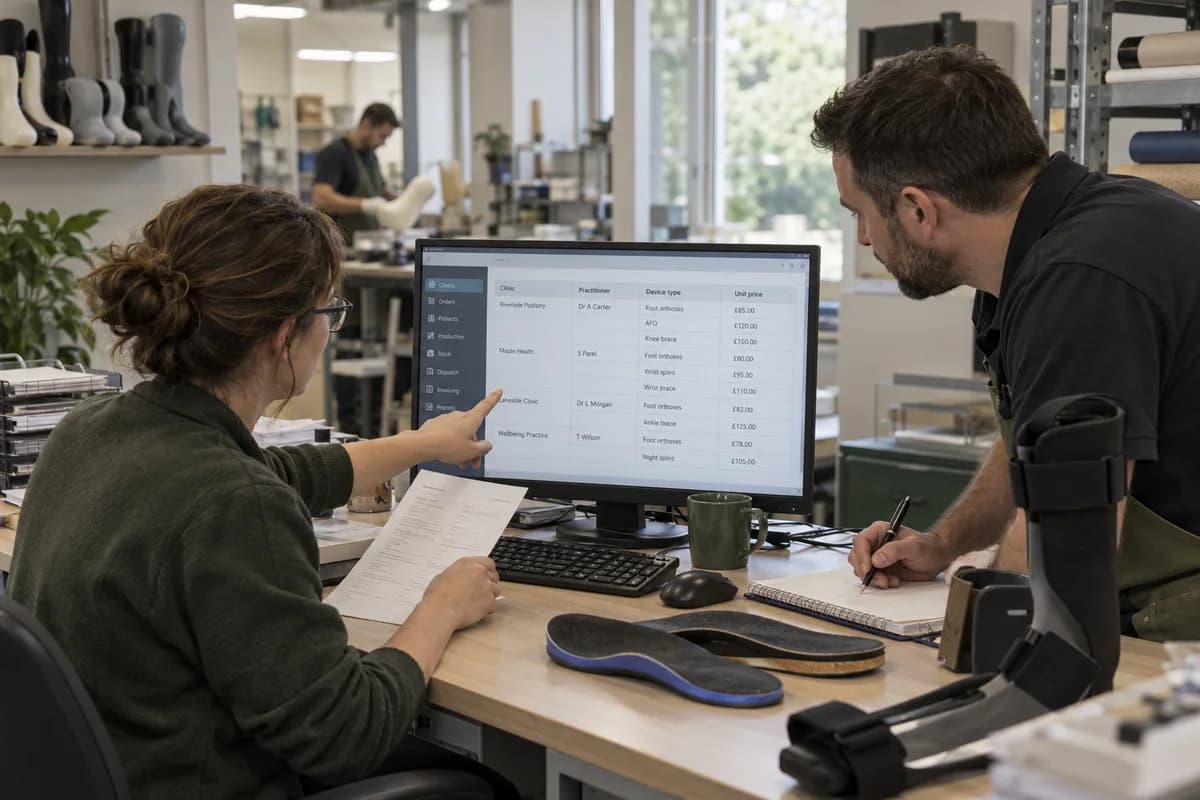
What a work order records for each device
A work order is raised for one device, not for a clinic or a day. It starts from the prescription and the specification. Then it collects what actually happens at the bench, stage by stage. Four kinds of fact build up on it.
A working week on the orthotics bench
The work order is lived in at the bench, between the mill, the oven and the grinder. Each day below shows a moment that once needed a whiteboard, a paper slip or a shout across the workshop. Now the order carries it. Four days follow.
Who ticks and who reads a work order
The bench writes a work order, and everyone else reads it. The laboratory decides who may tick, who may correct and who may only look. Each view below is a role’s own.
Decisions to settle before work orders go live
Work orders are the busiest records in the product. A few decisions are worth making early. GullySystem builds your stages and matches them to your mill, oven and benches. The four questions below shape that build.
How work orders connect to the whole device record
A work order borrows from earlier features and gives to later ones. It starts from a prescription and a specification, draws stock from the store and ends at a fitting check. Along the way it builds the cost of one device. That cost reaches the owner.
- Prescription orders create it with side, size and notes
- Device specifications give its stages and planned quantities
- Production planning slots it into mill and oven weeks
- Material stock and batches take the issues and lot numbers
- Fitting checks close it before dispatch and invoicing
Where work orders stop in this product
Work orders record the bench. They do not run a machine, and the mill’s own controller still holds its toolpath. Hours are posted for costing, not for pay, so wages and attendance stay with payroll or the accountant. How overhead is treated is the accountant’s call. A technician making a few insoles a week can write the day in a notebook.
Frequently asked questions
Is there one work order per pair or per foot?
Each device has its own work order. You decide at set-up how a pair is treated, so bring examples of both a pair of insoles and a single brace. GullySystem then sets the rule once for the whole bench.
Can bench staff enter data on a shared screen?
Yes, if the workshop has a screen at the bench. Each person ticks their own stage. Time is posted to the order as the stage is ticked, so no paper slip needs carrying back to an office.
What if a stage is skipped for a simple insole?
Stages come from the specification, so a simple insole can leave lamination off its list. Where a stage is skipped for one order, the supervisor writes the reason on it. The record shows what actually happened.
How does cost build as work proceeds?
Each issue of sheet, blank or cover posts material to the order, and each stage posts hours. The running figure moves with the bench. Overhead and pricing are separate matters for the owner and the accountant.
Can a work order show the adhesive batch later?
The batch stays on the order. It is entered at the stage that used it. If a supplier raises a concern, a search by batch lists the devices that used it. Dispatch records then show where each went.
How this feature fits the system.
Orthotics Manufacturing Management Software: the parts that work with this feature, the trades that use it and the ways to put it in place.
Clinic accounts and price lists
Each clinic and podiatrist is a separate record, so a device is billed to the right account at that clinic’s agreed price.
Contact & Account ManagementPrescription orders
Every prescription becomes a numbered order from receipt to dispatch, with scans and clinical notes attached and its status visible to the order desk.
Order ManagementDevice specifications and bills of materials
Each device type lists its blank, sheet, cover, strap and adhesive quantities, so a work order reserves the right material without retyping.
Bill of MaterialsTell us what you need.
Tell us what your team does today, where work gets stuck and what you want to change.
What happens after you share your requirements
- We review your brief and the systems you already use.
- We clarify the workflow, missing information and the work to consider first.
- The proposed scope sets out the deliverables, responsibilities and dependencies.
- Review the scope and commercial terms before deciding whether to proceed.
Start with your requirements
Describe your current process, the people involved and the change you need. Start with the details you know; we can clarify the rest together.
Share your requirements