Trade orders and invoices for wineries
Trade orders and invoices records orders from distributors and restaurants, ships them from allocated stock and raises tax invoices with the right settings for each buyer. Trade desk, cellar staff and owner work from one order. The accountant receives the invoices through an export to accounting software.
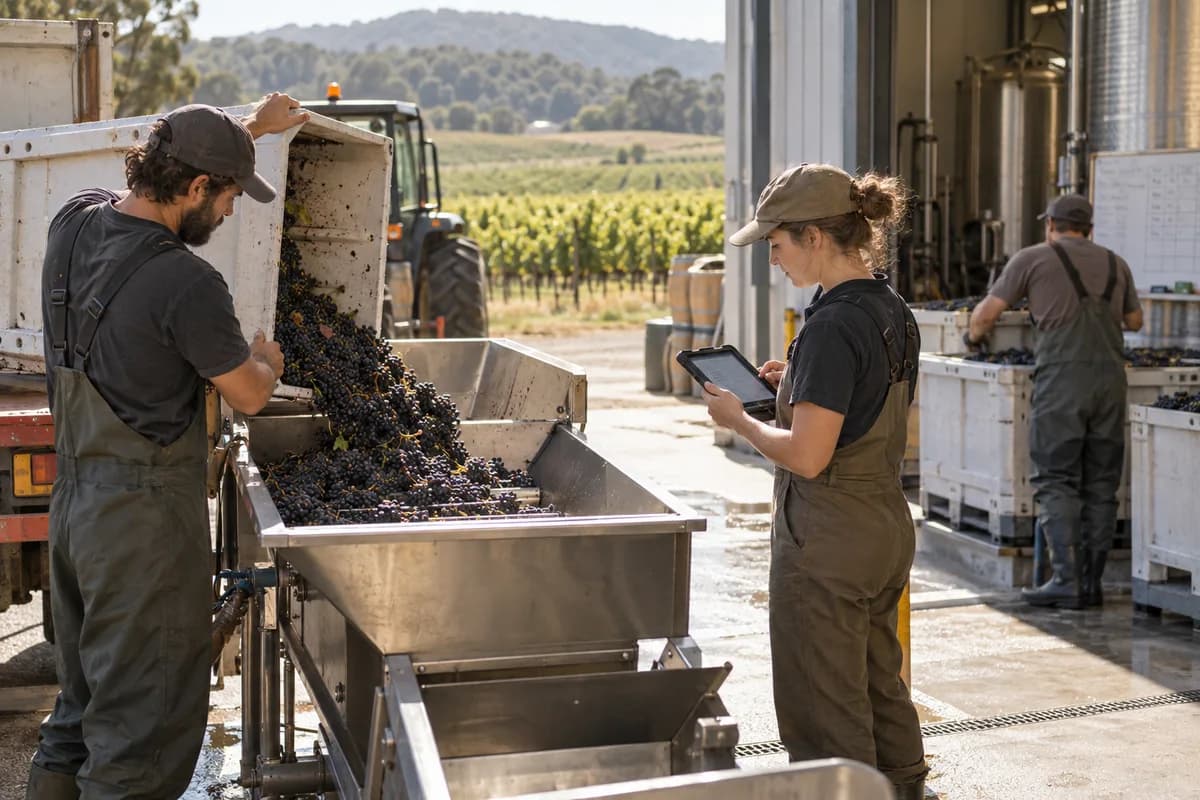
What a trade order and invoice record
One order, then one invoice. Each order names the buyer, the wines and the quantities, and the invoice follows from it with tax settings applied. Both stay linked, so a query is answered by the trade desk from one place.
From a buyer’s order to the invoice sent
Orders arrive in several ways. They come by phone, email or message app from restaurants and distributors, and each one is entered, checked against the allocation and shipped as promised. Invoices follow the shipment, and the accountant receives them through the accounting export.
Who handles trade orders and what they see
Several desks touch each order. One enters, one ships, one plans the wine and one reads the totals. Each role below sees the order from its own side, with the figures it needs.
Decisions to settle for trade orders
Orders carry money and promises. Settle these points with the owner and the trade desk before the first order is entered. They are quick to agree and costly to change after invoices are sent.
How trade connects to the rest of the winery
Trade is one channel of three. It shares stock with the cellar door and the club, takes wine from its own allocation and hands invoice detail to the accounts. The links below show what trade takes in and what it hands on, in the order an order moves.
- Takes the trade share from cellar stock and allocations
- Shares one count with cellar door and the wine club
- Reads wines and formats produced by bottling and work orders
- Prepares courier and shipping labels from each order
- Exports invoices to accounting software for the accountant
Where trade orders and invoices stop
These records cover orders, shipments and invoices. They do not decide which tax applies, so tax rules, duty and export paperwork stay with the owner and an adviser. They do not chase late payers. A winery that sells to one or two buyers a season may do well on a simple invoice template kept on file.
Frequently asked questions
Which tax settings does an invoice carry?
Tax settings follow where you sell and are reviewed with your adviser during implementation. Each invoice carries the setting that fits the buyer. The software applies the setting. It does not decide the rule, which stays with your adviser.
Can distributors and restaurants have different prices?
Channel price lists follow the way you sell. A distributor and a restaurant can each be set to the list that suits them. The price is picked up when the wines are added to the order, so staff do not type it.
How does a trade order affect other sales?
It draws from the trade allocation. Once an order is shipped, the count falls. The cellar door and the club read what remains, so a case promised to trade is not sold twice by another channel.
Do invoices reach our accounting software?
An accounting software export carries invoices across. The format is agreed when the connection is built, and the accountant checks the first export before it is relied on. Payments received are then handled in the accounting software.
Can unfinished orders be loaded at the start?
Yes, before launch. Open orders arrive from your files or current software with the buyer and wines. The trade desk checks each one against the shipping record, so that nothing already shipped is invoiced twice.
How this feature fits the system.
Winery Management Software: the parts that work with this feature, the trades that use it and the ways to put it in place.
Vintage and lot records
Each lot keeps its blocks, additions and vessels, and blends record their source lots, so a bottle traces back through the cellar.
Batch and Serial TrackingTank and barrel register
Every tank and barrel is a location with contents, volume and history, so the cellar reads as a map of what sits where.
Warehouse ManagementCellar tasks
Racking, topping up, additions and lab checks get one owner and a due date, and overdue work is listed for the winemaker.
Task ManagementTell us what you need.
Tell us what your team does today, where work gets stuck and what you want to change.
What happens after you share your requirements
- We review your brief and the systems you already use.
- We clarify the workflow, missing information and the work to consider first.
- The proposed scope sets out the deliverables, responsibilities and dependencies.
- Review the scope and commercial terms before deciding whether to proceed.
Start with your requirements
Describe your current process, the people involved and the change you need. Start with the details you know; we can clarify the rest together.
Share your requirements