Ingredient and packaging stock for breweries
This feature keeps counts of malt, hops, yeast, cans, labels and kegs in each store or cold room, with reorder levels and supplier orders. The brewer sees a shortage before brew day. Packaging staff see what is left before a canning run begins. Both read one count.
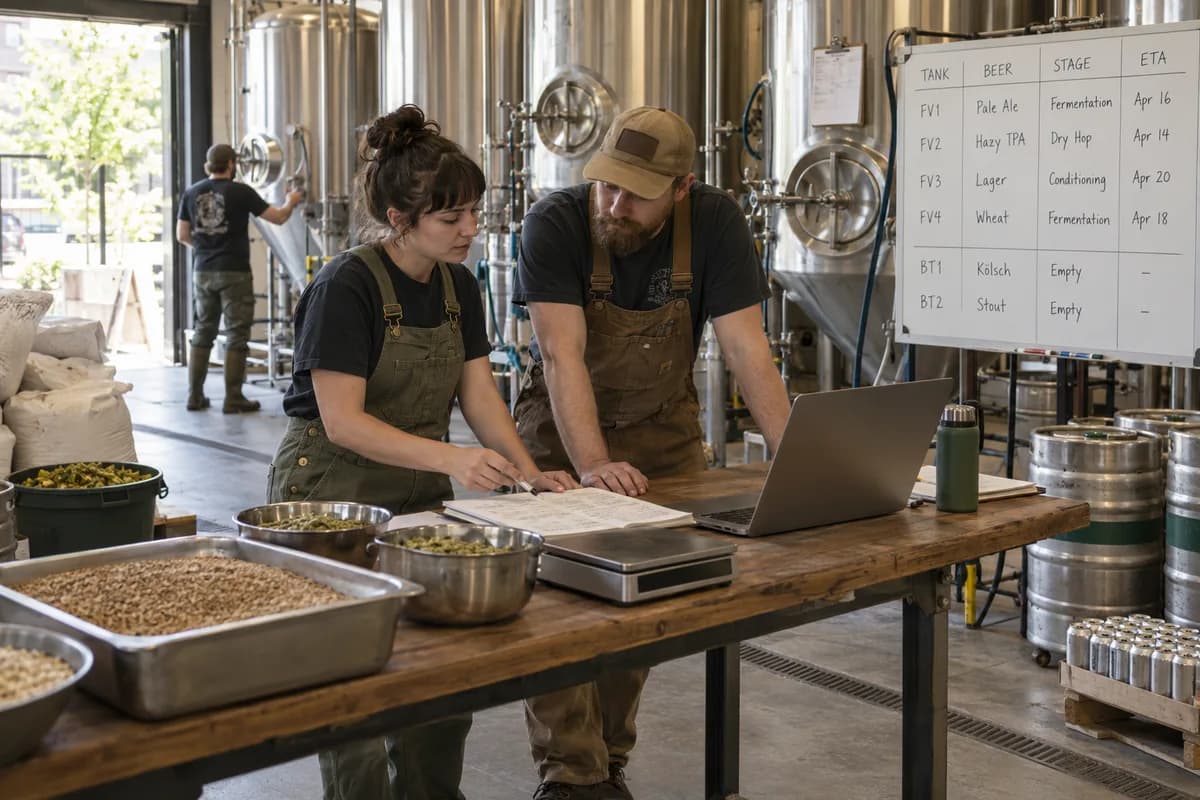
What the stock record counts and where
Every line is an item in a place. Malt sits in the dry store, hops and yeast in the cold room, and cans, labels and kegs in the packaging area. A count, a reorder level and a supplier belong to each line, and that is the whole record.
A week of stock counts around the brewhouse
Stock moves every day in a brewery. Sacks leave the malt store on brew day, cans leave on packaging day, and deliveries land in between. These are the moments when the stock record is opened and used by the team.
Who counts, orders and reads brewery stock
Every role touches stock, and the reasons differ. Each reason is plain. Brewing draws, packaging uses, the taproom sells and the owner pays. Each person sees the lines that matter to their own work.
Decisions to settle for brewery stock records
Counts stay honest when rules are agreed first. Settle these with the head brewer and whoever runs the stores. Each choice decides how much typing the team does. It also decides how much the counts can be trusted.
How stock connects to the rest of the product
Stock sits under the whole product. The arrows run both ways, in and out of each store. Recipes ask it for quantities, packaging asks it for cans, and deliveries refill it. Here are the five handovers to know before set-up, each one named by the feature on the other side.
- Receives ingredient needs from recipes and brew plan
- Records ingredient lots used on batch records
- Gives packaging runs their counts of cans and labels
- Shares keg stock with keg and container tracking
- Passes supplier order totals to the accounting export
Where brewery stock records stop
Counts are only as good as what staff book in and out. The system does not weigh a sack or read a shelf. Supplier negotiation, pricing and payment stay with the owner and the accountant. A taproom with one keg line and no packaging store can count by eye. A notebook is enough there. Walk the shelf now and then.
Frequently asked questions
Can stock be held in more than one store?
Yes. Counts are kept per store or cold room. The same hop variety in two rooms shows as two counts. That tells the brewer which door to open, and where a pack has gone missing.
How does a reorder alert work for hops and malt?
Each line has a reorder level. When the count drops below it, the line joins the reorder list and an alert is raised before the next brew is short. A supplier order is then raised from the list.
Does a brew reduce malt and hop counts by itself?
Brewing draws ingredient lots from stock against the batch. The counts fall as brews are recorded. The next plan sees the new figure. The store is therefore not counted only on planning day, when a shortage is already too late.
Are cans and labels counted the same way?
Yes. Cans, labels and kegs are lines like any other. Each has counts, locations and reorder levels. Packaging runs draw them down. That way the canning lead sees what is left before a run starts.
Do supplier orders go out from the system?
Supplier orders are raised and followed in the system against the reorder levels. How an order reaches the supplier is agreed at set-up. Email is among the listed connections. Payment stays with accounting, outside this feature.
How this feature fits the system.
Brewery Management Software: the parts that work with this feature, the trades that use it and the ways to put it in place.
Recipes and brew plan
Each recipe lists malt, hops, yeast and water by quantity, and scales to the batch size so the brewer sees what a brew will use.
Bill of MaterialsBatch and fermentation records
A lot number is given at brewing and carried through every transfer, packaging run and delivery, so a beer can be traced forward.
Batch and Serial TrackingTank schedule
Brews are booked into tanks by date, and the plan shows when each vessel frees up so the next brew can be placed.
Production PlanningTell us what you need.
Tell us what your team does today, where work gets stuck and what you want to change.
What happens after you share your requirements
- We review your brief and the systems you already use.
- We clarify the workflow, missing information and the work to consider first.
- The proposed scope sets out the deliverables, responsibilities and dependencies.
- Review the scope and commercial terms before deciding whether to proceed.
Start with your requirements
Describe your current process, the people involved and the change you need. Start with the details you know; we can clarify the rest together.
Share your requirements