Grocery Store Software Demo Walkthrough
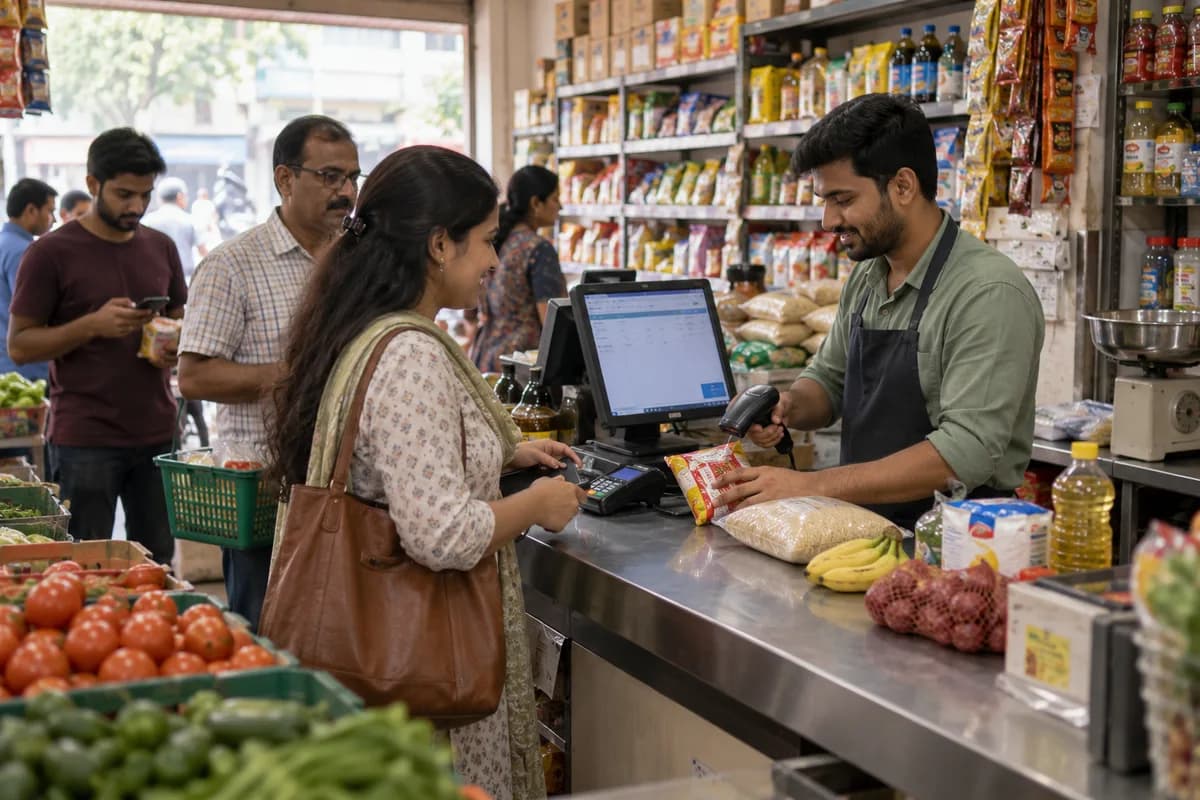
The demo shows counter billing with a scanner, stock falling with each sale, and phone and WhatsApp orders entered on one list. It runs on a shop of your kind, before anything is quoted.
What gets shown
Who should attend
The owner decides, and counter staff use the software all day. Bringing the person who bills makes the demo more useful. If the billing screen feels awkward to them, that is better learned before set-up.
What the demo is not
The demo does not use your items or your khata balances. Those are loaded at set-up, after a proposal. Bring your own questions instead: the units you sell in, the bill your customers expect, or the report your accountant asks for.
Frequently asked questions
Does it cost anything to see it?
No. You watch it running and ask what you like. The cost of your set-up follows in writing.
Can the demo run on a phone?
Yes, over a call with a screen share. Seeing the counter with a real scanner and printer is better if you can arrange it.
Can my counter staff join?
Yes. Staff who bill every day tend to ask about edge cases, such as a customer changing an order after the bill is made.
Will you tell us if it is not right for our shop?
Yes. A single counter with no credit and no delivery may not need this system, and that is said at the demo.
Tell us what you need.
Share your requirements and one of our engineers will come back to you within one business day.
- No obligation
- A reply within one business day
- Your details stay private
Start with your requirements
Seven short steps that tell us what you need. An engineer reads them before getting in touch.
Share your requirements