Food retail · Meat Shop Management SoftwareCarcass and cut stock, weight billing, cold room records and credit accounts for the meat counter.
Record each lot bought by live or carcass weight, its dressing yield and the cuts it gave. Bill at the counter from the scale, with the tray deducted. Keep cold room checks, spoilage, restaurant standing orders, home delivery and credit accounts in the same system, and the owner reads what a day really earned.
- Cuts, rates and meat types keyed in the way your counter sells them
- Supplier lists, credit balances and recent purchases brought over from your notebooks
- Rate lists, cut lists and bill layouts changed by GullySystem staff when you ask
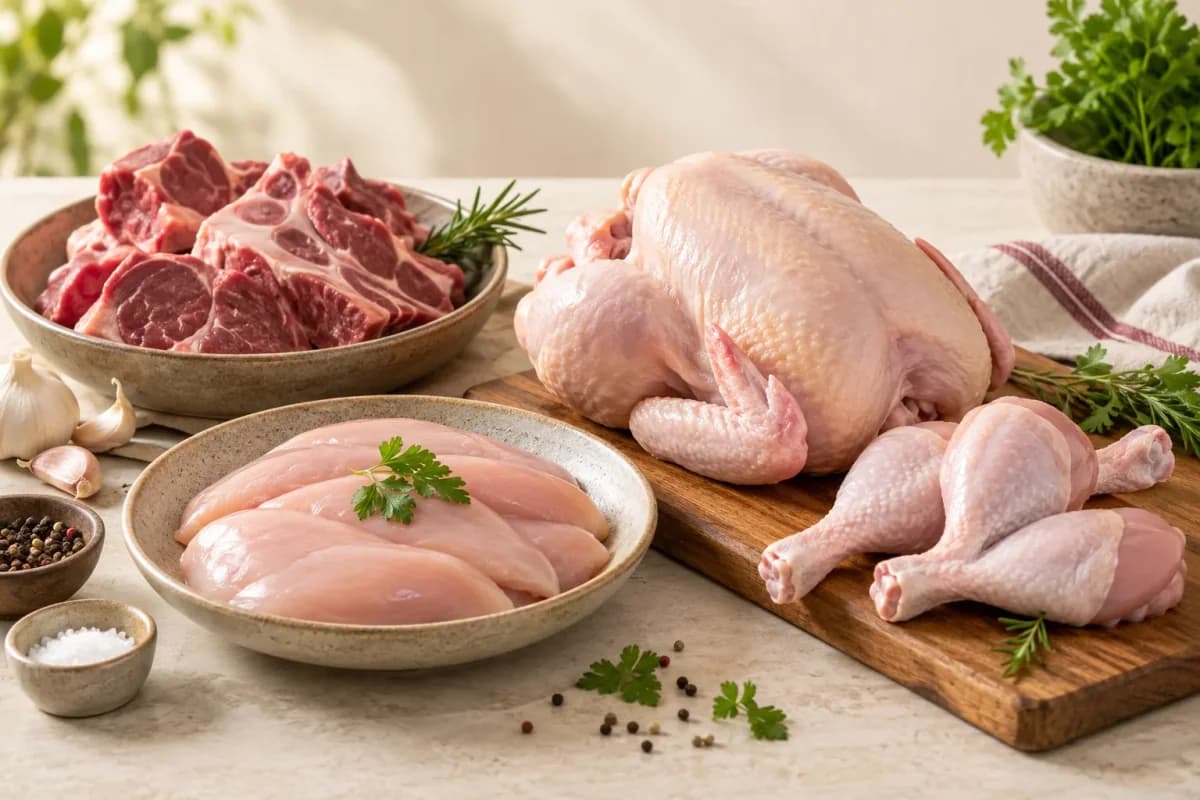
Meat Shop Management Software from GullySystem is for shops that buy chicken, mutton, pork or fish by weight and sell it in cuts. Each lot keeps its supplier, cost and yield. Counter bills, restaurant orders, deliveries and credit dues all draw from the same stock, so a kilo sold, lost or owed is always accounted for.
What goes wrong before the software.
How the work flows through it, step by step.
- 1
Buying
Stock is bought live, as carcass or as dressed meat. The supplier, weight, rate and vehicle are recorded when it arrives.
- 2
Dressing and cutting
The lot is dressed and cut. Weights for each cut, bones, offal and waste are entered, and the yield for that lot is worked out.
- 3
Cold storage
Cuts go to a named cold room or display unit. Temperature checks are logged against the unit through the day.
- 4
Selling
The counter weighs, deducts the tray and bills at the cut rate. Orders from restaurants and homes are filled from the same stock.
- 5
Delivery and collection
Standing orders print as delivery notes. Home orders go out by slot, and cash collected is marked on return.
- 6
Closing
Cash is counted, unsold stock is listed with its age, credit dues are updated, and supplier payments are planned for the next day.
What is inside.
Every module can be switched on, left out or changed to match how your team already works.
The business modules it is built from.
Each one is also available on its own, or inside a system built for you.
- Point of Sale Billing
The cashier weighs, deducts the tray and takes cash, card, wallet or credit on one bill.
- Stock Tracking and Alerts
Meat nearing its safe selling limit is flagged each morning, so older cuts are sold or cooked first.
- Order Management
Daily orders from regular buyers are raised from their pattern and changed in one place.
- Credit Limits and Control
Credit dues are aged by customer, and reminders go out before a small account turns into an old one.
- WhatsApp, SMS and Email Notifications
Customers get a confirmation and a delivery message, both drawn from the same order record the rider sees.
- Purchase Order Management
Orders to farms and wholesalers are raised, received by weight and matched to the supplier bill.
- Barcodes and Labels
Packed cuts carry a printed label with weight, rate and packing date, so a pack can be traced back.
- Roles and Permissions
Only named staff can change a rate or write off stock, and each change is kept with the user and time.
How we would put it in.
Setup, data migration, integrations and anything built on top.
Explore moreBrowse business and AI solutions
Looking for another part of your workflow? Browse the modules by business function.
- Applicant Tracking (5)
- CRM (8)
- Finance & Accounting (10)
- Helpdesk (4)
- Human Resources (13)
- Inventory Management (5)
- Project Management (7)
- Manufacturing (6)
- Procurement (4)
- Sales and Distribution (6)
- Field Service (5)
- Statutory and Compliance (4)
- Retail and POS (4)
- Bookings and Appointments (3)
- Subscriptions (2)
- Assets and Fleet (4)
- Platform (6)
- Analytics (2)
- Documents (1)
- All business solutions
One system, each person sees their part.
Owner
See daily takings, yield by supplier, wastage and money owed, without waiting for the night count.
Cutter at the block
Enter weights for each cut, see the day’s orders, and know which stock goes out first.
Counter cashier
Weigh, bill and take payment, and look up a regular customer’s balance.
For the delivery rider
Get a list of drops by slot, mark delivered, and record cash taken.
For the accountant
Receive sales, purchases, credit and supplier ledgers in a form the books can use.
The numbers the owner asks for.
- Dressing yield by lot and supplier
- Daily sales by cut and meat type
- Stock on hand by age and cold room
- Wastage and spoilage by reason
- Standing orders and deliveries by buyer
- Credit dues by customer and age
- Cold room temperature log by unit and day
Who this is built for.
- Retail chicken and mutton shops with a cutting room
- Pork and beef counters that buy carcass and sell cuts
- Fish stalls and shops with a cold display
- Shops that supply restaurants, hotels and caterers
- Butchers that deliver to homes by slot
- Owners with two or three outlets and one cold store
When it is not the right choice.
- A poultry farm that raises and sells birds needs the poultry farm product, not a retail counter system.
- A packaged meat factory with batch recipes and shelf-life testing needs a food manufacturer product.
Adapted to your business before it goes live.
You are not handed a login and left to it. The product is set up around your records, your people and the tools you already use.
Works alongside
- Digital weighing scale
- Barcode and receipt printers
- Card and wallet payments
- SMS
- Accounting package export
Checks to bring to your product demo.
Review these scenarios against the product configuration and record anything that still needs to be agreed.
Stock by age and unit
What happens to movements entered while a count is being checked?
For “Stock by age and unit”, choose a count date and trace the movements around it. Agree who investigates a difference before an adjustment changes the available balance.
Background reading: ERPNext: stock reconciliation
Credit customers and supplier dues
Can the same receipt be allocated without counting the money twice?
Take an unallocated amount in “Credit customers and supplier dues” and apply it to the intended balance. Review the remaining amount and the original receipt reference together.
Background reading: ERPNext: payment allocation
Questions owners ask before a demo.
Does it read weight directly from the scale?
A scale with a serial or USB output can feed the bill. We test your model during setup. Where it cannot connect, weight is typed in.
Can one shop sell chicken, mutton, pork and fish?
Yes. Each type has its own cuts, rates and shelf life, so the ledgers stay apart while the day’s takings come together.
How is dressing yield worked out?
You enter the weight bought and the weights that came out as cuts, bones and waste. Yield is calculated for the lot and kept against the supplier.
What happens if the internet drops?
Billing is planned to carry on at the counter and sync when the link is back. We confirm this for your setup before work starts.
Can it handle restaurant and hotel orders?
Yes. Each buyer has a standing pattern and a price list. The daily order, delivery note and invoice come from the same record.
What will the meat shop software not do?
It will not run a slaughter house or a packaging line, and it does not replace a food safety plan. It keeps the records that a plan relies on.
How quickly will staff pick it up?
The counter screen is short, and cashiers can bill after a short session. The cutter’s yield screen and the owner’s reports take a little longer. Training is planned around your quietest hours.
Who owns the shop’s data if we stop?
You do. Purchases, sales, credit ledgers and temperature logs can be exported as plain files whenever you ask.
What drives the cost?
The number of counters, users and outlets, whether delivery and standing orders are in the first release, the hardware to connect, and how much history is moved. Each part is a line in the quotation. We quote only after reading your scope.
What should we have ready?
Gather your cut and rate list, supplier names, a month of purchase slips, the credit notebook and any temperature sheets. Name one cutter and one cashier to review screens.
Wondering what it would cost? Share your requirements and an engineer will come back with a scope.
Every part, on its own page.
Each page covers one part of the system: what it records, who uses it and what it hands on.
- Lot purchase and supplier record for butchers
- Dressing yield and cutting for meat shops
- Cut rates and counter price board
- Counter billing from the scale for butchers
- Meat stock by age and cold room unit
- Cold room temperature log for meat shops
- Wastage and spoilage records for butchers
- Standing orders for restaurant and hotel meat supply
- Home delivery slots for butcher shops
- Credit customer and supplier ledgers for meat shops
Built for.
The trades this product is set up for. Pick yours to see how the work runs there.
Related products.
See Meat Shop Management Software set up around your records.
Tell us how you run things today. An engineer reads it and writes back with what fits as it is, what would need changing, and what we would start with.
What happens after you share your requirements
- We review your brief and the systems you already use.
- We clarify the workflow, missing information and the work to consider first.
- The proposed scope sets out the deliverables, responsibilities and dependencies.
- Review the scope and commercial terms before deciding whether to proceed.
Start with your requirements
Describe your current process, the people involved and the change you need. Start with the details you know; we can clarify the rest together.
Share your requirements