Site Visit Records with Follow-Up
Site visit tracking fixes the date, records who came and who brought them, and gives every visit a follow-up. A visited buyer with no call-back shows on the sales head’s list.
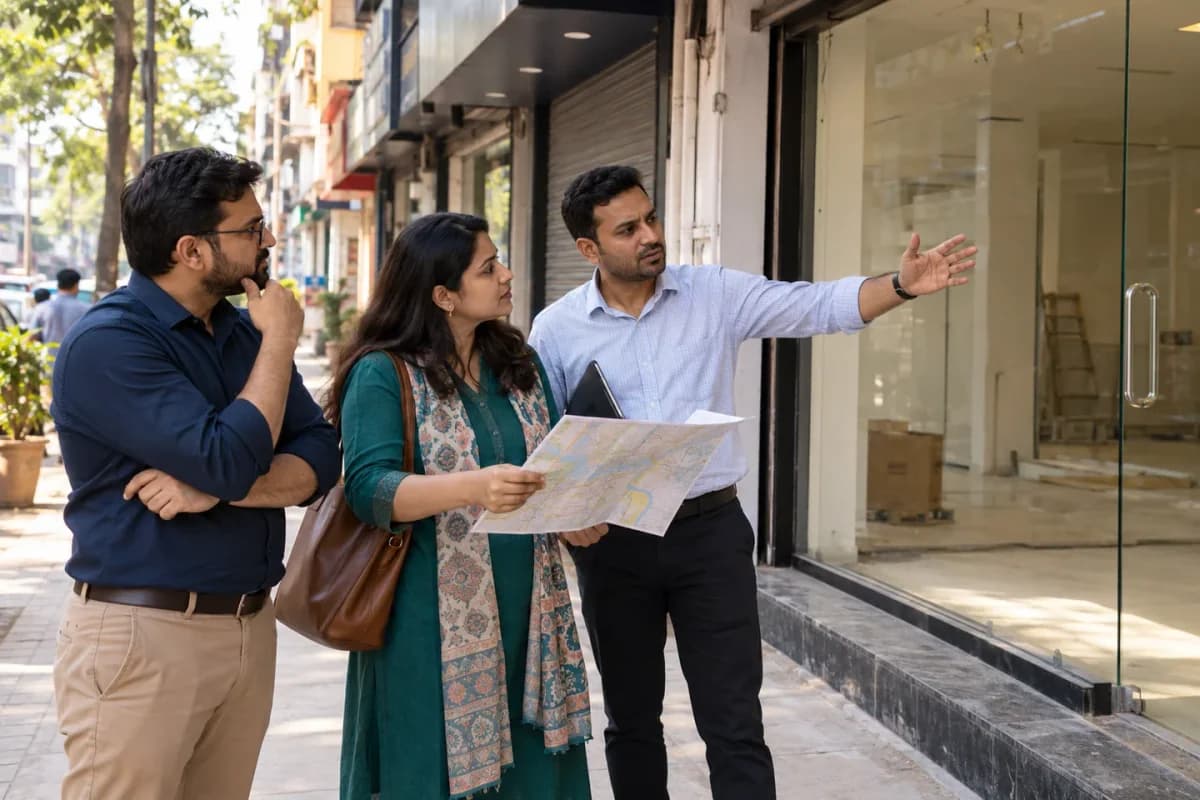
The day’s visit list
Before the first visitor arrives, the site office works from one list of who is expected, for which project and with which salesperson. Channel partners bringing families appear on the same list, so the gate knows the name.
What a visit record carries
Why the visit is the pivot of the sale
Sales teams and vendor guides treat the site visit as the step closest to a booking. Families who visit have chosen to spend a weekend on your project. They are also the group most easily lost, because the visit ends with a polite promise to think. A record taken that day, with a next action, is what turns the promise into a call. Without it, the memory belongs to the salesperson who may not be there next month.
What the sales head sees on Monday
- Visits done over the weekend, project by project
- Visited leads with no follow-up logged against them
- Visits that came through a channel partner, and which partner
- A salesperson’s own day, opened on the phone at the site
- Visits against enquiries, to show which source brings families
Handling a busy weekend at the site
Saturday brings twenty families and three salespeople. Things go wrong in predictable ways.
What to do with the visit data afterwards
Visit records feed two decisions. The first is the call-back: which families need a call today, and what should the salesperson say. Marketing is the other: which source and which partner bring families who actually walk the site. Over a few months the record shows whether a portal that sends a lot of calls sends few visits, or whether one partner’s buyers always return for a second look. Those patterns are worth more than any single visit note. Review them quarterly with the sales head and the marketing owner, and decide where next month’s effort should go. A source that fills the site on weekends deserves more budget. One that fills only the inbox deserves a hard look.
- Visits by source, month by month
- Second visits as a sign of serious interest
- Partners whose buyers visit and book
- Days between visit and first call-back
Site visits from booking to the Monday review
A visit is the moment a sale turns, so the record around it matters. Weekends carry the load. Follow one buyer.
What the sales head decides about visit data
Visit records carry names and sources, so a little discipline pays back later. Agree these points with the sales head and the site office before the first weekend that uses them. Fix them early. Share them with the site office.
Agree the evidence before signing off this part.
Use a representative scenario to decide what this part of the system must show and where review is still needed.
The day’s visit list
Which observation would change the proposed scope?
For “The day’s visit list”, observe someone completing the task with a representative example. Record where they stop, ask another person or re-enter information, then choose the smallest change whose result the team can verify.
Background reading: GOV.UK: researching user needs
Frequently asked questions
Can a salesperson log the visit at the site?
Yes, from the phone browser. The salesperson opens the visit, marks the family as arrived, ticks the units shown and types two lines about what they said. Nothing is installed.
Does it stop a visit from being forgotten?
No. It shows the visit as having no follow-up, and somebody still has to make the call. The sales head can see which visits were never rung back.
What if the visitor came alone last month and with family this time?
Both visits sit on the same lead, in order. A return visit carries more weight, and the record shows what changed between them.
Can we prove a partner brought the family?
The visit record names the partner and the date. Together with the registration time stamp, it gives a record to settle the question.
Can visits be scheduled in advance?
Yes. A visit is fixed for a date, and the day’s list shows who is expected. A calendar connection is optional.
Does a visit need an OTP or location check?
Some vendors offer location or OTP check-ins. Whether your office wants any such step is confirmed in scoping.
How soon should a visited buyer be called?
That is your rule. An office can set a short limit such as three days, and the follow-up list flags visits beyond it.
How this feature fits the system.
Real Estate CRM: the parts that work with this feature, the trades that use it and the ways to put it in place.
Enquiries from every source
Leads from portals, the website, calls and walk-ins join one list with source, project, budget and unit type, and duplicate phone numbers are flagged.
Lead ManagementPayment schedules and reminders
A payment plan is applied per project to each booking, so instalments show as due, received or overdue, with reminders ahead of each date.
Collections and Payment Follow-UpPartner commission
Commission is calculated per booking at the rate agreed with each channel partner and shown as due or paid.
Commission and IncentivesTrades that use it
Tell us what you need.
Tell us what your team does today, where work gets stuck and what you want to change.
What happens after you share your requirements
- We review your brief and the systems you already use.
- We clarify the workflow, missing information and the work to consider first.
- The proposed scope sets out the deliverables, responsibilities and dependencies.
- Review the scope and commercial terms before deciding whether to proceed.
Start with your requirements
Describe your current process, the people involved and the change you need. Start with the details you know; we can clarify the rest together.
Share your requirements