Track each unit from enquiry through sale or lease to rent, CAM and renewal.
Commercial property developers sell and lease offices, retail floors and shops, then run the building afterwards. Enquiries sit in one sheet, lease terms in scanned agreements and CAM dues in another file. Our Real Estate CRM covers enquiries, unit holds, bookings and payment schedules for the units you sell. A lease register, rent and CAM billing and a tenant ledger are built beside it as custom work.
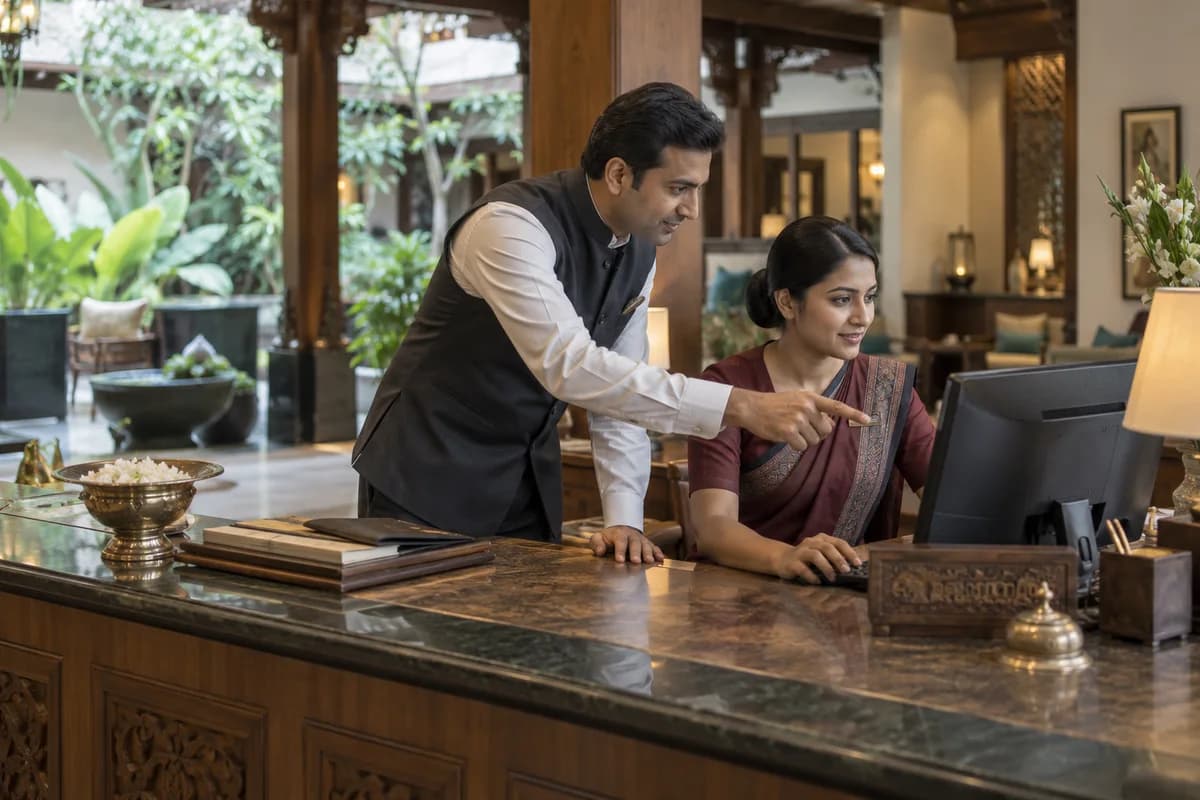
A commercial project earns in two ways: units sold to investors and occupiers, and units leased out for rent. Both need a record of who holds which floor, on what terms.
Once a tenant moves in, the developer or its property arm keeps billing rent, common area maintenance and utilities. The terms behind each bill are often read from a scanned agreement. That is slow.
Brokers and portals bring enquiries for a floor, a shop or a block of workstations. Site visits are logged, a unit is held, and a letter of intent goes back with area, rent and lock-in.
After signing, the lease register notes the start date, rent-free fit-out period, lock-in, escalation date, deposit and renewal option for each tenant. Accounts raise rent and CAM invoices every month from those terms, with the tax lines your adviser confirms for the country.
Utilities, parking and signage are charged apart. Tenants ask for statements, renewals fall due, and a floor that turns vacant needs a fresh round of site visits.
What goes wrong for commercial property developers without a proper system.
What we would build for commercial property developers.
Named the way your team already talks about the work. We start with whichever part the audit shows is costing you most.
A requirements checklist for commercial property developers.
What to cover, which reports to ask for and what to put to every vendor, ready to print or save as a PDF.
A product already built for commercial property developers.
It is adapted to how your business works before it goes live, and anything your trade needs that it lacks is added then.
Real Estate CRM
Enquiries, site visits, follow-ups, unit inventory, bookings with payment schedules, channel partners and documents, set up around your own projects.
The business modules commercial property developers use most.
Each one is also available on its own, or inside a system built for you.
The services behind it.
ERP, CRM and Business Software Implementation
One record of stock, orders, customers and accounts, set up so your team opens it every day.
Learn moreCustom Software and Product Engineering
Software built around how your business actually runs, when nothing off the shelf fits without workarounds.
Learn moreBusiness Process Automation
Approvals, reminders, follow-ups and reports that run on their own instead of on someone remembering.
Learn moreData Engineering and Business Intelligence
Dashboards that answer the owner’s Monday questions without anyone building an Excel sheet first.
Learn moreWritten for commercial property developers.
Practical notes on running the business, not product marketing.
How the work runs from Bengaluru for your city.
- 1
The audit, by call
A screen-share and a look at the sheets, Tally reports and WhatsApp groups your team uses. No travel needed.
- 2
A written proposal
Scope, what we build first and the cost, agreed in writing before anything starts.
- 3
Build in short rounds
Working screens shared every few weeks. Your team tests them from your own office.
- 4
Go-live, in person when it helps
For data migration and training we can come to your city. Travel is agreed in advance.
- 5
Support online
Fixes, changes and hosting handled remotely by the same team that built it.
Software we have built and run.
We only name clients whose work is published. These are systems our team designed, built and supports.
PetSeva: matching owners to the right vet, at any hour
A two-sided veterinary platform where vets are searchable by specialisation and bookable outside clinic hours. It now carries more than 2,000 veterinary doctors.
Read the case study Paying guest accommodationSAM Atithi Pavathi: bed-level occupancy as the source of truth
PG management software where allocation, rates and invoices are derived from bed-level occupancy and not maintained in parallel spreadsheets.
Read the case study School transport servicesSAM Tours: school transport on a single ledger
Registration, fee collection, routing and finance write to the same records, closing the gap between journeys run and fees collected.
Read the case studyQuestions commercial property developers ask before they call.
Does the Real Estate CRM handle leases?
Not on its own. It covers enquiries, holds, bookings and payment schedules for units you sell. The lease register and the rent and CAM billing are a separate build added beside it.
Will rent and CAM invoices go into our bookkeeping tool?
Nothing posts into your ledgers by itself. Invoices and receipts can reach your accountant as a file, and a layout matched to your ledgers is quoted after the ledger heads are explained.
Can it file approvals or returns for the project?
No. It records the registration details, schedules and documents you enter. Filings and approvals stay with you and your advisers.
Is the CRM enough, or do we need a custom build?
If you only sell units, the CRM may be enough. Custom work earns its place when leases, CAM and renewals are where money leaks.
What happens in the free technology audit?
We look at the software, spreadsheets and WhatsApp groups your business runs on today and write down what works, what slows your team down and what is missing. A demo login, a screen-share or a few screenshots are enough to start. You get a report ordered by priority, and there is no obligation to hire us afterwards.
How much will the software cost?
We don’t publish a price, because it depends on what the system has to do. The audit settles the scope, and the cost goes into a written proposal before any work starts.
Part of a wider group.
Tell us how your business runs today.
A few lines on your spreadsheets, software and WhatsApp groups is enough. We reply the same working day.
- No obligation
- A reply within one business day
- Your details stay private
Start with your requirements
Seven short steps that tell us what you need. An engineer reads them before getting in touch.
Share your requirements