Patient Registration and Visit Records
Each patient is registered once. Every later visit, prescription, referrer, study and report joins that record, so the desk finds a returning patient by phone number instead of opening a new file.
What the patient record holds
The desk fills the basic details at the first visit. Later visits add to them.
Visits, not just patients
One patient may come for an ultrasound today and a CT next month. Each visit has its own bill, studies and report status. A family member booking for an elderly parent is noted against the visit, with the phone number that should receive the report.
Duplicates and how they start
Most duplicate records begin at a busy counter. A name is spelt two ways, a second phone number is given, or a relative registers on the patient’s behalf. Searching by phone number first, then by name and age, catches most of them before a new file is opened.
Handling personal health data
A diagnostic record is sensitive. India’s Digital Personal Data Protection Act applies to personal data handled in digital form, so the centre should decide who may open records and why. Limiting access by role and keeping the purpose of each field clear is a sound start, and the centre’s adviser can confirm the rest.
What to ask a vendor about patient registration
Ask what the desk will see on a busy morning.
- Does the screen warn when a phone number already exists?
- Can two relatives share one number without mixing records?
- Can the desk register a patient with minimal details in an emergency and complete them later?
- How are two records merged, and is the merge reversible?
Keeping the record useful years later
A diagnostic record is consulted long after the visit. A patient may return with a new symptom, or a radiologist may need last year’s scan to see whether a lesion has grown. The record is only helpful if the patient was registered once, the studies were attached to the right visit and the reports were signed and stored with dates.
Training the desk to register well
Good records start with habits. Ask for the phone number first, spell the name back, confirm the age and note who will receive the report. A short written guide at the counter and a monthly look at duplicates found by the owner will keep the habits alive, especially when new staff join during a busy season.
Registration at a busy counter
What the centre decides
- Which fields are required at registration and which are optional.
- Whether an ID number is collected, and which kinds are accepted.
- How duplicate records found later are merged, and who may do it.
Registration and visits across a busy counter
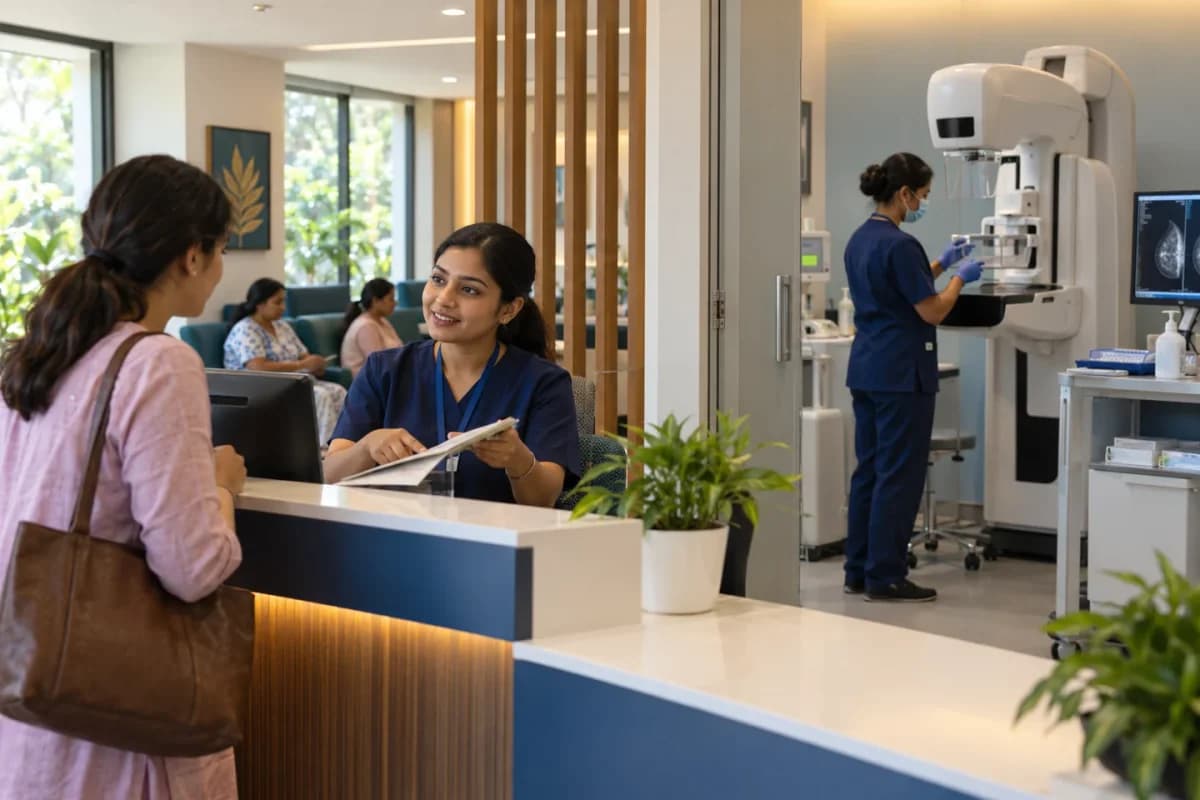
One patient record is opened at the front desk, in the scan room and in the reporting room. Everyone sees one identity.
Registration rules agreed before the first patient
The way a centre registers patients decides how clean its records stay. Agree what the desk asks, how duplicates are caught and who may merge. Settle this with the desk lead and the radiologists. Clean data starts here. Keep the rules few.
Agree the evidence before signing off this part.
Use a representative scenario to decide what this part of the system must show and where review is still needed.
What the patient record holds
Can staff identify the correct record and encounter before entering a note?
For “What the patient record holds”, use fictional records with similar names and more than one visit. Ask the clinical lead to check which encounter is open and who may correct an entry without losing its history.
Background reading: Frappe: healthcare record relationships
Duplicates and how they start
Which identifier keeps two similar names from becoming the same record?
Choose similar-looking entries in “Duplicates and how they start” and agree how the team distinguishes them. Check which linked history must remain separate before approving a merge or import.
Background reading: ERPNext: importing linked records
Frequently asked questions
Can two patients share a phone number?
Yes. Family members often do. Every record on that number is listed, and the right one is picked before billing.
Can patients register themselves before they arrive?
Not as a standard screen. A booking link that collects details can be scoped as extra work.
Is the registration linked to ABHA?
No. There is no ABHA link today. The record sits in the centre’s own system.
Can a walk-in be registered quickly?
Name, age, sex and phone number can be taken first, and the rest added when the patient has time.
Who can see a patient’s past reports?
What each login sees depends on the role the centre assigns. Centres let the desk see status and keep the reports themselves for the reading room.
Can we search by referrer?
Yes. Visits can be listed by referrer, which also feeds the referral reports described on the credit accounts page.
How this feature fits the system.
Diagnostic Centre Management Software: the parts that work with this feature, the trades that use it and the ways to put it in place.
Slot booking by machine
Ultrasound, X-ray, CT and MRI rooms are booked by slot, and the preparation for each scan is printed or sent at booking.
Appointment SchedulingRate lists and health packages
Separate rate lists serve walk-ins, hospitals, corporates and camps, and scans and tests are grouped into health check packages.
Price Lists and SchemesBilling, dues and refunds
Each visit is billed from the right rate list, with part payments, discounts logged with the approver, and cancelled scans refunded with a written reason.
Invoice ManagementTell us what you need.
Tell us what your team does today, where work gets stuck and what you want to change.
What happens after you share your requirements
- We review your brief and the systems you already use.
- We clarify the workflow, missing information and the work to consider first.
- The proposed scope sets out the deliverables, responsibilities and dependencies.
- Review the scope and commercial terms before deciding whether to proceed.
Start with your requirements
Describe your current process, the people involved and the change you need. Start with the details you know; we can clarify the rest together.
Share your requirements