Report Templates and Sign-Off
Reports are written from templates the centre’s radiologists approve. A draft stays a draft until the radiologist signs it. The signed version is locked, and that is the only version released to print or to the patient.
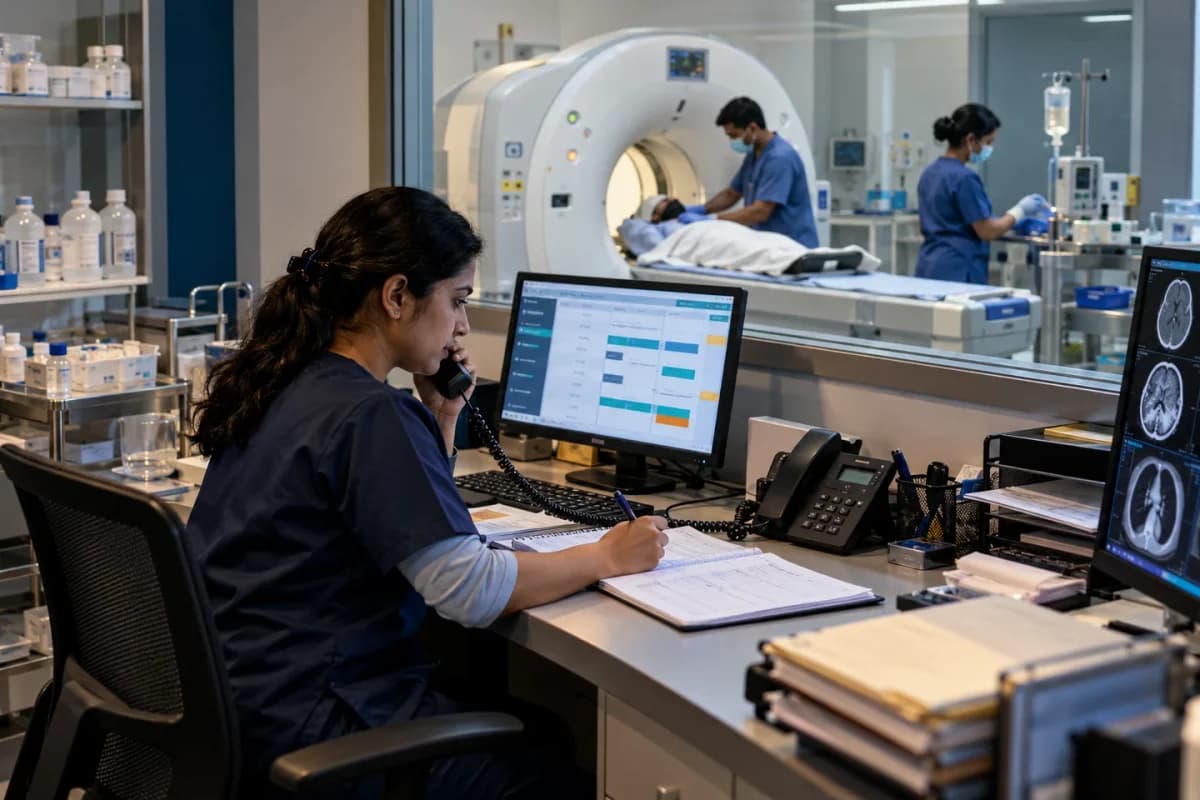
Templates per study
A normal whole abdomen, a chest X-ray and a CT brain each start from their own template.
After sign-off
A signed report cannot be edited quietly. If a correction is needed, an addendum or a revised version is issued, and the earlier one stays on record with the reason for the change.
What a good radiology report contains
Professional bodies in radiology describe a report as a structure: the clinical question, the technique, the comparison with older studies, the findings and a clear impression. Templates help because they remind the reader to cover each part, and because referring doctors learn where to look.
- The reason for the study, copied from the visit.
- The technique, such as contrast used or views taken.
- A comparison with the patient’s earlier study, if one exists.
- Findings in an order the template fixes.
- A short impression that a busy clinician can read first.
Drafts, urgent reads and critical findings
The draft is where most delay hides. Worklist articles measure the gap between exam and draft and between draft and approval, because a study can sit unseen between the two. A radiologist who finds something urgent needs a way to flag it and to record the call to the referring doctor.
Keeping templates tidy as the centre grows
A centre that starts with a handful of templates soon has dozens. Without care, two radiologists keep slightly different versions of the same normal report, and referring doctors notice. A short review each quarter, led by one senior radiologist, merges duplicates, retires old wording and keeps the library readable. The dated record of each change makes the review simple.
How a typist and a radiologist share the work
In a busy reading room, the radiologist dictates findings and a typist prepares the draft from a template. The radiologist then checks every line, edits what is wrong and signs. The split saves hours, but it only works when the draft stays clearly marked as unsigned and nobody outside the reading room can see it before the signature.
What to ask about managing report templates
Check how templates are managed once the first set is built.
What the radiologists decide
- The wording of each template and the phrases kept for common findings.
- Who may prepare drafts, and for which modalities.
- How an addendum is worded and who is told about it.
How templates are used through a reading day
The reading room runs on templates from first scan to final signature. A radiologist, a typist and the desk touch the same report at different moments. This is what each of them does across one reporting shift. Handoffs stay visible throughout.
What the radiologists settle first
Template rules belong to the radiologists, not to the software or the desk. A short meeting before set-up saves rework later. These are the questions that group should answer and write down before the first draft is typed by anyone.
Questions to settle before rollout.
Use a representative scenario to decide what this part of the system must show and where review is still needed.
Report Templates and Sign-Off
What does one row mean before totals are combined?
Choose one period in “Report Templates and Sign-Off” and compare it with the source records. Define the date basis and grouping before accepting a total that combines several kinds of entry.
Background reading: Microsoft: reporting grain and relationships
After sign-off
What needs fresh approval after a record is changed?
For “After sign-off”, change a material detail after approval in the demonstration. Agree the next responsible person and the evidence needed before the work can continue.
Background reading: ERPNext: approval transitions
Frequently asked questions
Can a report be dictated?
A typist can work from a recorded dictation. Speech-to-text inside the system would have to be scoped separately.
Does it write the findings itself?
No. The radiologist writes and signs every report. Templates only give a starting text.
How is a signed report corrected?
Yes, through an addendum or a revised version. The first signed copy stays on record with the reason for the change.
Can two radiologists share one template set?
Yes. Templates are kept per modality and study, and a senior radiologist decides who edits them.
Is the registration number printed on the report?
The radiologist’s name and registration details print as the centre sets them on the letterhead.
Is remote signing possible?
Yes, where the centre assigns studies to that radiologist. They see only the studies given to them.
How this feature fits the system.
Diagnostic Centre Management Software: the parts that work with this feature, the trades that use it and the ways to put it in place.
Slot booking by machine
Ultrasound, X-ray, CT and MRI rooms are booked by slot, and the preparation for each scan is printed or sent at booking.
Appointment SchedulingRate lists and health packages
Separate rate lists serve walk-ins, hospitals, corporates and camps, and scans and tests are grouped into health check packages.
Price Lists and SchemesBilling, dues and refunds
Each visit is billed from the right rate list, with part payments, discounts logged with the approver, and cancelled scans refunded with a written reason.
Invoice ManagementTell us what you need.
Tell us what your team does today, where work gets stuck and what you want to change.
What happens after you share your requirements
- We review your brief and the systems you already use.
- We clarify the workflow, missing information and the work to consider first.
- The proposed scope sets out the deliverables, responsibilities and dependencies.
- Review the scope and commercial terms before deciding whether to proceed.
Start with your requirements
Describe your current process, the people involved and the change you need. Start with the details you know; we can clarify the rest together.
Share your requirements