Report Delivery After Sign-Off
Only signed reports are released. They can be printed with films or a CD, collected at the desk, or sent as a PDF. Each delivery is logged on the visit, with who received it and how.
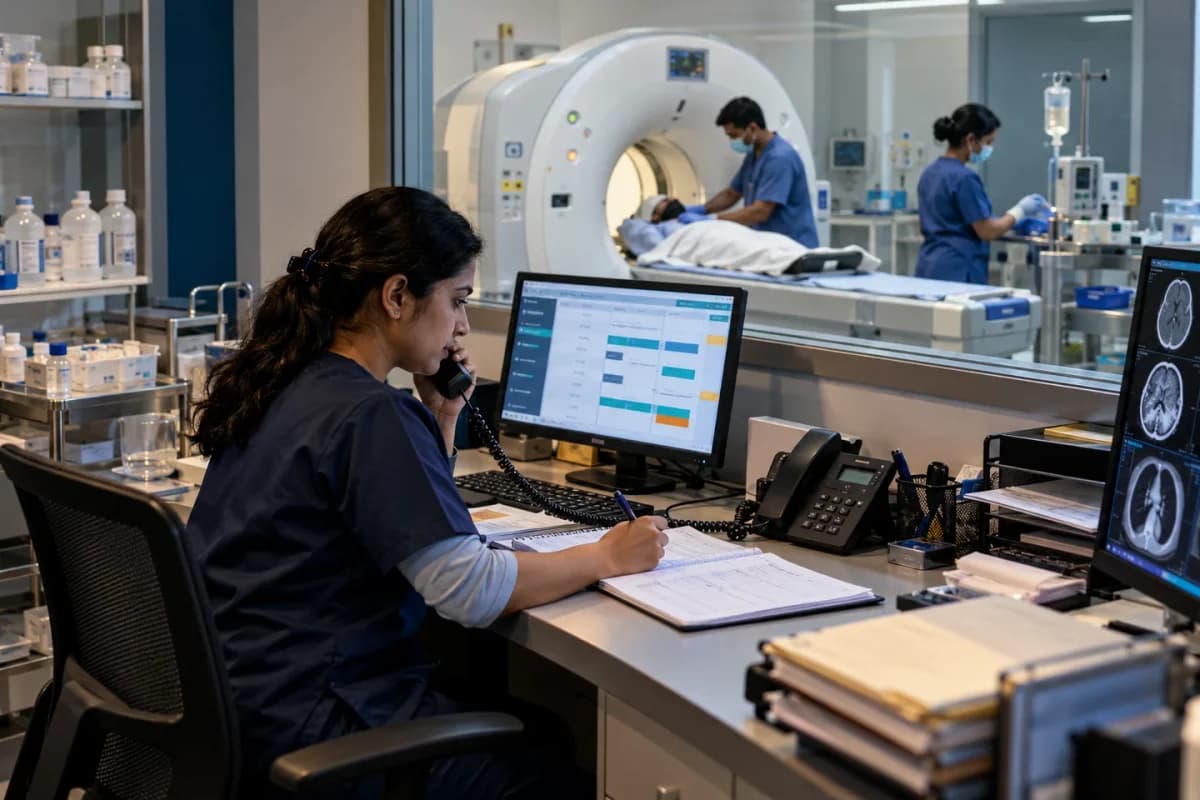
Ways a report leaves the centre
The centre chooses which of these it offers.
Holds and checks
A report can be held for unpaid dues or for a radiologist’s second look. A held report does not go out. Messages go only to the phone number or email on the visit, so a report is not sent to a number typed in by mistake.
Measuring how long reports take
Radiology workflow articles break turnaround into stages: order to exam, exam to draft, and draft to approval. Delivery adds a last stage, from signed report to the patient’s hands. A centre that watches all four sees where waiting really happens, and a late report is late at the desk rather than in the reading room.
What patients ask at the counter
Patients ask the same few things. When will it be ready? Can my doctor get it directly? Can I download it later? Answers that rest on the log, not on memory, calm the counter.
When a patient needs the report today
Some patients need a report the same day for a consultation or an admission. At the counter, whether the study is signed, held or in draft is visible, and the patient gets an honest answer. If the radiologist is asked to prioritise, the study moves up the list. The method is chosen to suit, such as a PDF sent at once while the films are printed later.
What to check before choosing a report delivery method
Delivery is where privacy slips, so check it carefully.
- Is a message sent only to the number on the visit?
- Does the log show who sent a report and when?
- Does a revised report go with a note while the earlier one is kept?
- Can reports for a package visit wait until every part is signed?
Sending personal health data safely
A medical report is among the most private documents a person owns. Sending it to the wrong number is hard to undo. Sensible habits include using the centre’s own business account, sending only to the number on the visit and avoiding open public links. The centre’s lawyer or consultant can explain what the data protection law expects.
A release day at the front desk
Report delivery has its own rhythm at a diagnostic centre. Signed studies reach the desk screen through the day, and four different people meet each one. The log on the visit joins their steps. Here is how an ordinary day runs from opening to closing, seen through each person’s task.
Settling the release rules before go-live
Before the first report goes out, the centre agrees who may release one and on what terms. These choices stay fixed and shape every counter conversation that follows. Owner and head radiologist settle them together, in writing. Not the desk alone.
Agree the evidence before signing off this part.
Use a representative scenario to decide what this part of the system must show and where review is still needed.
What to check before choosing a report delivery method
What does one row mean before totals are combined?
Choose one period in “What to check before choosing a report delivery method” and compare it with the source records. Define the date basis and grouping before accepting a total that combines several kinds of entry.
Background reading: Microsoft: reporting grain and relationships
Measuring how long reports take
What needs fresh approval after a record is changed?
For “Measuring how long reports take”, change a material detail after approval during a scoped walkthrough. Agree the next responsible person and the evidence needed before the work can continue.
Background reading: ERPNext: approval transitions
Frequently asked questions
Is a WhatsApp Business account included?
No. The centre uses its own account. Connecting it is part of the set-up.
Can a patient download old reports?
A patient link can show past signed reports, where the centre turns this on.
What happens if a revised report is issued?
The revised version is sent with a note. The earlier delivery stays in the log.
Does a report reach the referring doctor automatically?
Only where the centre allows it. Some centres send a copy on request, and others send it by default.
Can we stop reports going out for unpaid bills?
Yes. A hold on dues keeps the signed report at the desk until the balance is cleared, if the centre uses that rule.
Is the delivery log kept for every report?
Each delivery is logged on the visit with the method and the person who received it, so a query months later can be answered.
How this feature fits the system.
Diagnostic Centre Management Software: the parts that work with this feature, the trades that use it and the ways to put it in place.
Slot booking by machine
Ultrasound, X-ray, CT and MRI rooms are booked by slot, and the preparation for each scan is printed or sent at booking.
Appointment SchedulingRate lists and health packages
Separate rate lists serve walk-ins, hospitals, corporates and camps, and scans and tests are grouped into health check packages.
Price Lists and SchemesBilling, dues and refunds
Each visit is billed from the right rate list, with part payments, discounts logged with the approver, and cancelled scans refunded with a written reason.
Invoice ManagementTell us what you need.
Tell us what your team does today, where work gets stuck and what you want to change.
What happens after you share your requirements
- We review your brief and the systems you already use.
- We clarify the workflow, missing information and the work to consider first.
- The proposed scope sets out the deliverables, responsibilities and dependencies.
- Review the scope and commercial terms before deciding whether to proceed.
Start with your requirements
Describe your current process, the people involved and the change you need. Start with the details you know; we can clarify the rest together.
Share your requirements