Daily site logs for excavation foremen
Daily site logs let an excavation foreman record the day from a phone. Hours, loads, weather, groundwater, photographs, prestart checks and client instructions go onto the job as they happen. The office reads the same entries, and a variation or dayworks claim later has a written trail behind it.
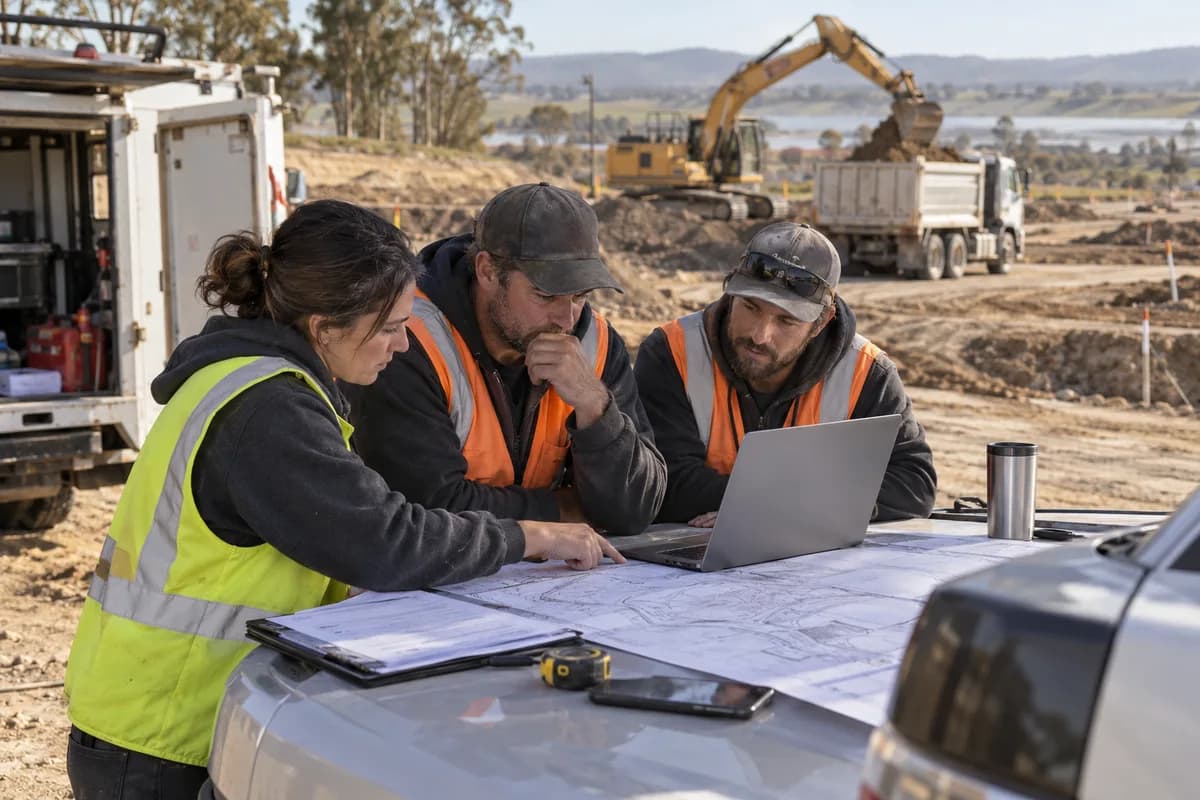
What one excavation site day records
One log covers one site for one day. It is opened by the foreman and filled with the facts that settle arguments later. Short fields are kept short. Photographs sit beside the entry they explain, so a reader does not hunt for them.
A dig day from prestart to last load
A site log is filled in as the day goes, not rebuilt from memory at dusk. Work is done from a phone browser, standing in the cut or in a cab. Entries are brief. Several are made before the first load leaves.
What each person reads in a site log
Four roles read the same entries. Each is looking for something different. The foreman writes, and the rest of the office reads what was written to settle cost, servicing and billing.
Site log choices for an excavation firm
Agree these four points with the owner, the senior foreman and the office before foremen start logging. A log that suits the office but annoys the cab will be skipped. A skipped log proves nothing.
Where the site log hands on and takes from
The site log is the feature that foremen touch every day, so it sits in the middle of the product. It takes the plan from the job and gives back the facts. Hours, loads and instructions entered here are read by other features, not typed again. The hand-offs are below.
- Takes the day’s stage and machines from jobs and programme
- Sends operator hours to operator timesheets for attendance
- Passes loads to haulage and load tickets against each tip
- Gives machine hours to servicing so intervals stay right
- Supplies the entries behind variations in progress claims and invoices
Where the site log stops
This log records what the foreman reports. It does not measure the dig, check a weighbridge or settle a dispute with the client. A photograph is evidence rather than proof of a contract change. Whether a variation is valid stays with the owner and a legal adviser. Without phone signal, entries wait. A one-machine job needs only a notebook.
Frequently asked questions
Can a foreman fill the log without signal?
Entries need signal to save, so a foreman on a remote cut enters the day once the phone is back in range. Photographs wait the same way. Plan for that where a deep trench blocks the signal.
How does a daily log support a dayworks claim?
Each day’s entry holds the hours, the machines, the date and the instruction behind the extra work. Accounts attach those entries to the claim. The client reads dates, names and photographs rather than a bare total.
Can prestart checks be recorded for each machine?
Each excavator, tipper and attachment gets its prestart tick from the foreman before it digs. The yard sees any fault noted then. It is dated with the work, so a later breakdown has a record behind it.
Does the log record weather and groundwater?
Weather and groundwater met in the cut are fields on the day’s entry. A wet trench is explained on the record. A rain day is too. Both support the programme and any claim for lost time.
Who sees the photographs and client instructions?
Photographs and instructions are attached to the day’s entry on the job. Anyone given access to the job reads them there. The office, the owner and accounts are the usual readers. They are kept with the work.
How this feature fits the system.
Excavation Company Management Software: the parts that work with this feature, the trades that use it and the ways to put it in place.
Enquiries and estimates
Bids are built from measured cut and fill and stored machine, tipper and tip rates, and each revision stays with the enquiry.
Estimate/Quotation ManagementMachine and operator allocation
The planner sees which excavators, tippers and operators are free before a new job is promised a start date.
Resource AllocationOperator timesheets
Operators, drivers, banksmen and labourers are marked present against a job, and wages and overtime follow from those entries.
Attendance & Time TrackingTell us what you need.
Tell us what your team does today, where work gets stuck and what you want to change.
What happens after you share your requirements
- We review your brief and the systems you already use.
- We clarify the workflow, missing information and the work to consider first.
- The proposed scope sets out the deliverables, responsibilities and dependencies.
- Review the scope and commercial terms before deciding whether to proceed.
Start with your requirements
Describe your current process, the people involved and the change you need. Start with the details you know; we can clarify the rest together.
Share your requirements