Hired plant and subcontractors on earthworks jobs
Hired plant and subcontractors records every machine and crew brought in from outside against the job it worked. Each carries an agreed rate and the hours logged on site. Their cost reaches the job as the work happens, and the supplier’s invoice is checked against the log before payment.
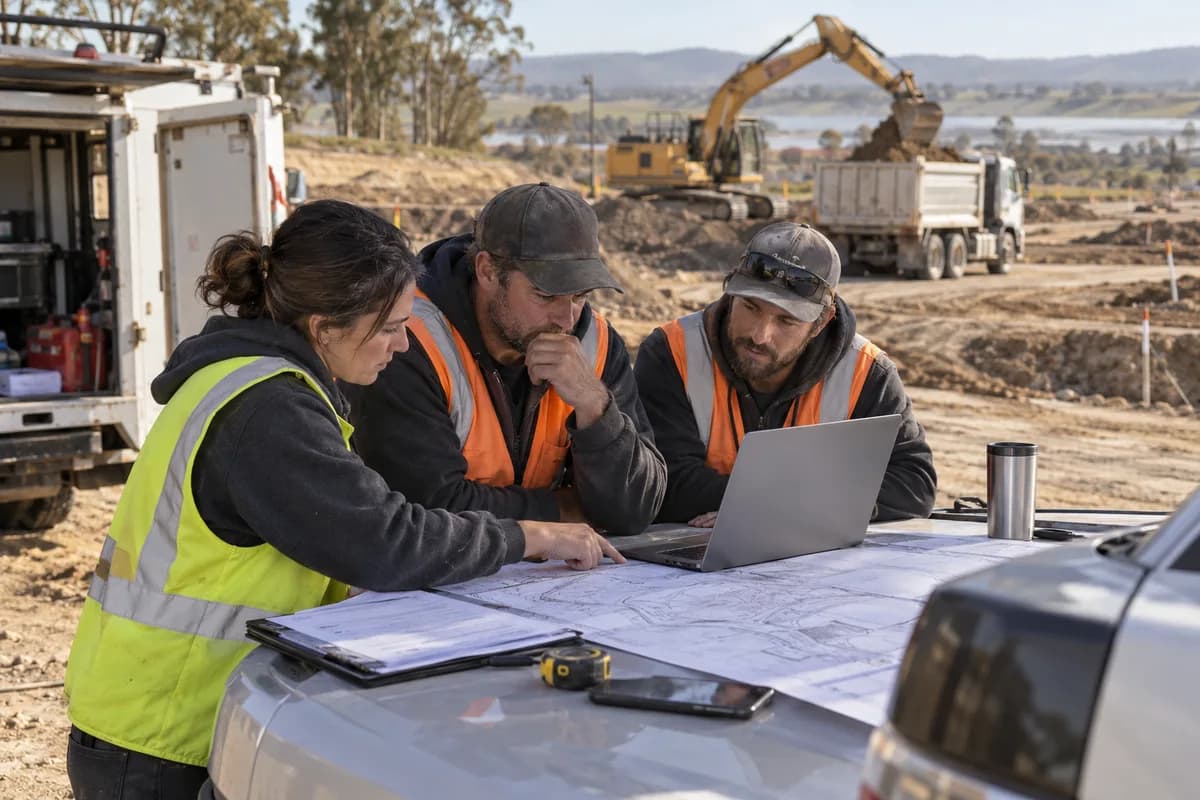
What a hire or subcontract record holds
Every hired scraper or subcontract crew gets the same care as an own excavator. It names the supplier, the rate, the job and the hours. It also holds the invoice that follows. Nothing is left in a driver’s pocket or a cab.
Bringing in outside plant for a peak
Hire is how a firm covers a peak without buying a fleet. Costs arrive late. They also arrive in the supplier’s own format. The record takes them in as the work happens, so the job carries a hire cost before any bill does.
Who handles hired plant and subcontract cost
Four roles touch hired cost. The foreman supplies the evidence, accounts checks the bill, the owner reads the total and the estimator learns the real price of cover. Each uses the same record.
Hire and subcontract rules to settle first
Four decisions keep hired cost honest. Settle them with accounts and the owner before suppliers are loaded. They matter when a busy peak brings several suppliers on site at once.
How hire records connect to other features
Hired plant is the part of a job that arrives from outside, so it touches several other features. It takes the job from the programme and the hours from the log. It gives cost back to the estimate and the claim. The links are below.
- Takes the job and stage from jobs and programme
- Places hired units on machine and operator allocation beside own plant
- Reads hours and loads from daily site logs and load tickets
- Compares hired dumper loads with haulage and load tickets
- Gives actual hire cost to enquiries and estimates for later bids
Where hire tracking stops
This record compares what suppliers bill with what the site logged. It does not negotiate a hire, sign a contract or pay a supplier. Insurance, licences and safe working of a subcontract crew stay with the owner and the safety adviser. It cannot confirm a supplier’s own timesheet, only set it beside the log. Payment stays with accounts. A single hire from a known supplier needs only a note on the job.
Frequently asked questions
How are hired dumpers shown beside our own tippers?
Hired units are placed on the allocation plan and logged in the daily site log like own plant. They carry a supplier and a rate. Reports can then show own and hired side by side.
Can we check a subcontractor’s invoice against site hours?
Each invoice is entered and set beside the hours the foreman logged for that crew. Lines the log supports are marked checked. Lines it does not support are queried with the supplier before anything is paid.
What if the supplier’s timesheet disagrees with our log?
The difference is queried with the supplier, line by line. The foreman’s log is the evidence on the day. A photograph or client instruction in the log can settle it. Payment waits until the line is agreed.
Can the same hirer have different rates on different jobs?
Each entry carries its own rate, so one supplier can be agreed at different rates on different jobs. The rate that applied is kept with the job. Later rate changes do not alter finished jobs.
Does hired cost reach the job before the invoice?
Hours logged on site each day are priced at the agreed rate as the work happens. The job shows an accruing hire cost before any invoice arrives. The invoice then confirms or corrects that figure.
How this feature fits the system.
Excavation Company Management Software: the parts that work with this feature, the trades that use it and the ways to put it in place.
Enquiries and estimates
Bids are built from measured cut and fill and stored machine, tipper and tip rates, and each revision stays with the enquiry.
Estimate/Quotation ManagementMachine and operator allocation
The planner sees which excavators, tippers and operators are free before a new job is promised a start date.
Resource AllocationOperator timesheets
Operators, drivers, banksmen and labourers are marked present against a job, and wages and overtime follow from those entries.
Attendance & Time TrackingTell us what you need.
Tell us what your team does today, where work gets stuck and what you want to change.
What happens after you share your requirements
- We review your brief and the systems you already use.
- We clarify the workflow, missing information and the work to consider first.
- The proposed scope sets out the deliverables, responsibilities and dependencies.
- Review the scope and commercial terms before deciding whether to proceed.
Start with your requirements
Describe your current process, the people involved and the change you need. Start with the details you know; we can clarify the rest together.
Share your requirements