Views by Role for Veterinary Clinic Teams
Vets, the front desk, pharmacy staff and clinic owners all work from the same pet records. Each role opens only the screens that match its own part of the clinic day.
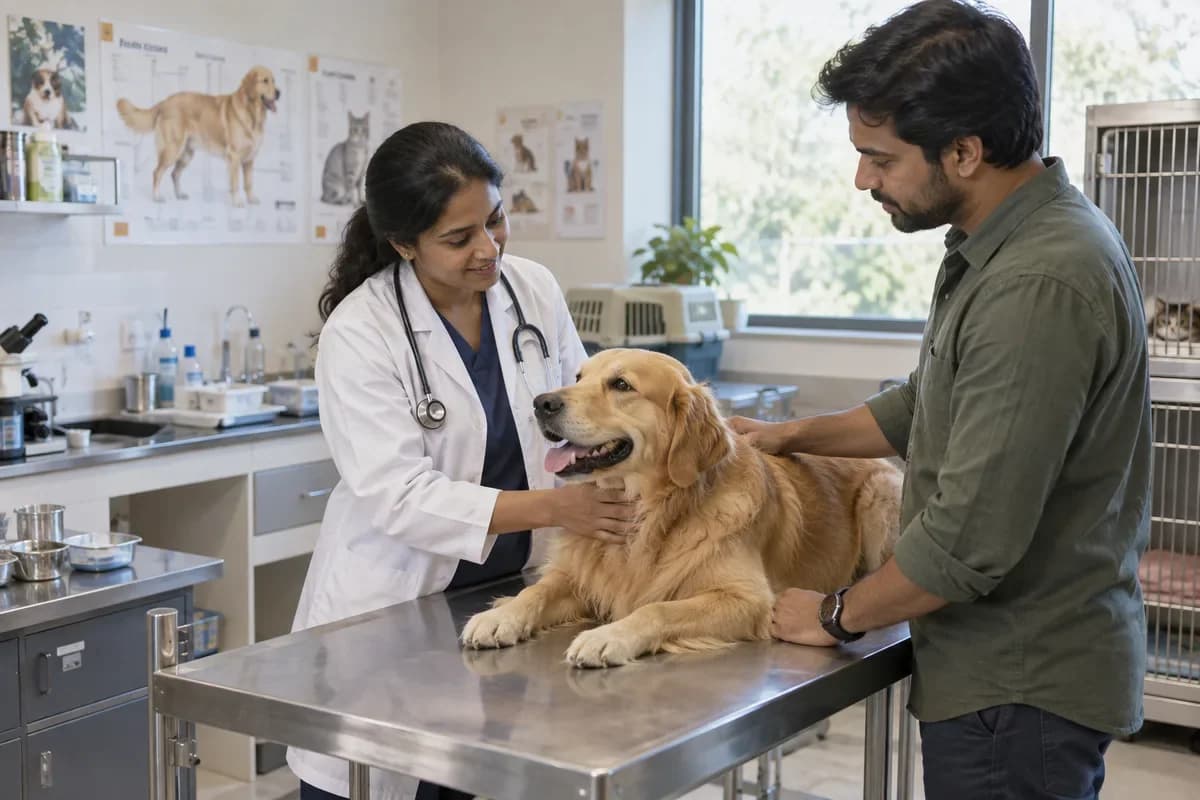
One patient record, four working views
A visit passes from booking and check-in to consultation, billing, stock and reminders, and a different person handles each of those steps during a busy OPD session. The pet’s record holds all of it. Whichever vet is on duty sees the same history, so nobody needs a paper card to find a past visit or a vaccination date.
What each role sees
Who this suits
The software is built for pet clinics with one or two vets and a busy evening OPD. It also suits pet hospitals with several vets on shifts, where the history must travel with the animal. Clinics with their own pharmacy for medicines and vaccines, animal welfare trusts running a treatment centre and vets opening a second branch use the same records.
What is not covered
It is not built for livestock or dairy herd health camps. A grooming or boarding business can use the appointment book and leave the medical records untouched. Which staff open which screens is agreed with the clinic during implementation. That can change later.
Who needs what on a busy evening
At six in the evening the waiting room is full. The desk checks in, the vet calls the next pet, the pharmacy fills a script, and the owner of the clinic is somewhere else. Each person needs one screen.
Locums and visiting specialists
A visiting surgeon or a locum needs the record but not the accounts. Give them a role that shows patients and their notes, and hides the money. Remove the login when the engagement ends. Their entries stay under their name.
Questions to settle with the clinic team
Roles are a people matter more than a software one. Talk it through with the whole team.
- Who may edit a bill after it is raised
- Who may change a stock count
- Whether the desk sees clinical notes
- Who gets the monthly revenue sheet
What each role does during a clinic shift
A single shift passes through several roles, each with its own screen. Following the shift from open to close shows what the vet, the receptionist, the pharmacy assistant and the owner each look at, and when. Each view is deliberately narrow.
Settling access rules before go-live
Role views work best when someone has decided in advance who belongs in each role. A few short conversations before set-up save correction afterwards. Here are the points a clinic team should agree on. Each takes minutes. Mistakes here cost more later.
Questions to settle before rollout.
Use a representative scenario to decide what this part of the system must show and where review is still needed.
Views by Role for Veterinary Clinic Teams
Can an ordinary account reach a record outside its allowed scope?
For “Views by Role for Veterinary Clinic Teams”, agree two accounts with different permissions and test direct requests. Record the expected refusal and include exported or downloaded data in the assessment.
Background reading: OWASP: authorisation checks
Pharmacy and stock
What happens to movements entered while a count is being checked?
For “Pharmacy and stock”, choose a count date and trace the movements around it. Agree who investigates a difference before an adjustment changes the available balance.
Background reading: ERPNext: stock reconciliation
Frequently asked questions
Can a vet see a pet’s history from another vet’s visit?
Yes. Each animal has one record, so any vet on duty sees the visits, treatments, prescriptions and vaccinations that other vets entered, and can search by pet, owner or breed.
What does the front desk start with?
Bookings for the day. Check-in is by pet name, owner name or breed, and the list of owners due a reminder is beside it.
Does the pharmacy see patient notes?
That is set with the clinic during implementation. The pharmacy role is built around stock, expiry dates and supplier orders.
Can the owner see the clinic’s figures?
No. Revenue by service and vet, balances and session load are for the clinic owner, while pet owners see only their own pet’s records, bills and upcoming vaccinations through the portal.
Can the front desk see diagnoses?
That is a setting. Clinics can let the desk see only the visit type and hide the diagnosis.
Can nurses or assistants have their own role?
Yes. A role for assistants can show the day’s list, stock issue and notes without billing.
Can I limit a vet to one branch?
Yes. Each person is tied to the branches they work at.
How quickly is a new role added?
Ask our team, and a new role is set up and tested with you. The time depends on how different it is from existing roles.
How this feature fits the system.
Veterinary Clinic Management System: the parts that work with this feature, the trades that use it and the ways to put it in place.
Appointments
Reception books appointments for every vet and staff member, sending confirmations and reminders and handling reschedules before each visit.
Appointment SchedulingVeterinary billing and balances
Invoices are created from the visit at the clinic’s set rates, with payments received and outstanding balances tracked per owner.
Invoice ManagementVaccination and deworming reminders
Vaccination and deworming dates are recorded per pet, and owners are reminded about boosters, flea treatment and yearly check-ups.
Service RemindersTell us what you need.
Tell us what your team does today, where work gets stuck and what you want to change.
What happens after you share your requirements
- We review your brief and the systems you already use.
- We clarify the workflow, missing information and the work to consider first.
- The proposed scope sets out the deliverables, responsibilities and dependencies.
- Review the scope and commercial terms before deciding whether to proceed.
Start with your requirements
Describe your current process, the people involved and the change you need. Start with the details you know; we can clarify the rest together.
Share your requirements