Lift Test Records and Document File
Papers that belong to a lift are kept with the lift. Test readings, commissioning notes, drawings and certificates are filed against the machine and the building it serves.
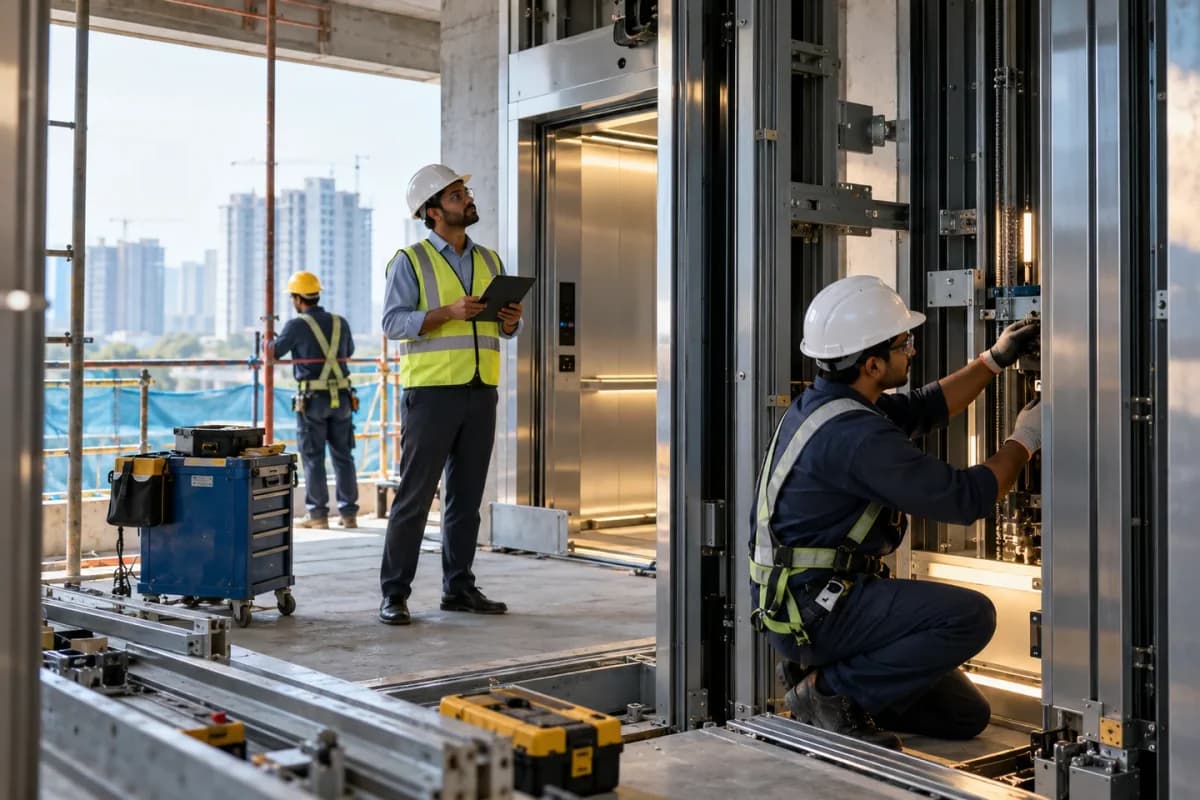
What the file holds
Your office already keeps these papers somewhere. Here they sit beside the machine they describe.
Who may open a paper
Access follows the work a person does. A technician on the route can read a drawing for the machine in front of them, while letters and certificates stay with the office staff you name. Every document shows who uploaded it and when, and a replaced version is kept rather than overwritten. Nothing leaves the system unless a person with permission downloads it.
Dates the office watches
Some papers carry a date that matters later.
What this module does not claim
- It makes no statement about what any authority requires of a lift or its owner
- It issues no certificate, and your engineer signs whatever your practice needs
- It does not judge whether a reading is within limits
- Which papers you keep, and for how long, is your own decision with your advisors
What commissioning papers include
Commissioning checklists published by lift installers cover rail alignment, mechanical checks, electrical tests, safety verification, performance such as levelling, and a review of documents. Your engineer decides the test content. The file holds the results.
- Readings taken at commissioning
- Handover note and walkthrough remarks
- Wiring diagrams and controller layouts
- Certificates and letters
- Photographs of erection and major repairs
Keeping the file tidy
A file is only helpful if the latest papers are easy to find.
Questions for a lift document file
- Can the technician open a drawing on a phone?
- Can access be limited by role?
- Are expiry dates reminded?
- Can old versions be recovered?
Opening and updating a lift’s file through a year
A lift’s paper file is used on a handful of occasions, but each occasion matters. Here is how the document module serves the office, the technician and the society over the length of a year. It is a quiet record.
Choices made before lift papers are scanned in
A few matters get settled before scanning begins. These choices decide who sees what, and how easy a paper is to find years later. Take care at the start.
Agree the evidence before signing off this part.
Use a representative scenario to decide what this part of the system must show and where review is still needed.
Warranty end
What proves that a planned task was actually completed?
Select an overdue entry in “Warranty end”. Ask which work record closes it and what remains visible when the visit is postponed or only part of the job is done.
Background reading: ERPNext: maintenance plans
Renewal of a document
What happens to existing dues when the next renewal is stopped?
For “Renewal of a document”, test a cancellation near the renewal date. Agree the last service period and how any existing balance is handled before recurring work starts.
Background reading: ERPNext: recurring billing
Frequently asked questions
Does the system decide which papers a lift must have?
No. You list the papers your office keeps for each kind of lift, and the file follows that list.
Can an old version of a drawing be recovered?
Yes. A new upload sits beside the earlier one, and both stay readable with their dates.
Who can download a certificate?
Only the staff you permit. The record shows the person who downloaded it and the day it happened.
Can a technician add a photograph from the site?
Yes. Photographs taken during a visit or a repair attach to the lift from the technician’s phone.
Can I attach large drawings?
Yes, within normal file limits for the product. Very large drawings can be split.
Does the system check whether a reading is acceptable?
No. It stores the reading. Your engineer decides what is acceptable under the standard you follow.
Can a committee member see its own lift’s papers?
Only if you give that access. By default, papers are visible to your staff.
How long should papers be kept?
That is your decision with your advisors. The system keeps them until you remove them, and removal is logged.
How this feature fits the system.
Elevator Service Management Software: the parts that work with this feature, the trades that use it and the ways to put it in place.
Quotations and modernisation proposals
Quotations list the parts and labour for a new lift, a repair or a modernisation, and are tracked to an order with revisions kept on file.
Estimate/Quotation ManagementAMC contracts and renewals
Each building’s contract records cover type, the lifts included, visit frequency and instalments, so the service team sees renewal dates and visits owed.
AMC and Service ContractsTechnician routes and attendance
Buildings are grouped into routes with a technician or pair assigned, and the day’s visits and calls are recorded as attended.
Technician SchedulingTell us what you need.
Tell us what your team does today, where work gets stuck and what you want to change.
What happens after you share your requirements
- We review your brief and the systems you already use.
- We clarify the workflow, missing information and the work to consider first.
- The proposed scope sets out the deliverables, responsibilities and dependencies.
- Review the scope and commercial terms before deciding whether to proceed.
Start with your requirements
Describe your current process, the people involved and the change you need. Start with the details you know; we can clarify the rest together.
Share your requirements