Elevator Software Views for Owners, Desk and Technicians
A lift company has owners, a service desk, field technicians, erection supervisors and store staff. Each of them opens the same records and sees only the part their own work needs.
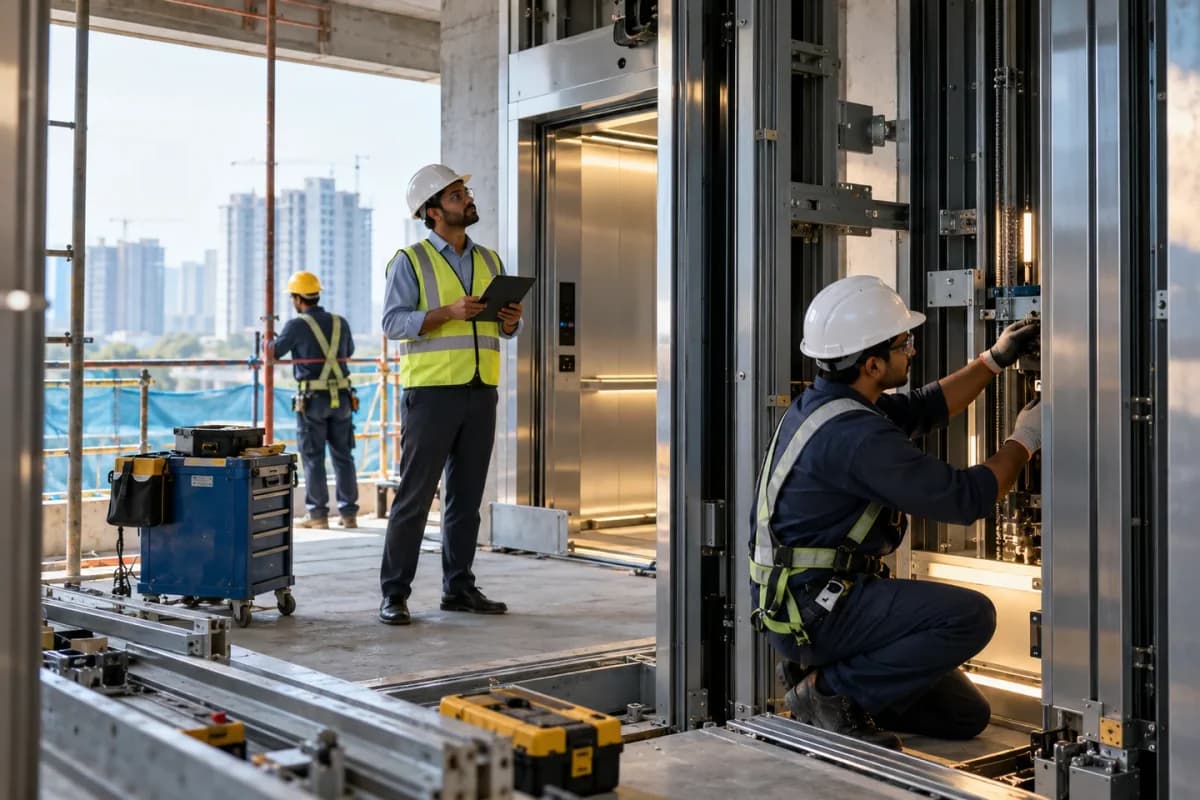
What each person opens
Five views cover most lift companies.
Questions about lift software access, answered during scoping
Role views decide who reads what. Buyers ask the same four things before signing.
What a person does not see
A technician does not read the price of a contract or the balance a society owes. A supervisor at an erection site does not open the call list of other routes. Owners read everything, including figures nobody else is shown. Permissions are drawn up with you during set-up, person by named person, and changed later by whoever you nominate in your office.
Handover when a route changes hands
Routes change when a technician resigns or a new building comes under cover. The office moves the route to another person with a date. From that day the new technician sees the buildings, the open flags and the last remarks on every lift. Older visits stay under the earlier name. Nothing is retyped, and nobody starts a building blind.
Working from a phone
Field staff rarely sit at a desk.
A first week of access, role by role
- Owners open the day’s calls, visits pending and money due
- Desk staff log calls and read lift cover before sending anyone
- Technicians sign in on the phone and open today’s route
- Supervisors mark erection stages and attach site photographs
- Accounts staff match receipts to the oldest invoices
What roles do not settle
- Who holds which role is your decision, not ours
- A role does not change what a technician is paid or how the technician is rostered
- Two people can share one view where your office works that way
- Changes after go-live are made by the person you nominate
How a breakdown call looks to each role
Take a call from a building where a lift has stopped between floors. None of them needs the screen of another to do the part that belongs to them.
Questions to settle before rollout.
Use a representative scenario to decide what this part of the system must show and where review is still needed.
Store and accounts staff
Can you explain the balance from its original documents?
Select a partly settled example in “Store and accounts staff”. Ask for the invoice, allocated receipts and remaining balance to be shown together before agreeing the opening figures.
Background reading: ERPNext: outstanding invoices
Frequently asked questions
Can a technician be stopped from seeing contract amounts?
Yes. Money on a contract can be hidden from field staff while visit and call records stay open to them.
Does a branch manager see the other branches?
Just where you have permitted it. A branch can be limited to the buildings and routes it looks after.
Can one person hold two views?
Yes. A small office puts one person on the desk and in accounts, and both views open for that person.
Who changes a permission later?
The person you nominate inside your own office. Our staff make a change whenever you ask for one.
Can a service technician also hold the AMC desk role?
Yes. A small company has an owner who also sits at the desk. The person gets the screens of both roles.
Do technicians need their own phone?
They need a phone that runs the checklist. The technician’s own handset works, and a company can issue one. That choice is yours.
Who can change a person’s access?
Whoever you name in your office, plus GullySystem staff on request. Each change is kept with a date.
Can a building committee get a login?
A view for a committee can be opened for its own building. It shows visits, calls and bills for that address and nothing from other customers.
Can a technician see a lift’s earlier faults?
Yes. The history opens on the phone with earlier calls, parts fitted and remarks from the last visit.
Do erection supervisors see store stock?
Only the material received against their own jobs. Stock held for service work and for other sites stays with store staff. A shortage raised from the site reaches the store as a request, not as a view of its shelves.
How this feature fits the system.
Elevator Service Management Software: the parts that work with this feature, the trades that use it and the ways to put it in place.
Quotations and modernisation proposals
Quotations list the parts and labour for a new lift, a repair or a modernisation, and are tracked to an order with revisions kept on file.
Estimate/Quotation ManagementAMC contracts and renewals
Each building’s contract records cover type, the lifts included, visit frequency and instalments, so the service team sees renewal dates and visits owed.
AMC and Service ContractsTechnician routes and attendance
Buildings are grouped into routes with a technician or pair assigned, and the day’s visits and calls are recorded as attended.
Technician SchedulingTell us what you need.
Tell us what your team does today, where work gets stuck and what you want to change.
What happens after you share your requirements
- We review your brief and the systems you already use.
- We clarify the workflow, missing information and the work to consider first.
- The proposed scope sets out the deliverables, responsibilities and dependencies.
- Review the scope and commercial terms before deciding whether to proceed.
Start with your requirements
Describe your current process, the people involved and the change you need. Start with the details you know; we can clarify the rest together.
Share your requirements