Quality Control Records for Pathology Labs
Daily control runs are recorded by test, machine and control lot. Each run is plotted against the limits the lab has set, and failed runs carry a note of what was done. The control material, the machine, the lot in use and the person who ran it are kept together, so a run can be looked at again months later.
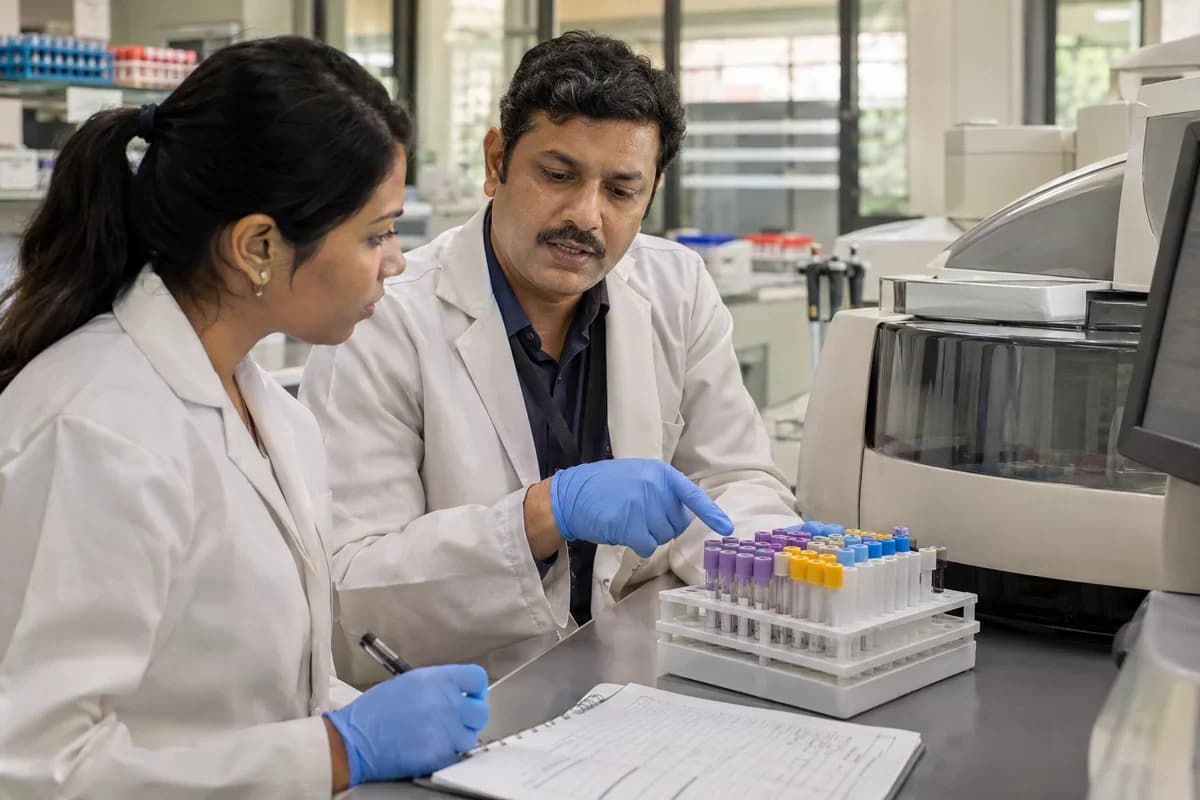
Recording a run
The entry takes a minute at the bench. It replaces a paper register that sits in a drawer until the assessor asks for it.
Charts and review
Runs for each test are shown as a chart over time. Drift becomes visible early. The lab’s quality officer can review and sign the month’s records. External quality scheme results can be filed alongside them. A quality officer who reads the chart every Monday sees a slow drift long before a rejection happens, which is cheaper than repeating a day’s patient samples.
Control rules, warnings and rejections
Quality texts describe rules that read the chart point by point. A value beyond two standard deviations from the mean serves as a warning. One beyond three means results must not be released until the cause is found. Other rules look for several points on one side of the mean, which suggests a shift. The standard ISO 15189 asks the lab to design its own control procedures and to avoid releasing results when control fails. Which rules apply is the lab’s call, taken with its quality manager and its accreditation body.
- Warning: check maintenance, reagents and handling, then continue
- Rejection: stop reporting for that test until the cause is fixed
- Trend: several points drifting one way, caught before a failure
- Shift: a sudden move of the mean after a calibration or a new lot
A new reagent lot or a new control lot
A fresh lot changes the picture. Lab procedures commonly verify a new reagent lot against the old one before patient samples are run on it. A new control lot also needs its own mean and limits, established from the lab’s own runs. The record therefore notes the lot in use for each run. When a result is questioned later, the lab can see which lot was on the bench that morning.
What QC records leave out
The system keeps the lab’s own quality records. It does not set limits, judge a run on the lab’s behalf, or accredit the lab. A lab that wants a specific rule set enters the limits and writes the rule in its own procedure. That choice sits with its quality officer.
Questions for the quality officer
These choices shape the screen and are best made with the person who answers to the assessor. Having the answers before configuration means the first chart on screen already looks like the one the lab already trusts from its own paper register.
A quality control day on the analyser
The technician, the quality officer and the pathologist each read the chart for a different reason. Four moments describe a day in that rhythm. Each run starts clean.
Agree the evidence before signing off this part.
Use a representative scenario to decide what this part of the system must show and where review is still needed.
Control rules, warnings and rejections
Who decides whether a failed result blocks the next step?
For “Control rules, warnings and rejections”, bring an accepted result and a failed one. Agree who can authorise an exception and what evidence must accompany that decision.
Background reading: ERPNext: inspection criteria
Frequently asked questions
Can QC values come from the analyser?
Only where interfacing is scoped for that machine model. Otherwise they are typed in.
Does it make the lab NABL ready?
No. It keeps control records the lab uses in its own quality work. Accreditation stays between the lab and the assessing body.
Can I see the chart for one test over a month?
Yes. Runs for each test are shown over time against the limits the lab entered.
Does it decide whether a run has failed?
No. The lab enters its limits and its action. The chart shows where each value sits, and the person on the bench decides.
Can external quality assessment results be stored?
They can be filed alongside the lab’s own control records, as described above.
What happens to patient results when a run fails?
That is a lab procedure. The record shows the failure and the action taken, and the pathologist decides what to hold or repeat.
How this feature fits the system.
Pathology Lab Management Software: the parts that work with this feature, the trades that use it and the ways to put it in place.
Sample collection and barcodes
A barcode prints for every container at collection, recording sample type and time, and the lab marks any rejected sample with a reason.
Barcodes and LabelsHome collection visits
Home collections are booked by area and time slot and assigned to a phlebotomist, and the front desk sees which samples have reached the lab.
Appointment SchedulingQuality control records
Technologists record daily control runs by test and machine, plot them against limits the lab sets, and note the action taken on a failed run.
Quality ControlTell us what you need.
Tell us what your team does today, where work gets stuck and what you want to change.
What happens after you share your requirements
- We review your brief and the systems you already use.
- We clarify the workflow, missing information and the work to consider first.
- The proposed scope sets out the deliverables, responsibilities and dependencies.
- Review the scope and commercial terms before deciding whether to proceed.
Start with your requirements
Describe your current process, the people involved and the change you need. Start with the details you know; we can clarify the rest together.
Share your requirements