Report Printing and Delivery for Pathology Labs
Once a report is signed, it can be printed at the desk, emailed or sent on WhatsApp. Each copy is logged, so the lab knows who received what and when. A doctor who calls for a copy, or a patient who has lost the message, can be sent the same signed report again without anyone retyping it.
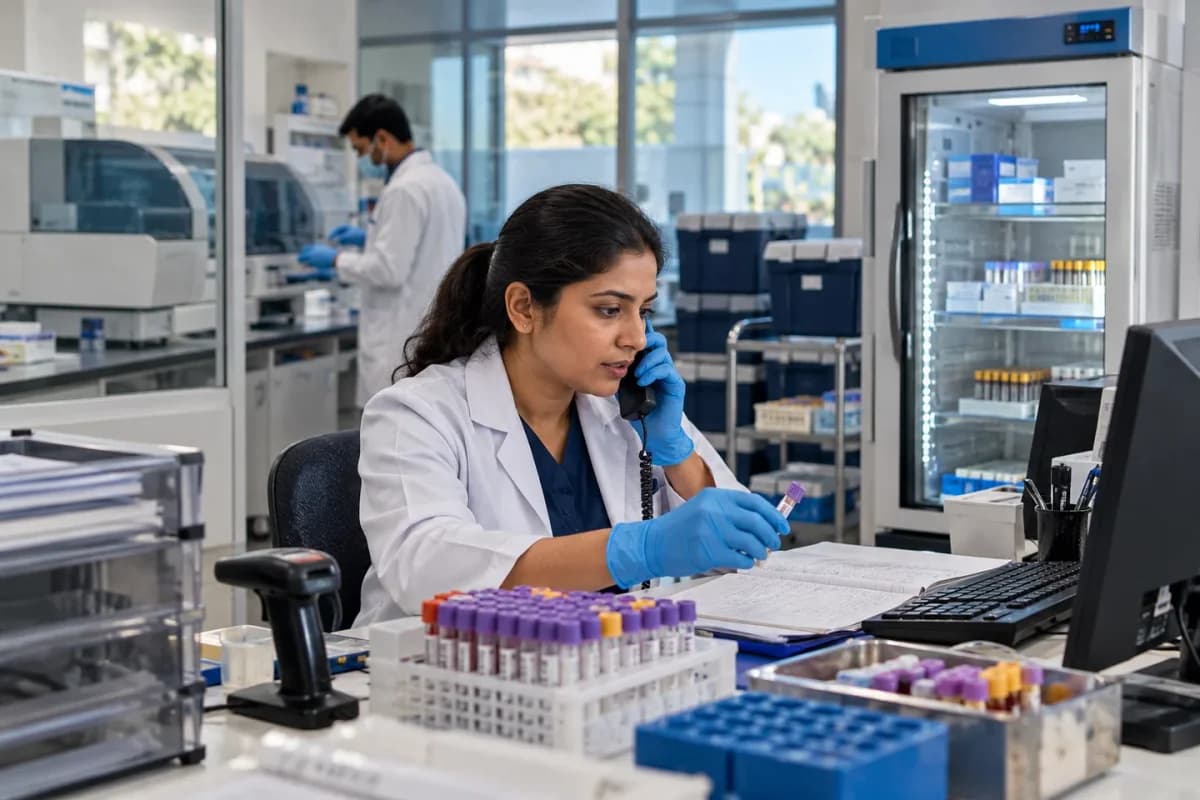
Ways a report reaches people
The same signed report is used for every channel, so the printed page and the PDF cannot disagree, and a resend picks up the original rather than a retyped version.
Held reports
Any report with a due balance can be held at the desk, if the lab chooses that rule. Unsigned reports never go out. Part of a report can be released test by test, when the pathologist has signed those tests. Holding is a business rule, and the lab owner should decide it knowing that a withheld report can upset a worried patient who has already paid part of the bill.
What the lab decides
- The report layout, letterhead and footer wording.
- Whether doctors receive a copy automatically.
- Whether reports are held for unpaid balances.
What a good report page contains
A report is read by a patient, a doctor and sometimes an insurer. Each looks for different things. The patient wants the result and the range. The doctor wants the flag, the method and the sample details. The pathologist’s name and registration must be clear. Labs can also print a short note on which tests were done elsewhere. Clutter makes the abnormal value harder to spot, so the layout is worth a proper review during set-up.
Sending safely: attachments, links and forwarded copies
A PDF sent on a messaging app can be forwarded, and anyone can edit a copy. Vendors suggest keeping the report behind a login or a link that expires, and some print a QR code that opens the lab’s own copy. A code only helps if the lab’s system answers when it is scanned. The honest position is that the lab’s record is the reference, and the shared PDF is a convenience. Labs differ in how strict they want to be, and the choice affects patients differently.
- Send the PDF directly for ease, accepting that it can be forwarded
- Send a link that expires, so the lab’s copy stays the reference
- Print a QR code that opens the lab’s own copy
- Use a patient login for old reports, as a separate scoping item
Questions to settle for report delivery
Each answer changes one setting. Keeping the answers short and written down helps new desk staff follow the same practice as the old ones from their first week.
Report delivery through a laboratory day
A signed report reaches a patient, a doctor or a ward by different routes. The desk, the bench and the pathologist all touch it along the way. Four moments show one day of reports leaving the lab. Each route is logged.
What the lab decides about sending reports
Sending a report is easy. Sending it to the right person is the careful part. The lab settles who may receive, what is held and how a copy is logged before the first report goes out. Each choice limits who sees what.
Agree the evidence before signing off this part.
Use a representative scenario to decide what this part of the system must show and where review is still needed.
Held reports
What does one row mean before totals are combined?
Choose one period in “Held reports” and compare it with the source records. Define the date basis and grouping before accepting a total that combines several kinds of entry.
Background reading: Microsoft: reporting grain and relationships
How does a stop request affect messages already waiting to be sent?
For “WhatsApp”, check the intended recipient and permission before sending a test message. Agree how staff record a withdrawal and prevent a queued follow-up from going out.
Background reading: WhatsApp: permission and opt-outs
Frequently asked questions
Can a patient download old reports?
Only if a patient portal is added during implementation. By default the desk resends past reports on request.
Does sending on WhatsApp need our own account?
Yes. Messages go through the lab’s own WhatsApp Business account. Without one, reports go by email or print.
Can part of a report go out before the rest is ready?
Test by test, once the pathologist has signed those tests. Unsigned tests stay behind.
Can I tell who received a report and when?
Each copy is logged with the channel and the time, so the lab can answer a query.
Can we use our own letterhead?
Yes. Layout, letterhead and footer text follow the lab’s own design, agreed when the system goes live.
Can a report be sent to the doctor and the patient together?
Yes, if the lab chooses that rule. Doctors can be set to receive a copy automatically.
How this feature fits the system.
Pathology Lab Management Software: the parts that work with this feature, the trades that use it and the ways to put it in place.
Sample collection and barcodes
A barcode prints for every container at collection, recording sample type and time, and the lab marks any rejected sample with a reason.
Barcodes and LabelsHome collection visits
Home collections are booked by area and time slot and assigned to a phlebotomist, and the front desk sees which samples have reached the lab.
Appointment SchedulingQuality control records
Technologists record daily control runs by test and machine, plot them against limits the lab sets, and note the action taken on a failed run.
Quality ControlTell us what you need.
Tell us what your team does today, where work gets stuck and what you want to change.
What happens after you share your requirements
- We review your brief and the systems you already use.
- We clarify the workflow, missing information and the work to consider first.
- The proposed scope sets out the deliverables, responsibilities and dependencies.
- Review the scope and commercial terms before deciding whether to proceed.
Start with your requirements
Describe your current process, the people involved and the change you need. Start with the details you know; we can clarify the rest together.
Share your requirements