Department Worklists and Result Entry for Pathology Labs
Each bench works from its own list of samples waiting. Results are entered against the test master, and values outside the reference range are flagged as they are typed.
Worklists by department
Biochemistry, haematology, clinical pathology, serology, microbiology and histopathology each see their own samples. The list separates samples received, in progress and overdue against the lab’s own target time. A department can keep its own target time for routine and urgent samples, because a stat potassium and a routine thyroid profile should not share one clock.
Entering results
Templates keep descriptive reports consistent across technicians, and the lab edits them when a pathologist changes the wording used in smear or culture reports.
Long-running tests
Cultures and histopathology take days, not hours. These stay open on the worklist with their stage marked, so the desk can tell a patient where the report stands. The stage, such as set up, growth seen, sensitivity pending or slides cut, is chosen from a short list the lab writes. A desk clerk reads it without asking the bench.
How a bench works through a list
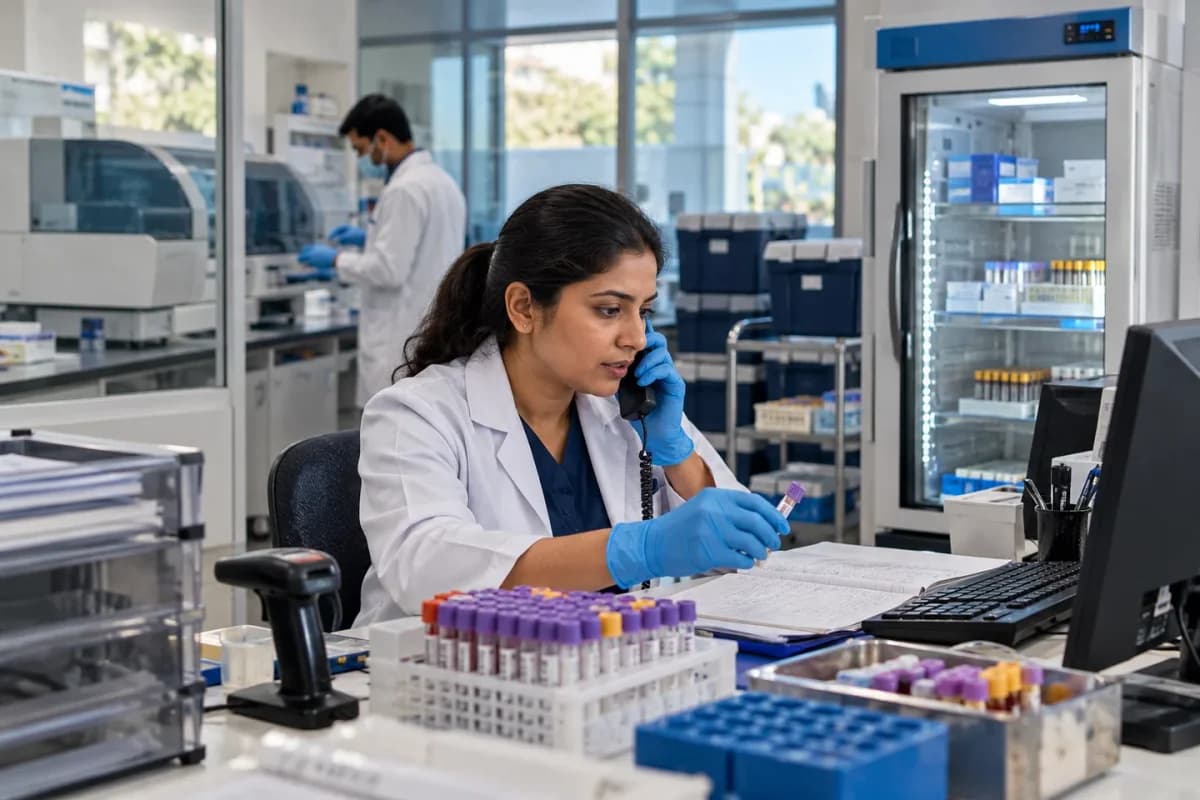
A technician starts the morning with a pile of tubes and a list that says what each needs. Urgent samples sit at the top. The rest follow in the order received. Scanning the barcode opens the right order, so the values land on the right patient. Typed values are flagged at once, which catches a slip like a misplaced decimal while the tube is still on the rack. Overdue samples stand out, so the supervisor can move a hand to the slow bench. A good list is short enough to finish and clear enough to trust. Supervisors who look at it at ten in the morning can see which samples are late and move help before patients start ringing.
- Urgent first, then in order of receipt
- Scan the barcode to open the order
- Type or receive the values, and check the flags
- Send suspicious values for a re-run before sign-off
Where analysers and typing meet
Where a machine link exists, results arrive in the worklist and the technician checks them. Where it does not, the values are typed from the printout, which is the step that invites transcription errors. Typed entries are best checked by a second person on key tests. Labs that use middleware sometimes let it hold rules, such as holding results that fail a control. The worklist here keeps the lab’s checks, and the pathologist keeps the final say. Even with a link, a human still reads the screen and decides, since a clean transfer can carry a result that is wrong because of a sample problem.
Questions for the bench before worklists are built
Each department has its own rhythm. These decisions are the supervisors’ to make. The lab owner leaves them to the senior technicians, who know how each bench actually moves through a morning.
A shift at the bench with worklists
A bench shift is a sequence of lists, and each list has a moment when it matters. Early morning is for the backlog. Midday is for the urgent. Evening is for the handover. The worklist follows that rhythm. Each hour has its own list.
Agree the evidence before signing off this part.
Use a representative scenario to decide what this part of the system must show and where review is still needed.
Entering results
What does one row mean before totals are combined?
Choose one period in “Entering results” and compare it with the source records. Define the date basis and grouping before accepting a total that combines several kinds of entry.
Background reading: Microsoft: reporting grain and relationships
Frequently asked questions
Can results come in from the analyser?
Only where interfacing is scoped for that machine model. Otherwise technicians type results on this screen.
Can a technician change a result after sign-off?
No. A signed report is locked. A correction goes back through the pathologist and is recorded as an amended report.
Where do I see overdue samples?
On each department’s worklist, which separates samples received, in progress and overdue against the lab’s target time.
Can microbiology cultures stay open for days?
Yes. They stay open on the worklist with their stage marked, so the desk can tell the patient where the report stands.
Is the range shown while I type a value?
Yes. The range for the patient’s age and sex is shown beside each value, and the flag appears as soon as it is typed.
What if a result looks wrong?
Send the test back for a re-run. Both values are kept with the reason noted.
How this feature fits the system.
Pathology Lab Management Software: the parts that work with this feature, the trades that use it and the ways to put it in place.
Sample collection and barcodes
A barcode prints for every container at collection, recording sample type and time, and the lab marks any rejected sample with a reason.
Barcodes and LabelsHome collection visits
Home collections are booked by area and time slot and assigned to a phlebotomist, and the front desk sees which samples have reached the lab.
Appointment SchedulingQuality control records
Technologists record daily control runs by test and machine, plot them against limits the lab sets, and note the action taken on a failed run.
Quality ControlTell us what you need.
Tell us what your team does today, where work gets stuck and what you want to change.
What happens after you share your requirements
- We review your brief and the systems you already use.
- We clarify the workflow, missing information and the work to consider first.
- The proposed scope sets out the deliverables, responsibilities and dependencies.
- Review the scope and commercial terms before deciding whether to proceed.
Start with your requirements
Describe your current process, the people involved and the change you need. Start with the details you know; we can clarify the rest together.
Share your requirements