Hospitality and food · Software for resortsRun cottages, day outings, activities, restaurant and banquets from one booking and one guest bill.
Resorts sell cottages and rooms, but also day outings, meal packages, activity passes, weddings and corporate offsites. Bookings come from online travel sites, travel agents, calls and WhatsApp, and the final bill draws on several counters. Our hotel software holds rooms, rates, folios and banquets, with restaurant billing beside it. Day-outing passes, activity slots and package pricing are added as custom work.
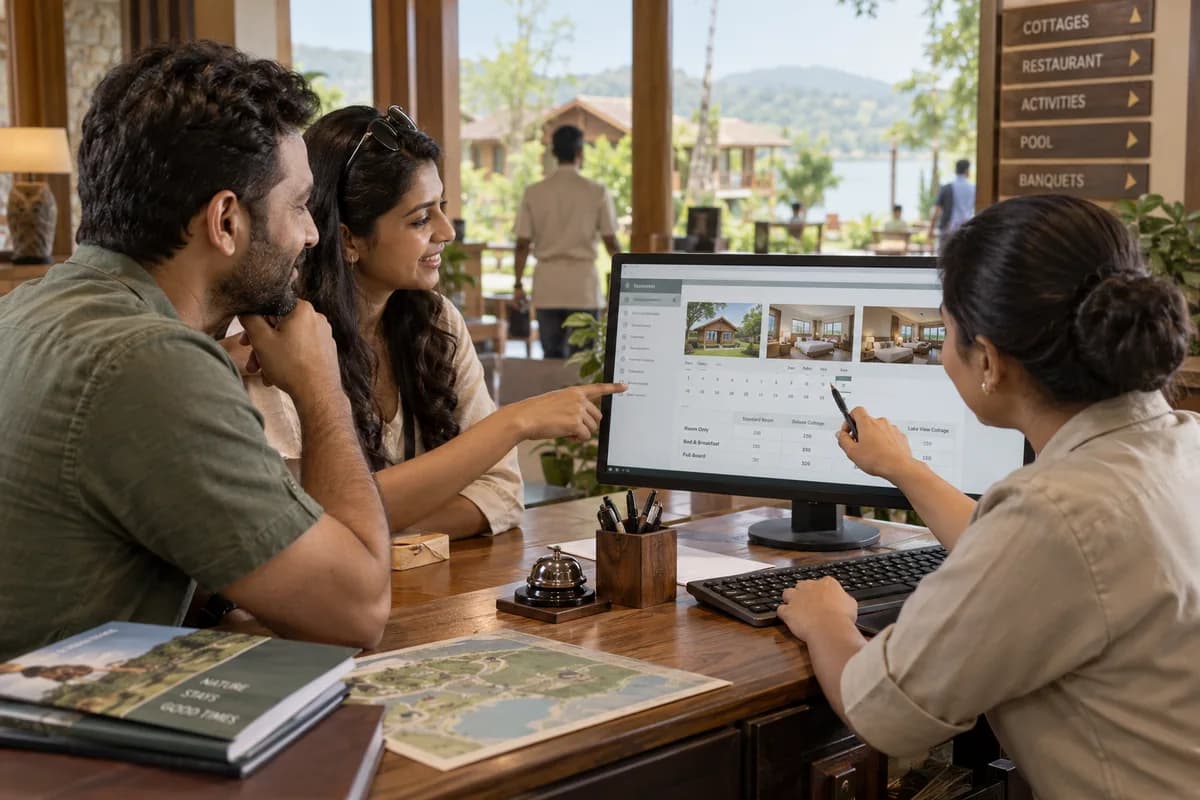
A resort has more to sell than rooms. Guests buy a cottage for the weekend, a day pass for the family, a hall for a wedding, and an activity slot on arrival.
Each of these has its own counter, its own rate and its own staff, yet the guest expects one bill at the end of the stay.
Bookings arrive from online travel sites, travel agents, corporate desks, direct calls and WhatsApp, each at a different rate plan. The front desk blocks the cottage, notes the meal plan and records an advance.
On arrival, the guest is registered against an ID proof, shown to the cottage and told about activities and meal timings. Housekeeping marks cottages clean, the restaurant posts meals to the room, and activity staff note who joined what.
Day visitors pay at the gate for a pass with lunch and pool access. Banquet and lawn bookings run on a function sheet, and agents are paid commission after the month closes.
What goes wrong for resorts without a proper system.
What resorts gain from one system.
Not a feature list. These are the moments in the working day that go differently once the records sit together.
What we would build for resorts.
Named the way your team already talks about the work. We start with whichever part the audit shows is costing you most.
A requirements checklist for resorts.
What to cover, which reports to ask for and what to put to every vendor, ready to print or save as a PDF.
Ready products we start from for resorts.
Each one is adapted to how your business works before it goes live, and anything your trade needs that it lacks is added then. You are not paying to build the basics again.
Resort Management Software
Cottage and villa bookings, day outing passes, dining, activities, spa, events and one guest folio for resorts, retreats, farm stays and villa communities.
Learn moreHotel Management Software
A property management system for room bookings, the reservation chart, front desk, housekeeping, rate plans, guest folios and banquet hall bookings in hotels and resorts.
Learn moreRestaurant Management System
Table and counter orders, kitchen tickets (KOT), menu and recipe stock, platform orders, POS billing with tax and day close for restaurants.
Learn moreOther products in the same sector as resorts.
- Bakery Management System
- Brewery Management Software
- Catering Management Software
- Bank Reconciliation Software
- Wholesale and B2B Ordering Software
- Meat Shop Management Software
- Paying Guest Management System
- Sweet Shop Management Software
- Vacation Rental Management Software
- Winery Management Software
- All industry products
The business modules resorts use most.
Each one is also available on its own, or inside a system built for you.
Online Booking Portal
Guests choose a cottage, a meal plan and dates on the resort’s own page and pay an advance. Cottages held by a travel site are not oversold. The front desk sees web bookings land.
Learn moreResource and Room Booking
Cottages, the lawn, the pool deck and a guide’s time are booked as resources, so a wedding on the lawn clears the evening. A clash shows before confirming. Rooms blocked for repair are held.
Learn morePoint of Sale Billing
Restaurant, poolside bar and activity desk bills are raised on counters and either settled on the spot or posted to a cottage folio. The cashier picks the room number. Day visitors pay at the gate.
Learn moreAppointment Scheduling
Spa treatments, guided nature walks and boat rides are booked for a guest and a named therapist or guide at a set hour. The activity desk sees open slots. Guests receive a reminder.
Learn moreWhatsApp, SMS and Email Notifications
A guest receives a booking confirmation, a pre-arrival message with directions and a checkout thank you. Housekeeping is alerted when a cottage is ready. Staff see the arrival list each morning.
Learn moreLoyalty and Offers
Returning guests earn points on cottage nights and meals. An off-season offer, such as a free dinner on a third night, is set against the stay. The reservations manager sees which offer was used.
Learn moreEstimate/Quotation Management
Wedding parties and corporate offsites receive a quote listing cottages, meals, lawn hire and activities by day. The sales manager revises it as the headcount changes. Acceptance converts it to bookings.
Learn morePrice Lists and Schemes
Rates differ by season, weekday, meal plan and source, and a travel agent’s rate sits apart from a walk-in rate. The front desk quotes from one list. Festival surcharges start on set dates.
Learn more- Invoice Management
- Contact & Account Management
- Order Management
- Stock Tracking and Alerts
- Bill of Materials
- Purchase Order Management
- Attendance & Time Tracking
- Bank Reconciliation
- All business solutions
All solutions by area
- Applicant Tracking (5)
- CRM (8)
- Finance & Accounting (10)
- Helpdesk (4)
- Human Resources (13)
- Inventory Management (5)
- Project Management (7)
- Manufacturing (6)
- Procurement (4)
- Sales and Distribution (6)
- Field Service (5)
- Statutory and Compliance (4)
- Retail and POS (4)
- Bookings and Appointments (3)
- Subscriptions (2)
- Assets and Fleet (4)
- Platform (6)
- Analytics (2)
- Documents (1)
Where AI can help resorts.
Each one reads records you already keep, and a person approves every decision.
Where we work with resorts.
The services behind it.
API and System Integration
Online travel sites, the channel manager, payment gateways and the restaurant POS all touch a stay. Connecting them places the booking on the room chart, posts meals to the folio and updates rate plans without a front desk re-keying.
Learn moreBusiness Process Automation
Advance reminders, pre-arrival messages, housekeeping task lists and check-out settlement can run as rules. A cottage marked dirty on departure prompts housekeeping, and a day pass sold at the gate updates the head count.
Learn moreWhatsApp Business API and Chatbots
Enquiries about cottage availability, meal plans and activity timings arrive on the messaging app. A chatbot answers from live rates and the room chart, and a human reservation executive takes over to confirm the advance.
Learn moreCustom Software and Product Engineering
Day outing passes, activity slots and package pricing are not part of a standard hotel system. They are built as custom modules that post to the same folio as the cottage and the restaurant, so the guest receives one bill.
Learn moreAll our other services
- Software Maintenance, Support and Rescue
- AI and Intelligent Automation
- ERP, CRM and Business Software Implementation
- Data Engineering and Business Intelligence
- UI/UX Design and Prototyping
- Cloud Engineering and Managed Infrastructure
- DevOps & Automation Services
- QA and Software Testing
- Performance Engineering
- Cybersecurity and Application Security
- IoT and Edge Computing
- Technology Strategy and Product Consulting
- E-Commerce and Digital Commerce
- MVP Product Development
- Web and Mobile Application Development
- SaaS Product Development
- Data Migration and Moving Off Spreadsheets
- Training and Adoption
- Data Protection and Privacy Readiness
- Tax and e-Invoice Engineering
- Managed IT Support
- Dedicated Team and Staff Augmentation
- Business Intelligence and Reporting Tools
- Cloud Cost Optimisation
- Global Compliance and Localisation
Written for resorts.
Practical notes on running the business, not product marketing.
How the work runs from Bengaluru for your city.
- 1
The audit, by call
A screen-share and a look at the sheets, accounting reports and WhatsApp groups your team uses. No travel needed.
- 2
A written proposal
Scope, what we build first and the cost, agreed in writing before anything starts.
- 3
Build in short rounds
Working screens shared every few weeks. Your team tests them from your own office.
- 4
Go-live, in person when it helps
For data migration and training we can come to your city. Travel is agreed in advance.
- 5
Support online
Fixes, changes and hosting handled remotely by the same team that built it.
Software we have built and run in this sector.
Published with the client’s agreement, with what was built and what changed.
Check the difficult cases before choosing software.
Use examples from your own records to test the workflows that matter in your business.
Reservations and the room chart
What becomes available when a booking is moved or cancelled?
Use “Reservations and the room chart” to move a booking, then cancel a second example. Check the released slot, the person or resource still assigned, and any amount left to settle before accepting the revised schedule.
Background reading: ERPNext: appointment records
Restaurant and poolside billing
Can you explain the balance from its original documents?
Select a partly settled example in “Restaurant and poolside billing”. Ask for the invoice, allocated receipts and remaining balance to be shown together before agreeing the opening figures.
Background reading: ERPNext: outstanding invoices
Questions resorts ask before they call.
Does it cover day outing passes and activity bookings?
Not on its own. The hotel software handles rooms, folios, restaurant posting and banquets. Day passes, gate counts and activity slots are a custom addition, scoped with you.
Can bookings from online travel sites arrive by themselves?
Only through a channel manager that you run, which passes those bookings onto the chart. There is no booking engine for your own website, so website and phone enquiries are keyed in at the desk.
Will folio figures reach our accounting system?
Not through a built-in link. Your accountant receives the folio and collection reports directly. A custom export waits until we have seen how your ledger heads are grouped.
Does it suit a resort with more than one property?
Yes. Properties share one guest list while each keeps its own rooms, rates and folios, and the owner reads all of them together.
What goes into costing a resort system?
Properties, cottages and outlets come first, then the front desk, restaurant and events users, then the parts chosen: folio, day passes, banquets and activity slots. Online travel site feeds and accounting links are listed. Each part gets a line in the quotation.
What should a resort bring to the first working session?
Bring your rate plans, room chart, a guest folio, the day outing pass format and a banquet booking sheet. Nominate someone from the front office, the restaurant and accounts to inspect the screens with us.
If a resort ends the arrangement, who keeps guest and booking records?
Guests, folios, bookings and passes remain with the resort, as does the source code. Everything leaves as plain files. Our team supports it after go-live, and hosting is with GullySystem unless the resort wants its own.
What happens after I share my requirements?
We review your brief and clarify the work with you. We then look at the software, spreadsheets and WhatsApp groups your business runs on today and write down what works, what slows your team down and what is missing. A demo login, a screen-share or a few screenshots are enough. You get a short written summary ordered by priority, with no obligation to hire us afterwards.
How much will the software cost?
We don’t publish a price, because it depends on what the system has to do. That first review settles the scope, and the cost goes into a written proposal before any work starts.
Cities where resorts are common.
Part of these wider groups.
Tell us how your business runs today.
A few lines on your spreadsheets, software and WhatsApp groups is enough. We reply the same working day.
What happens after you share your requirements
- We review your brief and the systems you already use.
- We clarify the workflow, missing information and the work to consider first.
- The proposed scope sets out the deliverables, responsibilities and dependencies.
- Review the scope and commercial terms before deciding whether to proceed.
Start with your requirements
Describe your current process, the people involved and the change you need. Start with the details you know; we can clarify the rest together.
Share your requirements